


Create smarter QR code campaigns.
Start using Supercode today.
Sign up for free


Create SMS QR codes that launch pre-filled text messages instantly. Boost engagement with 98% open rates. Build, track, and update your SMS QR codes with Supercode.
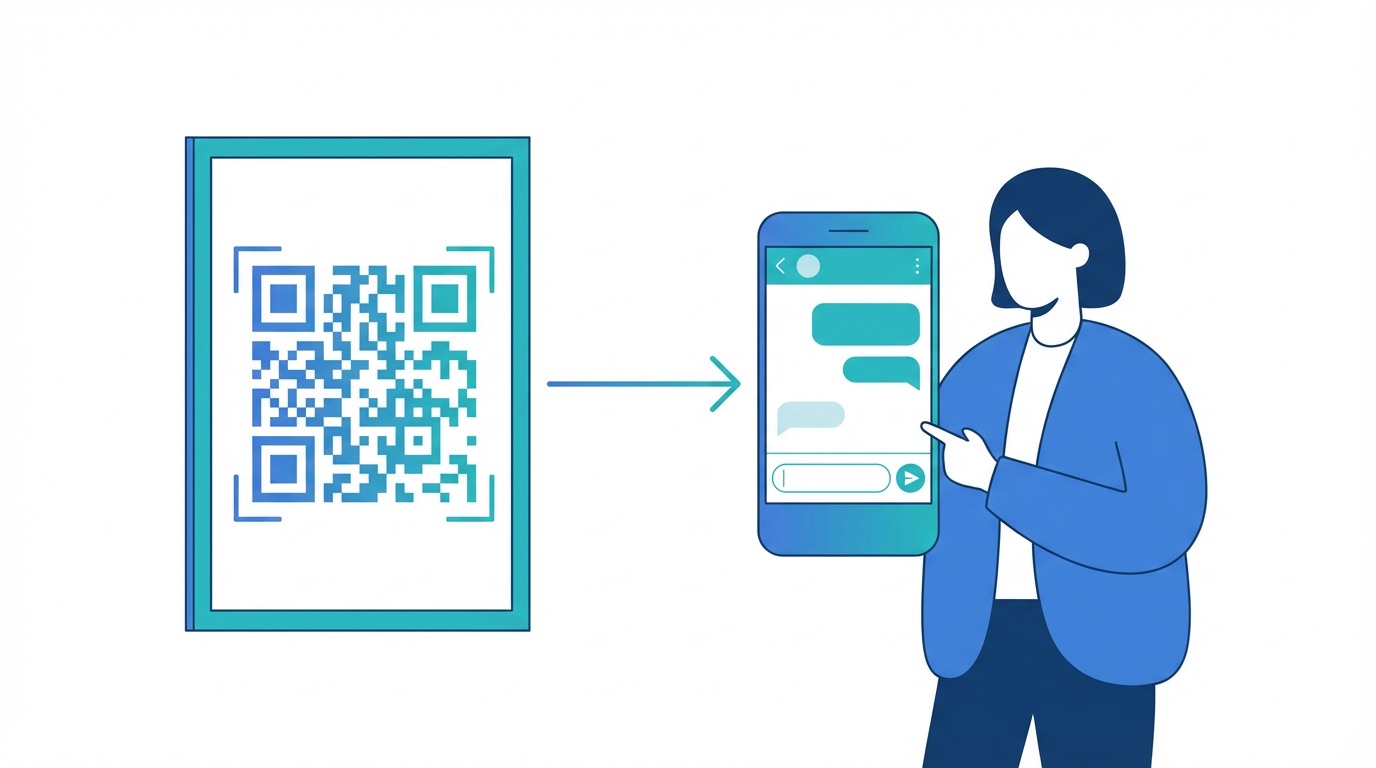


SMS marketing delivers a 98% average open rate — five times higher than email — and 90% of messages are read within three minutes of delivery. An SMS QR code turns that power into a frictionless experience: one scan instantly opens the recipient's messaging app with a phone number and pre-written text already loaded. All they have to do is tap Send.
Unlike URL QR codes or email QR codes, SMS QR codes work without an internet connection and require no app downloads, account sign-ups, or form completions. The path from scan to response is the shortest of any digital channel — making them exceptionally effective for time-sensitive interactions, opt-ins, and customer service requests.
With the global SMS marketing market projected to reach $12.58 billion in 2025 and 86% of brands already using SMS in their marketing mix, adding a scan-to-text touchpoint to your physical and digital marketing is no longer optional — it is a competitive baseline. Create your first SMS QR code for free with Supercode.

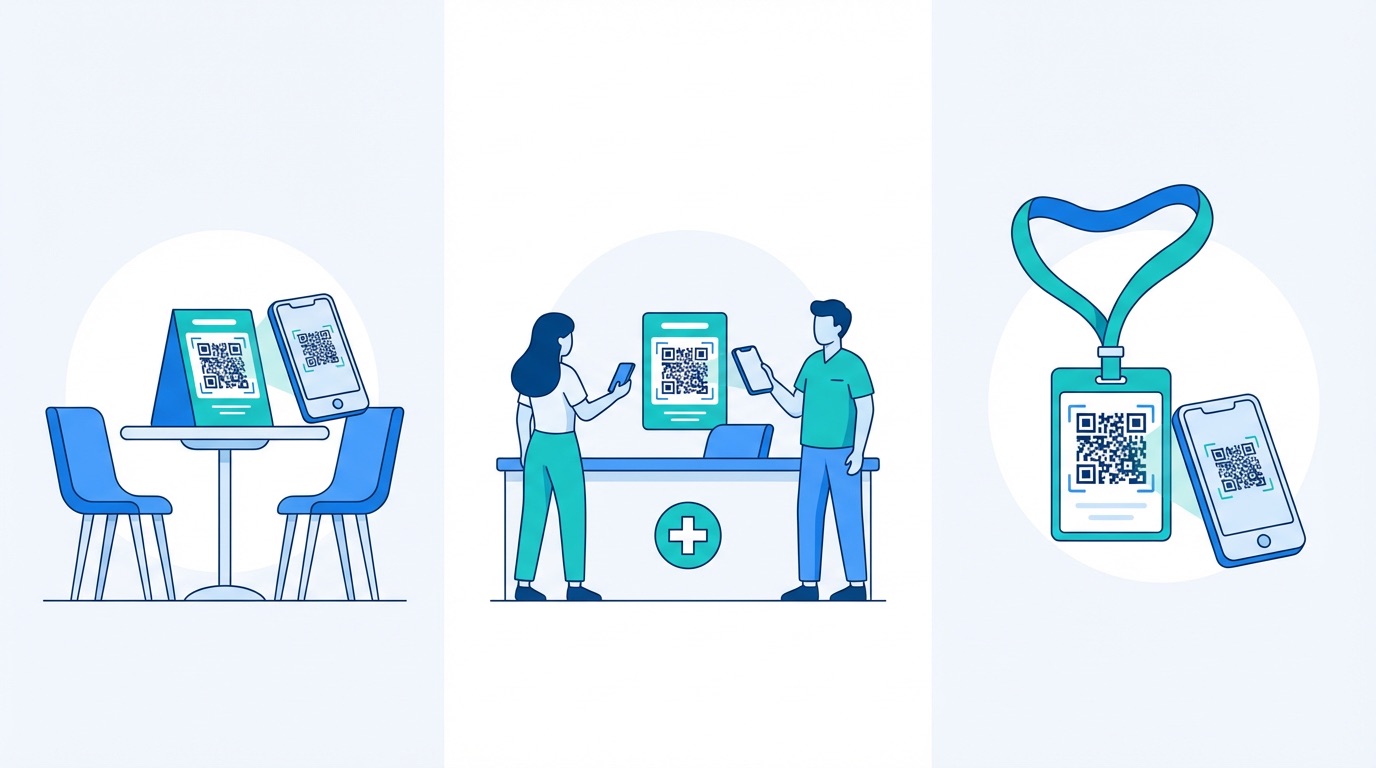
SMS QR codes are versatile enough to serve any industry that needs instant, low-friction communication between a business and its customers. Here are the verticals where scan-to-text delivers the most measurable impact:
Retail and E-commerce
Place SMS QR codes at checkout counters, on product tags, or inside packaging to enable instant loyalty programme enrolment and service requests. Retailers using scan-to-text opt-ins have reported a 50% boost in loyalty sign-up rates and a 25% increase in upsell opportunities. Visit QR codes for retail for a full strategy guide.
Healthcare and Clinics
Patients scan a code at reception to send a pre-written appointment confirmation or intake request, reducing manual paperwork and phone call volume. Clinics report up to 30% fewer no-shows and 50% faster patient processing when SMS QR codes replace traditional check-in flows. See how QR codes for healthcare streamline patient journeys.
Events and Conferences
Print SMS QR codes on badges, session slides, or exhibition stands to collect RSVPs, questions, and post-event feedback in real time. Event organisers using scan-to-text feedback codes see 60% higher survey completion rates compared to emailed forms — without requiring attendees to navigate a URL. Explore QR codes for events for ticketing and check-in strategies.
Restaurants and Hospitality
Scan-to-text QR codes on table cards or menus let diners request service, confirm a reservation, or join a loyalty programme with a single tap. Combine with feedback QR codes to capture both engagement and satisfaction data from the same visit. Read how QR codes for restaurants are transforming the dining experience.
How to create an SMS QR code with Supercode:
For broader campaign integration, pair your SMS QR code with bulk QR code generation to deploy the same scan-to-text experience across hundreds of locations simultaneously. Combine with WhatsApp QR codes to give audiences a choice of messaging channel.

SMS QR codes are simple to deploy — but a few best practices separate campaigns that convert from codes that get ignored. Apply these principles to maximise every scan in 2026:
Frequently Asked Questions
What is an SMS QR code?
An SMS QR code is a scannable code that, when scanned, opens a device's native messaging app with a pre-set phone number and message text already filled in. The user just taps Send — no typing required.
Do SMS QR codes work without Wi-Fi?
Yes. SMS QR codes work entirely over cellular networks. As long as the scanning device has a mobile signal, the SMS can be sent and received without any internet connection.
Can I edit an SMS QR code after printing?
Yes, if you create a dynamic SMS QR code with Supercode. Dynamic codes let you update the phone number and pre-written message at any time without regenerating or reprinting the code.
How do I track who scans my SMS QR code?
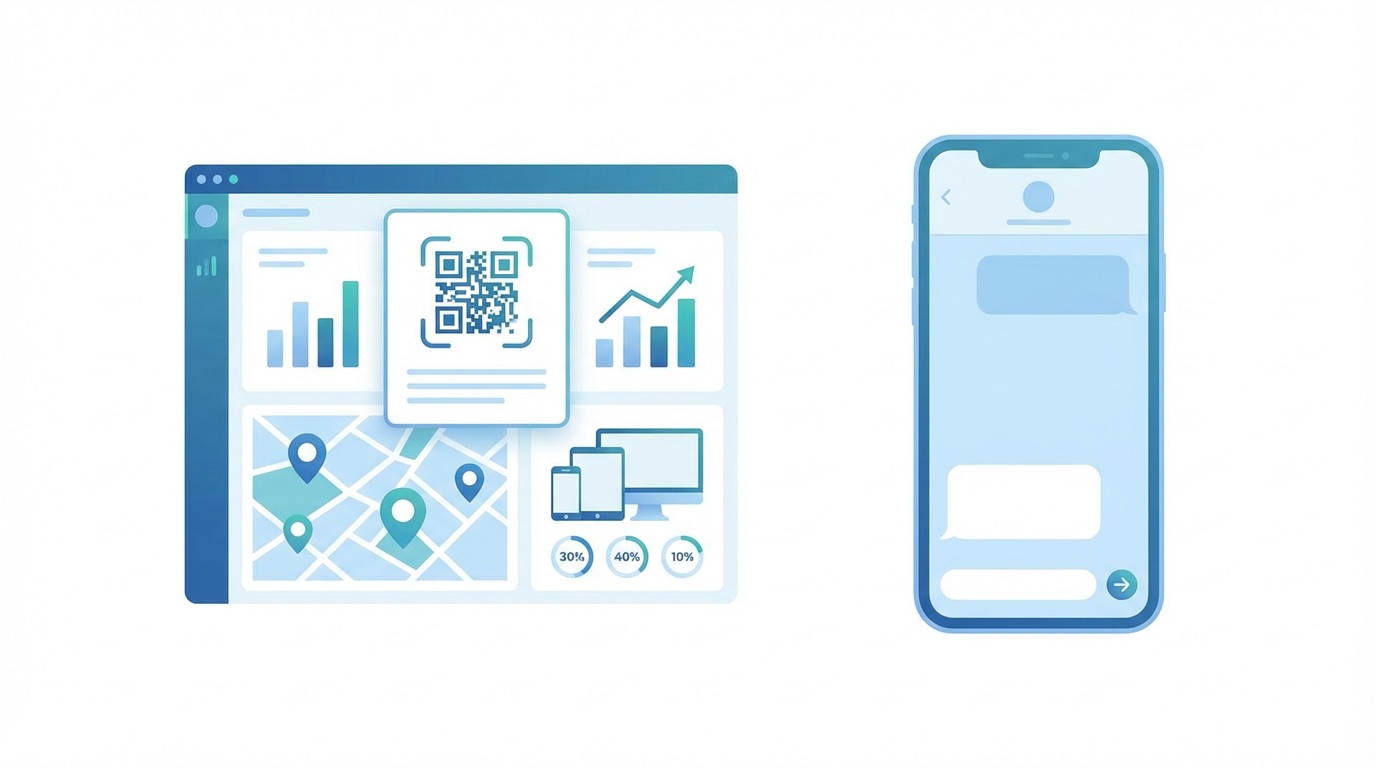
Supercode's analytics dashboard tracks scan volume, location (city/country), device type, and time of day for all dynamic QR codes. This data helps you understand peak engagement times and campaign reach without capturing personal data.
What is the SMS message character limit for a QR code?
Standard SMS supports up to 160 characters. Supercode encodes the phone number and message body in the QR code, so both together should stay within this limit for the best compatibility across all devices.
Ready to start converting scans into conversations? Create your SMS QR code with Supercode for free →