


Create smarter QR code campaigns.
Start using Supercode today.
Sign up for free


Create URL QR codes that link to any webpage — website, landing page, video, or online store. Track every scan with real-time analytics. Try free with Supercode.
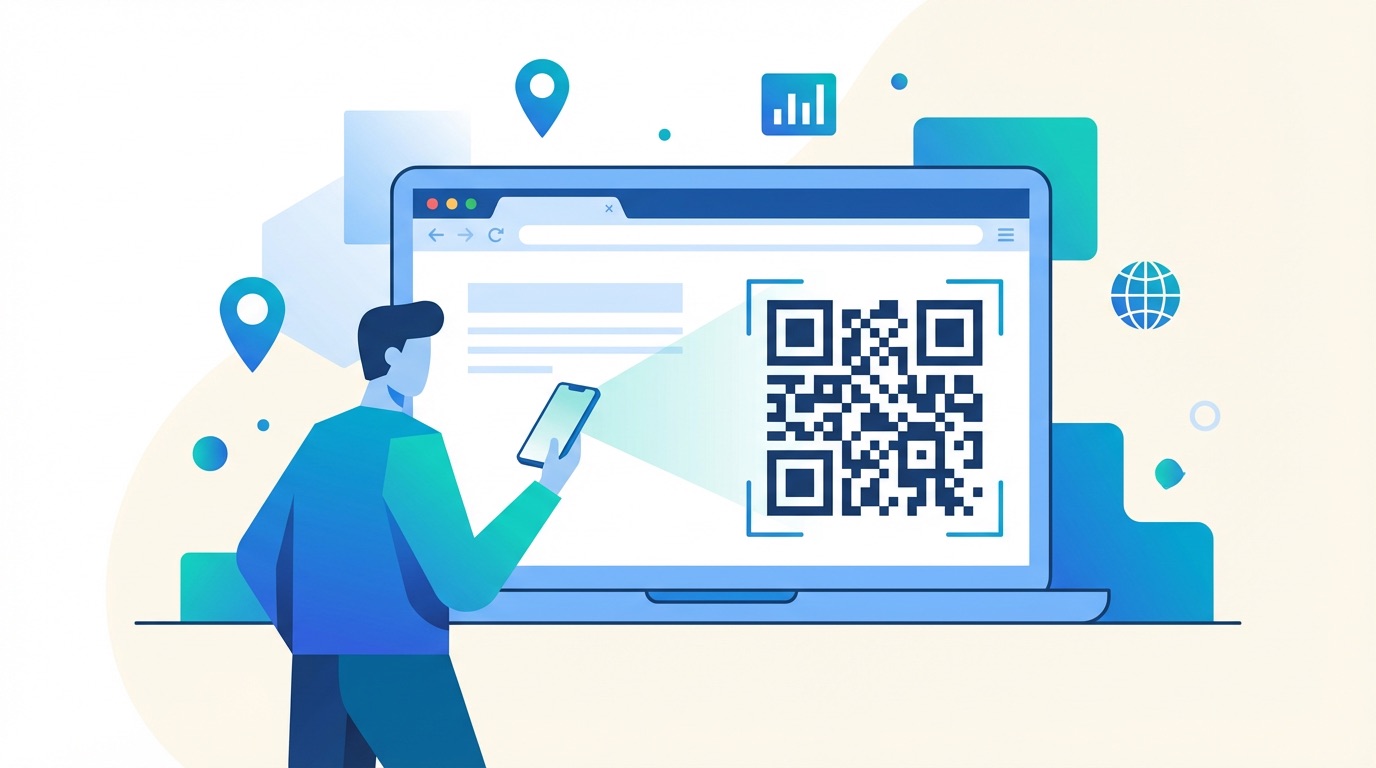



Only 12% of marketers currently use QR codes to direct audiences to company websites — yet 99.5 million Americans scan QR codes every month in 2025. For businesses that close this gap, URL QR codes deliver a 37% average click-through rate on QR-initiated customer journeys, outperforming virtually every other offline-to-online channel.
A URL QR code converts any web address into an instantly scannable code. Scanning takes under two seconds — removing the friction of typing URLs and giving your audience a direct, one-tap route to any digital destination: a homepage, product page, landing page, video, online store, or booking system.
Here's why URL QR codes are the most versatile code type on the Supercode platform:
Whether you're launching a new campaign, promoting a seasonal offer, or building a permanent in-store experience, URL QR codes give you the most direct, trackable path from physical touchpoint to digital destination.

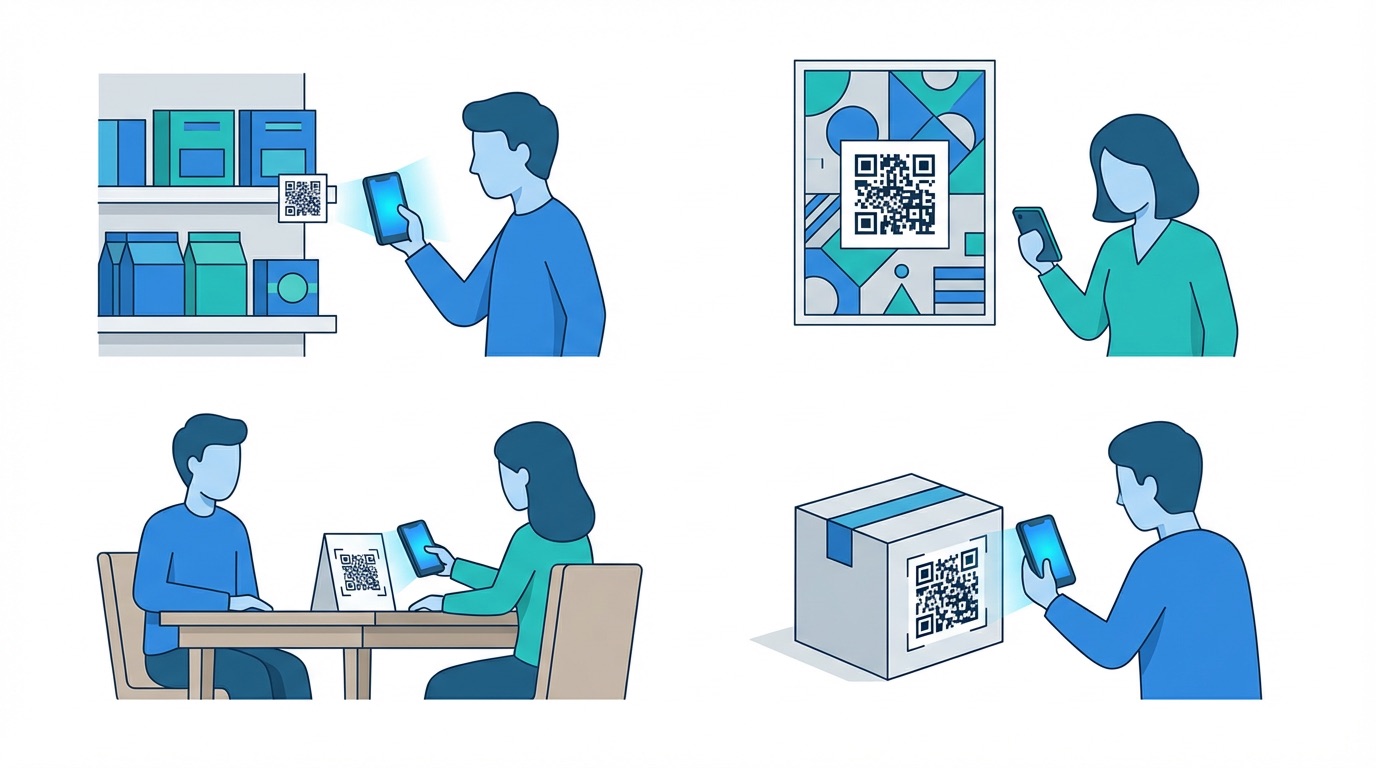
QR code marketing scans grew 323% between 2021 and 2024, with URL codes driving the largest share of that growth. Across industries, businesses are turning physical touchpoints into high-converting digital entry points — and URL QR codes make it possible without any app, NFC chip, or specialist hardware.
Retail and E-Commerce
Place URL QR codes on in-store displays, shelves, and shelf-edge labels to link shoppers directly to product pages, customer reviews, size guides, or loyalty sign-up forms. With dynamic codes, you can update the linked URL in real time to reflect current stock, live promotions, or seasonal campaigns — without changing a single sticker.
Events and Conferences
Print URL QR codes on event posters, programmes, and name badges to direct attendees to registration forms, session agendas, interactive maps, and post-event surveys. Dynamic codes are especially valuable here — update the destination from a pre-event sign-up page to a live schedule, then to an on-demand recording, all using the same printed code.
Restaurants and Hospitality
Link table cards, coasters, and window stickers to your online menu, booking system, or review page. Restaurants using URL QR codes for ordering and menu access report stronger repeat visit rates and significantly higher digital loyalty program adoption.
Product Packaging
Connect packaging to brand stories, setup guides, video tutorials, warranty registration, and customer support. Dynamic URL QR codes on packaging are also a core tool for meeting EU Digital Product Passport requirements, which mandate product lifecycle traceability for regulated categories from 2026 onward.
Out-of-Home Advertising
Drive measurable ROI from billboards, transit ads, and shop window displays by linking them to dedicated campaign landing pages. By embedding UTM parameters in your destination URL, every scan gets attributed to its exact source — giving offline advertising the same granular tracking precision as paid digital media.
Creating a URL QR code with Supercode takes under a minute. From the Supercode dashboard, select URL as your code type, paste your destination, customize with your brand colors and logo, then generate and download. Dynamic codes can be updated instantly at any time from your dashboard — no reprinting required. To see how businesses combine URL codes with complementary types, explore PDF QR codes, Social Media QR codes, and Bulk QR code generation.

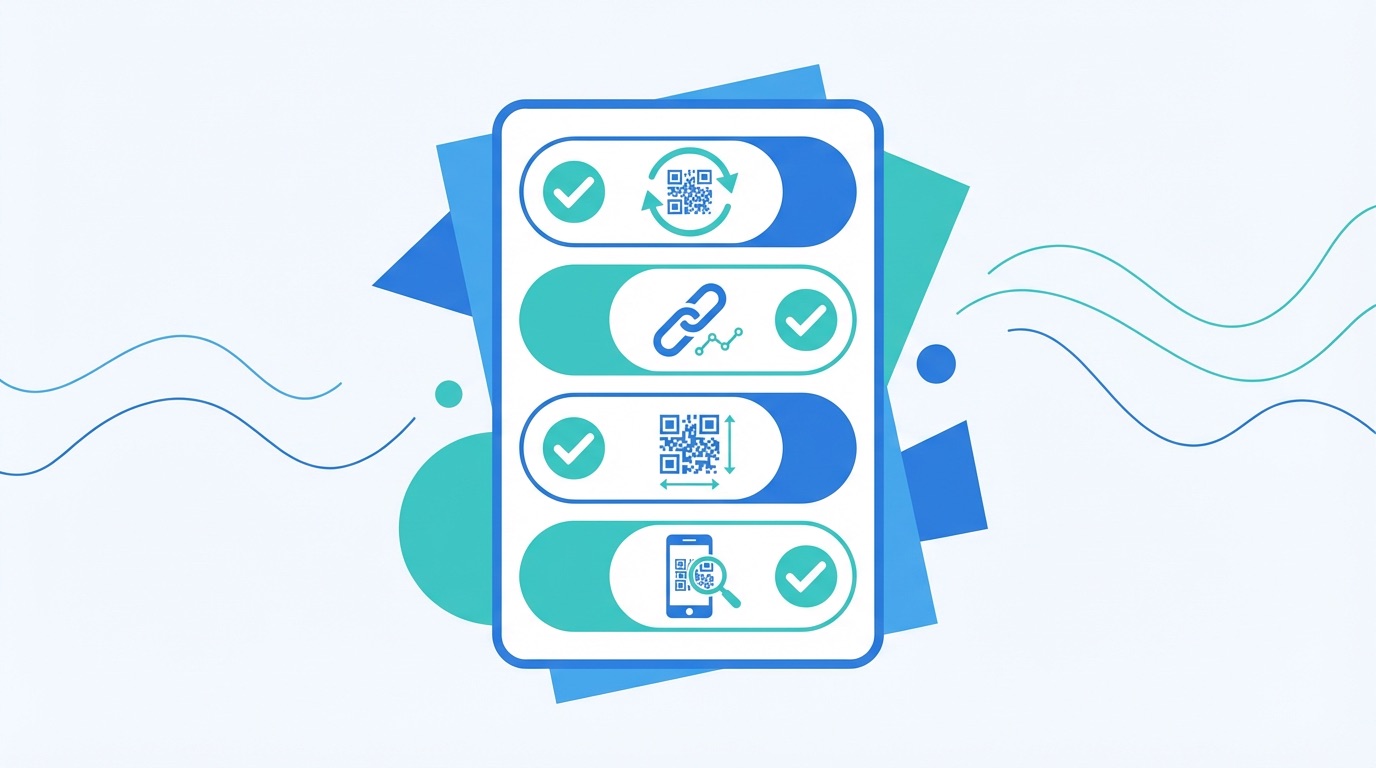
URL QR codes are quick to create but easy to underutilize. Following these 2026 best practices ensures every code you print drives measurable, high-quality website traffic.
Frequently Asked Questions
What is a URL QR code?
A URL QR code encodes a web address so that scanning it with a smartphone camera opens the linked webpage instantly — no app required. It can point to any destination: a company website, product landing page, online store, YouTube video, booking form, or social media profile. URL QR codes are the most commonly used QR code type across marketing, retail, and hospitality.
What is the difference between a static and dynamic URL QR code?
A static URL QR code permanently encodes a specific web address into the code itself — once printed, the destination cannot be changed. A dynamic URL QR code encodes a short redirect URL that forwards to your chosen destination. With a dynamic code, you can update, replace, or A/B test the destination URL at any time through your dashboard, without changing the physical code. Dynamic codes also enable scan analytics, retargeting, and campaign tracking — making them the standard choice for any marketing application.
Can I change the URL in a QR code after printing?
Yes — with a dynamic URL QR code, you can update the destination instantly from your Supercode dashboard, even after codes are already printed and in circulation. This is one of the primary reasons marketers prefer dynamic codes: you can redirect seasonal promotions to evergreen content, correct broken links, or swap one campaign for another without any reprinting cost.
How do I track how many people scan my URL QR code?
Supercode dynamic URL QR codes include built-in analytics that record total scans, unique scans, device type (iOS vs. Android), scan location by country and city, and time-of-day trends. You can also embed UTM parameters in your destination URL for full attribution tracking in Google Analytics 4. See our QR code analytics guide for a complete walkthrough of campaign tracking setup.
Which industries benefit most from URL QR codes?
URL QR codes are used across virtually every sector. Retail businesses link physical displays to product pages and reviews. Restaurants use them for digital menus and online ordering. Event organizers link printed materials to registration and agenda pages. Marketers use them in OOH campaigns to connect billboards and posters to dedicated landing pages. Brands in regulated categories use them for EU Digital Product Passport compliance. Browse the full industry use case library for sector-specific strategies, or explore our 15 most practical QR code applications.
Ready to create URL QR codes that drive real website traffic? Start free with Supercode →