


Create smarter QR code campaigns.
Start using Supercode today.
Sign up for free


Generate thousands of unique QR codes in minutes with Supercode's bulk QR code generator. Upload a CSV, customize designs, and track every scan in real time.
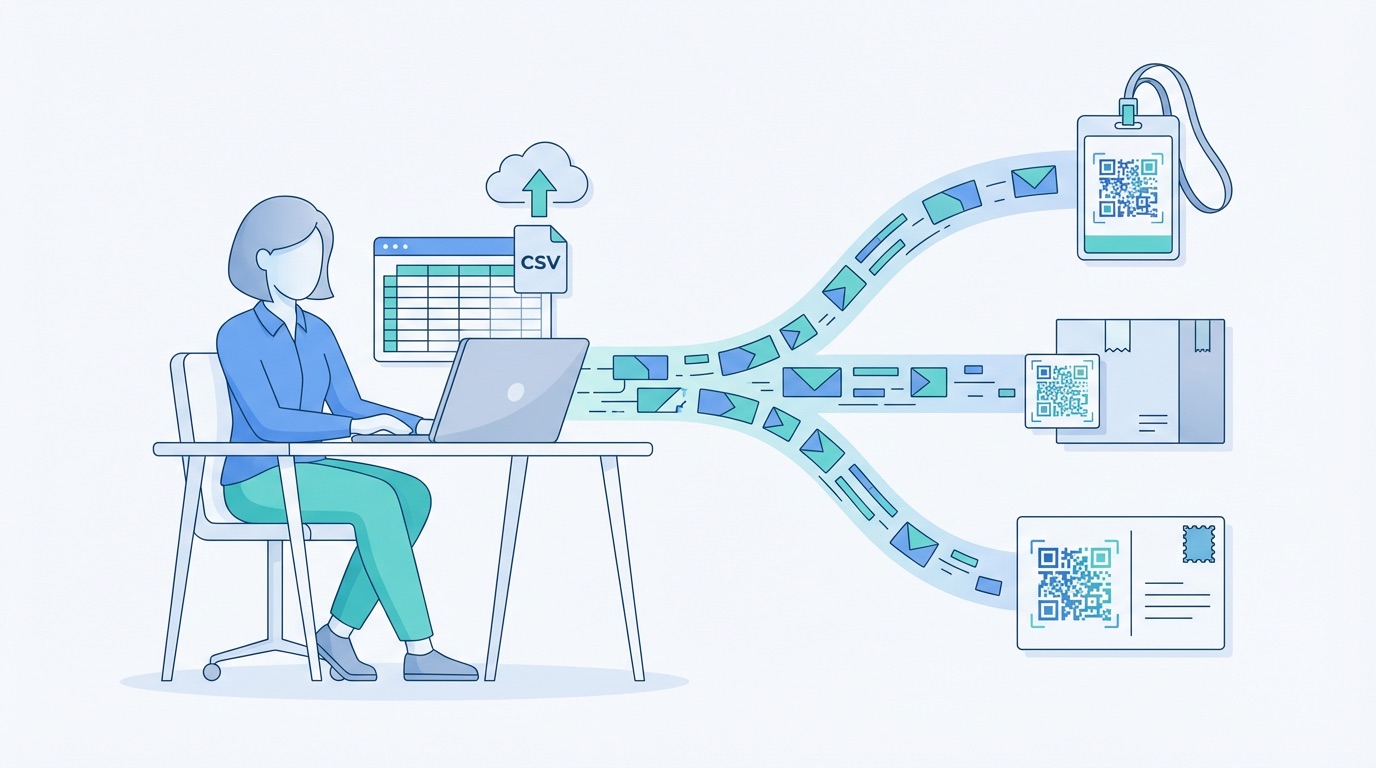


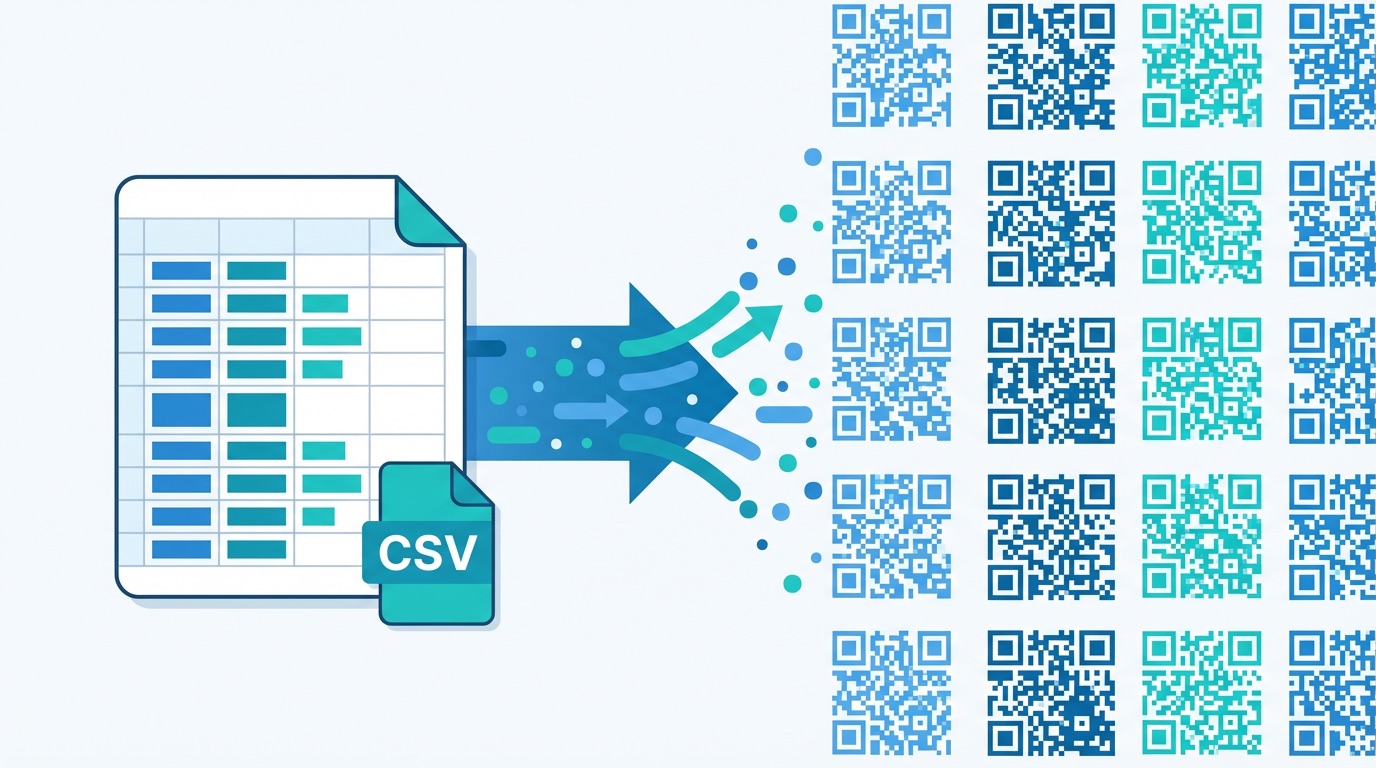
Marketing teams that generate QR codes one by one are leaving serious time on the table. According to QR Insights' 2025 State of QR Codes report, 93% of marketers increased their QR code usage over the past 12 months — and bulk generation is a central driver of that growth. With the Supercode bulk QR code generator, you can create up to thousands of unique codes in minutes from a single CSV file, making large-scale campaigns not just manageable, but effortless.
Supercode's bulk QR code generator works by reading a CSV file where each row represents a unique code. Every code in the batch shares the same custom design and branding, but contains its own destination URL, unique identifier, or personalized data. You can generate URL QR codes, dynamic codes, or one-off redeemable codes — all in a single batch. For a deep dive into how bulk generation works, read our complete guide to bulk QR code generation.
Key benefits of the Supercode bulk QR code generator:


Bulk QR code generation unlocks high-volume, personalized campaigns across virtually every industry. Here are the most impactful use cases driving adoption in 2026:
Event ticketing and check-in
Event organizers generate a unique QR code per attendee — pre-populated with their name, ticket tier, and seat assignment — from a single CSV export of registrations. Staff scan each code at the door for instant, error-free event check-in, reducing queue times by up to 75%. One-off redeemable bulk codes also prevent ticket duplication and sharing fraud.
Retail product labeling
Retailers create individual QR codes for each SKU or product variant, linking to dedicated product pages, instructional videos, or loyalty sign-up forms. In-store QR campaigns achieve a 37% average click-through rate — far outperforming static print-only shelf labels.
Direct mail and print campaigns
Personalized direct mail pieces with unique QR codes — each linking to a recipient-specific landing page — deliver measurably higher response rates than generic campaigns. With dynamic bulk codes, you can update every destination URL even after mailers are printed, without reprinting a single piece.
Trade show networking
Generate a unique vCard QR code badge for every exhibitor or team member attending a trade show. Each scan saves that individual's full contact details directly to the scanner's phone — no paper business cards, no data entry.
Document and asset distribution
Distribute unique PDF QR codes at scale — each linking to a specific product manual, compliance document, or personalized proposal — while tracking precisely who opened what and when.
How to create bulk QR codes with Supercode:
Explore Supercode's full bulk generation capabilities, design tools, and analytics on the product features page.


Getting the most from bulk QR code campaigns requires more than simply generating a batch. These best practices will maximize performance, tracking accuracy, and campaign longevity in 2026.
Structure your CSV with future-proofing in mind. Include a unique identifier column (e.g. recipient ID, SKU, or ticket number) alongside each URL. This ties every scan back to a specific record in your CRM or analytics platform, enabling precise attribution. Bitly's 2025 QR Code Trends report found 95% of businesses collecting first-party data via QR codes use unique per-code identifiers to power downstream personalization.
Use dynamic codes whenever possible. Dynamic bulk codes let you update every destination URL after printing — invaluable when product pages change, promotions expire, or you need to A/B test landing pages. Dynamic QR codes deliver 60% higher engagement than static alternatives and eliminate costly reprinting when campaign details change.
Organize batches with folders and tags. Use Supercode's folder system to group codes by campaign, date, or region. This makes it straightforward to pull campaign-level analytics from your QR code tracking dashboard and identify underperforming codes before they drag down overall results.
Test a pilot batch before full production. Before printing thousands of assets, generate a small pilot batch and scan test codes across multiple iOS and Android devices. Verify every URL resolves correctly and that each code's destination matches the expected data row in your CSV.
Frequently Asked Questions
Q: How many QR codes can I generate in one bulk batch with Supercode?
A: Supercode supports bulk generation from CSV files, enabling you to create hundreds to thousands of unique codes in a single batch. Contact the Supercode team for enterprise-scale requirements and volume pricing.
Q: Can I use bulk QR codes for one-off redeemable coupons or event tickets?
A: Yes. Supercode supports one-off redeemable QR codes in bulk — each code can only be scanned once, making them ideal for unique tickets, vouchers, and loyalty rewards that cannot be duplicated, screenshot-shared, or reused.
Q: Can I edit bulk QR code destinations after they have been printed?
A: Yes — if you generate dynamic bulk QR codes. Dynamic codes store the destination in Supercode's servers, so you can update any code's URL at any time without reprinting the physical asset. This is the key difference from static bulk codes, which lock the destination permanently into the code itself.
Q: How do I track individual code performance in a bulk campaign?
A: Every code in a bulk batch is tracked individually in the Supercode analytics dashboard. You can monitor scans by code, date, device, and location in real time — giving you full campaign visibility at the individual-code level. See our complete QR code tracking guide for setup tips and UTM integration.
Q: What types of QR codes can I generate in bulk?
A: Supercode supports bulk generation for URL codes, dynamic codes, one-off redeemable codes, and more. For customer feedback collection or vCard networking at scale, each code in the batch can point to a unique form, survey, or contact profile — all tracked individually in your dashboard.
Ready to run your next campaign at scale? Start generating bulk QR codes for free with Supercode →