


Create smarter QR code campaigns.
Start using Supercode today.
Sign up for free


Create a plain text QR code in seconds — no internet needed to scan. Share WiFi passwords, product info, event schedules, and more. Free to start with Supercode.




With over 2.2 billion QR code users worldwide, businesses are discovering a powerful truth: not every QR code needs the internet. Plain text QR codes encode your message directly into the code pattern itself — no URL, no redirect, no server required. When someone scans it, the text appears instantly on their screen, whether they have WiFi, mobile data, or no connection at all.
Unlike URL QR codes that link to a web page, a plain text QR code is entirely self-contained. The full message is stored within the code and can hold up to 4,296 alphanumeric characters — though keeping text under 300 characters is recommended for the fastest, most reliable scanning across all devices.
Why choose a plain text QR code?
For information that does not change frequently — WiFi credentials, product serial numbers, event schedules, or instructions — a plain text QR code is the simplest and most dependable solution. If your message does change regularly, explore dynamic QR codes instead.

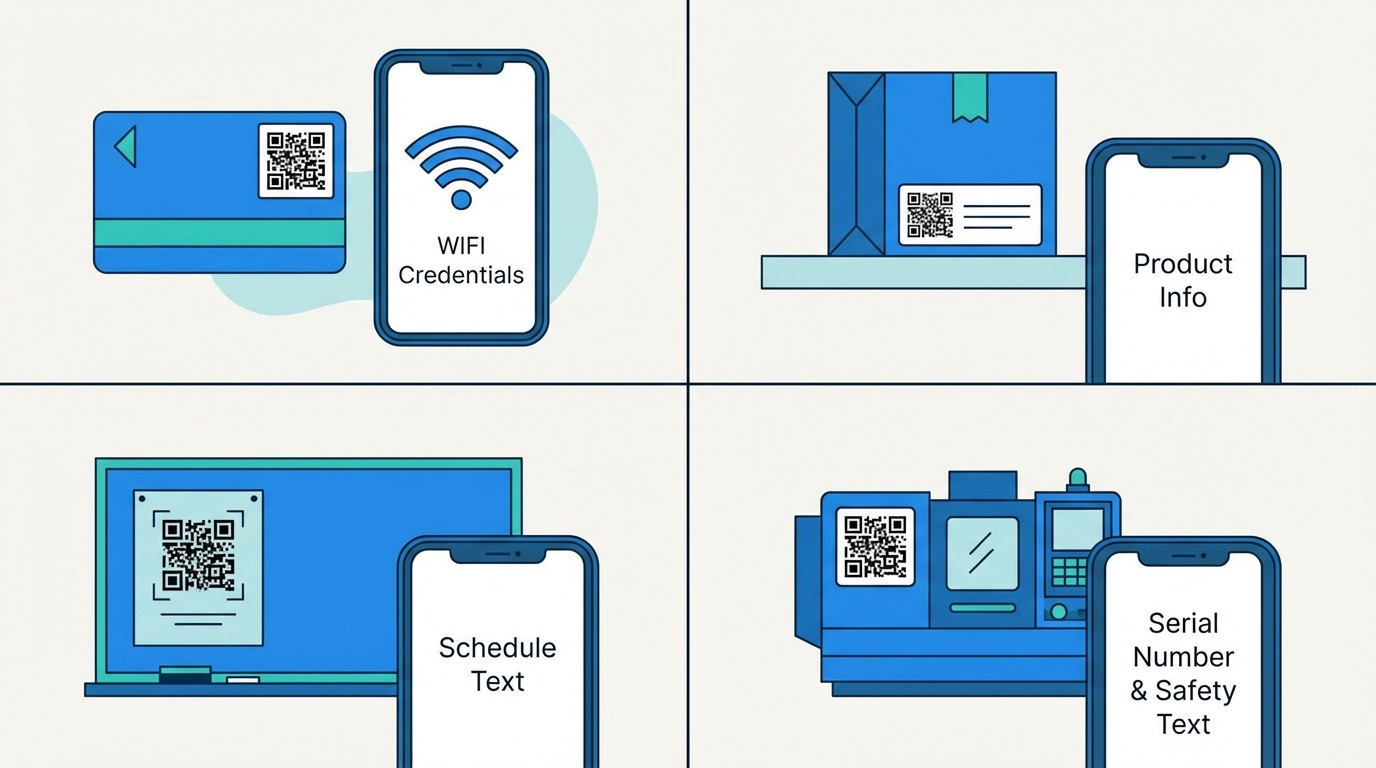
Plain text QR codes solve a deceptively common business problem: how do you share essential information quickly, reliably, and without needing every customer to have internet access? Here is how businesses across five industries put them to work.
Hospitality and Restaurants
Hotels and restaurants are among the heaviest users of plain text QR codes. Displaying WiFi credentials via a scannable code on room cards, table tents, and reception signs has been shown to reduce front-desk queries by approximately 50%, freeing up staff time for higher-value guest interactions. No app download, no typing — guests scan and connect in seconds.
Retail and Product Packaging
Retailers embed plain text QR codes on product labels and packaging to share care instructions, warranty details, size guides, and promo codes. Research shows this approach can reduce customer service calls by up to 30% while improving the post-purchase experience. For products that need batch or SKU tracking, plain text codes encode the exact identifier entirely offline.
Education and Events
Schools and universities use plain text QR codes on classroom doors, bulletin boards, and printed handouts for quick-reference content: locker combinations, assignment reminders, room schedules, and venue access codes. Event organizers place text codes on badges and lanyards for networking information, boosting post-event survey response rates by up to 25%.
Manufacturing and Inventory
On the factory floor and in warehouses, plain text QR codes are attached to equipment, pallets, and products to encode serial numbers, batch IDs, maintenance notes, and safety instructions. These codes work entirely offline — critical for facilities with limited or restricted wireless access.
How to Create a Plain Text QR Code with Supercode
Need to generate plain text QR codes at scale for product labels or location signage? Supercode's bulk QR code generator lets you create hundreds of unique codes from a CSV file in minutes. See the full step-by-step in our QR code creation guide.

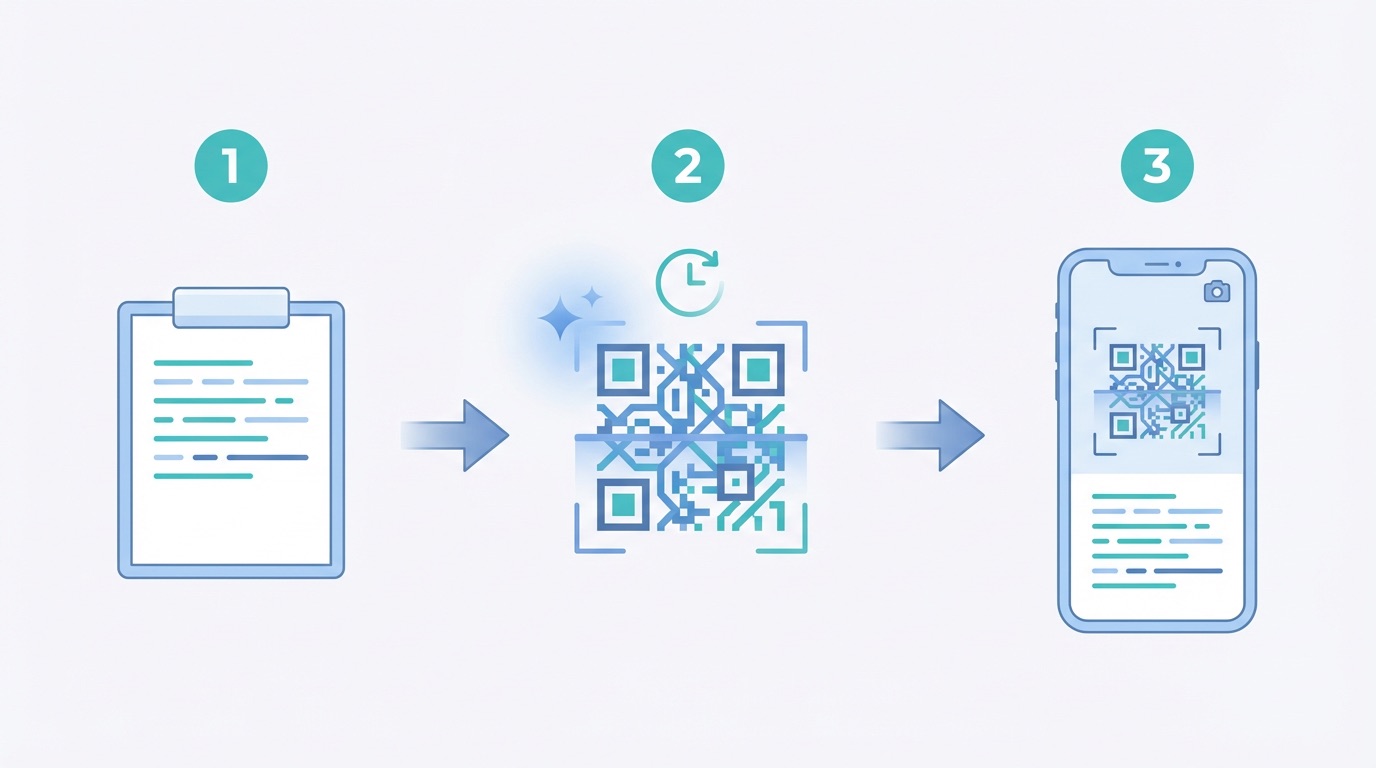
A plain text QR code is the simplest QR type to create, but a few best practices make the difference between a code that works reliably for years and one that frustrates the people scanning it.
For print-ready sizing, resolution, and placement recommendations, see the complete QR code printing guide. Supercode's pricing plans include design tools, download in all formats, and analytics for dynamic code types — starting free.
Frequently Asked Questions
What is a plain text QR code?
A plain text QR code encodes a text message directly into the QR code pattern. When scanned, the message is displayed immediately on the user's screen — with no internet connection, no app, and no redirect required. It is the most basic and universally compatible QR code type.
How do I create a plain text QR code for free?
Sign up at app.supercode.com, select Plain Text as the QR code type, enter your message, customize the design, and download. Supercode offers free plain text QR code creation with full design customization included.
What is the character limit for a plain text QR code?
QR codes can technically store up to 4,296 alphanumeric characters, but for reliable scanning across all devices and print sizes, keeping your message to 300 characters or fewer is strongly recommended. Longer messages produce denser, harder-to-scan codes.
Do you need an internet connection to scan a plain text QR code?
No. Plain text QR codes are entirely offline — the full message is embedded within the code itself. Your audience can scan them with any camera app in airplane mode, underground, or in any location with no connectivity.
Can you update a plain text QR code after printing?
No. Plain text QR codes are static, which means the encoded message is fixed at creation. If you need to update the content after printing, you will need to create a new code. For updateable content, use a dynamic QR code instead — Supercode's dynamic codes let you change the destination or message without reprinting.