


Create smarter QR code campaigns.
Start using Supercode today.
Sign up for free


Create a WhatsApp QR code with a prewritten message in seconds. Connect 3.2 billion WhatsApp users to your business instantly — no dialing, no friction, no missed connections.



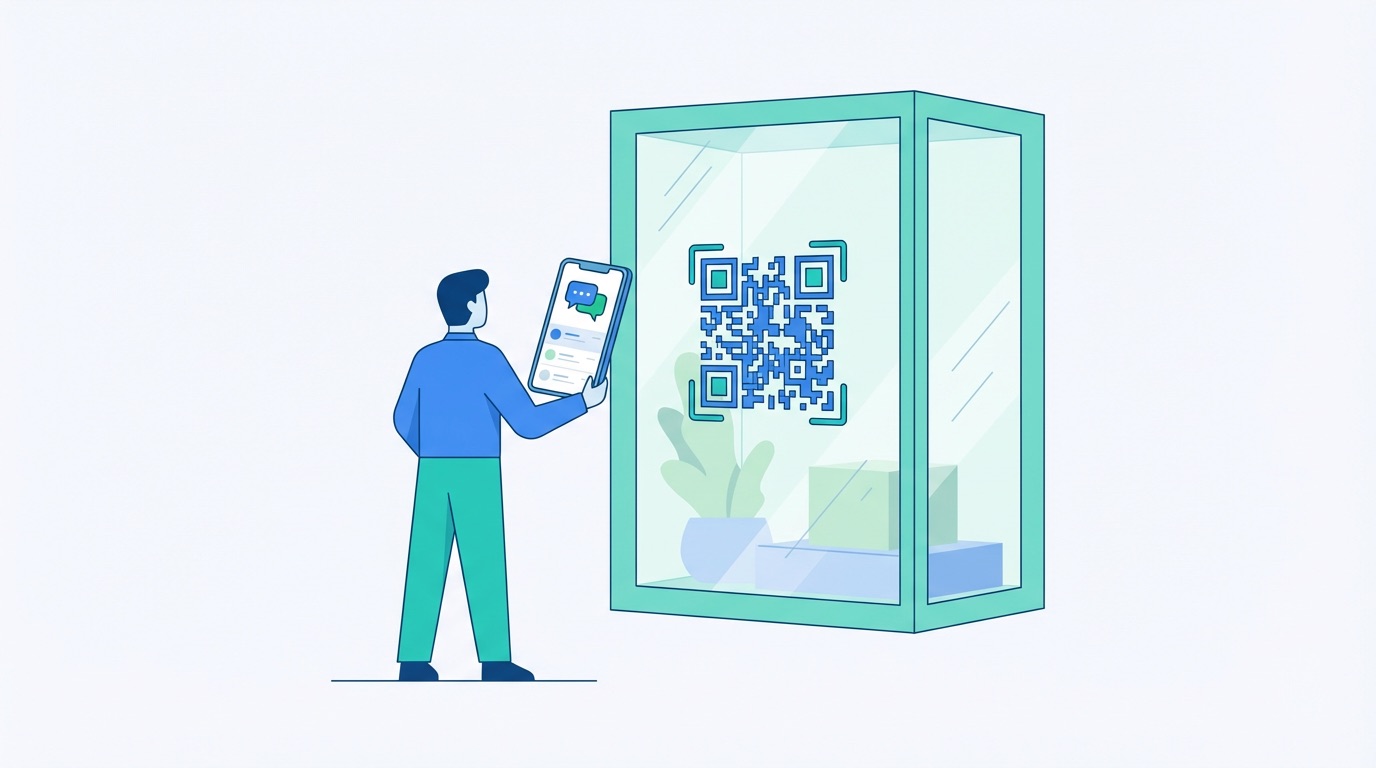
WhatsApp has become the world's most powerful business messaging platform, with 3.2 billion monthly active users and a 98% message open rate — more than four times the average for email. Every day, 175 million people message a business on WhatsApp, and over 50 million organisations actively use WhatsApp Business to serve customers at scale. A WhatsApp QR code turns that reach into a real-time customer connection: one scan opens a direct chat with your business, complete with an optional prewritten message, so the conversation starts the moment a customer picks up their phone.
Unlike sharing a phone number or asking customers to save a contact, a WhatsApp QR code removes every step between interest and action. Place it anywhere your customers are — product packaging, in-store displays, posters, menus, or print ads — and a single scan takes them straight into a conversation with your team. Here's why forward-thinking businesses are making WhatsApp QR codes a core part of their engagement strategy:
For a comprehensive look at how businesses are deploying WhatsApp QR codes across marketing, sales, and customer support, read our complete WhatsApp QR Code Guide for Business in 2026.

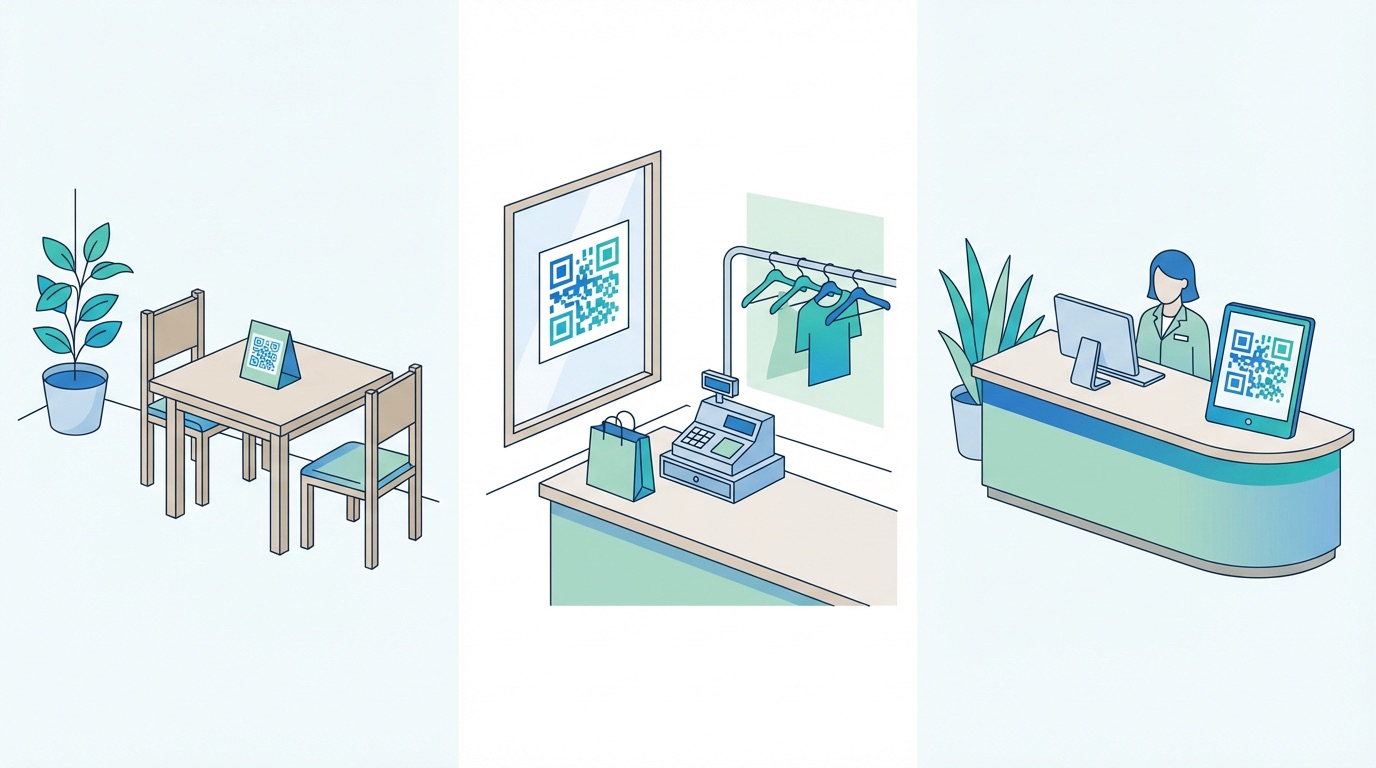
WhatsApp QR codes are versatile enough to drive results across virtually every customer-facing industry. The common thread is reducing friction: instead of asking customers to look up a number, fill out a form, or download a separate app, a single scan opens an immediate, personal conversation. Here is how businesses are putting them to work:
Restaurants and hospitality: Place a WhatsApp QR code on table cards, menus, or host stands with a prewritten message like "I'd like to make a reservation for two." Guests connect in seconds, reducing missed calls and no-shows. Restaurants using WhatsApp QR codes report meaningful increases in bookings and repeat visits. Hotels place them in rooms and at reception so guests can request services, ask about amenities, and receive updates without downloading any additional app. See how the sector is using them in our hospitality QR code guide.
Retail and e-commerce: Brands print WhatsApp QR codes on product packaging, point-of-sale materials, and shop window signage. Customers scan to ask about sizing, availability, or product details before purchasing — reducing cart abandonment by up to 25%. Post-purchase, the same code supports warranty registration, review requests, and upsell offers. Complement your WhatsApp strategy with a URL QR code linking directly to your product pages for a complete omnichannel journey.
Healthcare and professional services: Clinics, pharmacies, and financial services providers place WhatsApp QR codes on waiting room signage, brochures, and business cards so patients and clients can request appointments or ask questions discreetly. Explore specific strategies in our QR codes for healthcare guide.
Trade shows and events: Print a WhatsApp QR code on your stand banner or exhibition materials. Visitors scan and join your conversation list instantly — a far warmer lead than a business card exchange. Pair this with vCard QR codes to share full contact details on the spot. For event-specific strategies, see our trade show QR code guide.
How to create a WhatsApp QR code with Supercode:


Getting a WhatsApp QR code live is straightforward — getting it to perform consistently requires a clear strategy. Follow these best practices to maximise engagement and measure results accurately in 2026:
Frequently Asked Questions
What is a WhatsApp QR code?
A WhatsApp QR code is a scannable code that opens a WhatsApp chat with a specific phone number — optionally pre-loading a custom message. It eliminates the need for customers to manually save a contact or type a number, removing all friction between intent and conversation.
How do I create a WhatsApp QR code with a prewritten message?
Use a QR code generator like Supercode: select the WhatsApp QR type, enter your business phone number, write your prewritten message, customise the design, and download. The code encodes a WhatsApp deep link that opens the app and pre-populates the message for the customer. Start free on Supercode →
Does a WhatsApp QR code work with WhatsApp Business?
Yes. WhatsApp QR codes work with both the standard WhatsApp app and WhatsApp Business, including WhatsApp Business API accounts. Simply enter your WhatsApp Business phone number when generating the code. This makes it suitable for small businesses using the app and enterprises using the API with automated flows.
Can I track who scans my WhatsApp QR code?
Yes, if you use a dynamic WhatsApp QR code through a platform like Supercode. Dynamic codes route through a trackable short URL before opening WhatsApp, enabling analytics including scan volume, device type, location, and time. Static codes encoded directly as WhatsApp links cannot be tracked. Learn more in our QR code tracking and analytics guide.
What should I write as the prewritten message?
Match the message to the placement context. For reservations: "Hi, I'd like to book a table for [date and time]." For product enquiries: "Hi, I have a question about [product name]." For trade shows: "Hi, I visited your stand at [event] and would like more information." Keep it short, specific, and natural enough that customers are happy to send it with minimal editing.
Ready to connect with customers the moment they scan? Create your WhatsApp QR code for free on Supercode →