


Create smarter QR code campaigns.
Start using Supercode today.
Sign up for free


Share PDFs instantly with a scannable QR code. Supercode's PDF QR code generator lets you upload, track, and update your documents — no reprinting required. Start free today.



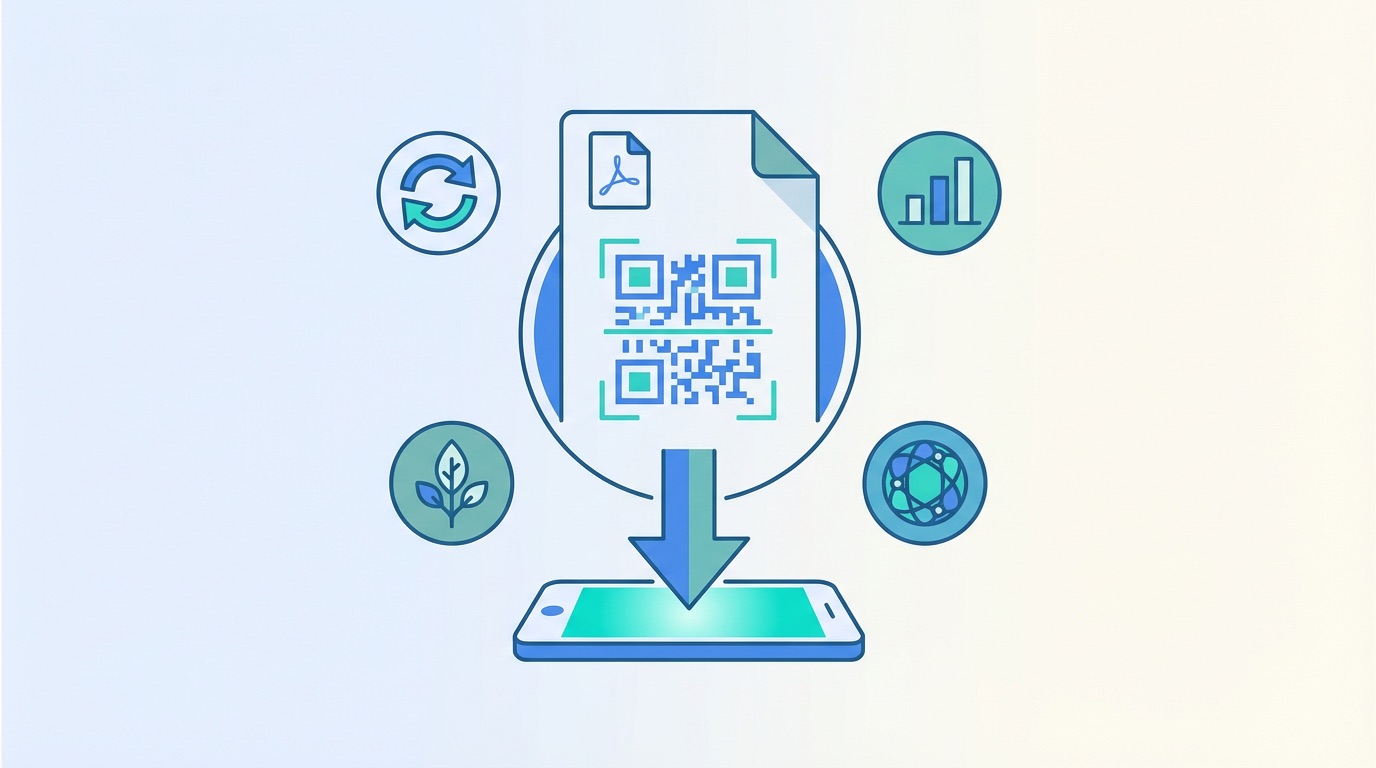
98% of businesses rely on PDF as their default format for external communication, with over 290 billion new PDFs created every year and the format growing 12% annually. But sharing those documents via email attachments, USB drives, or printed handouts creates friction — files get lost, versions go stale, and print costs stack up. A PDF QR code solves all three problems at once.
A PDF QR code is a scannable code that links directly to a hosted PDF file. Anyone who scans it with a smartphone camera instantly downloads or opens your document — no app required, no file search needed. With a dynamic PDF QR code from Supercode, you can also swap the linked document at any time without reprinting the physical code.
The result: documents that stay current, print runs that go further, and distribution that is fully measurable. Here is why thousands of businesses are making the switch:
Whether you are sharing a product catalogue, course syllabus, annual report, or appliance manual, a PDF QR code is the most versatile way to distribute documents at scale in 2026. See our complete QR code creation guide for a full introduction to getting started.

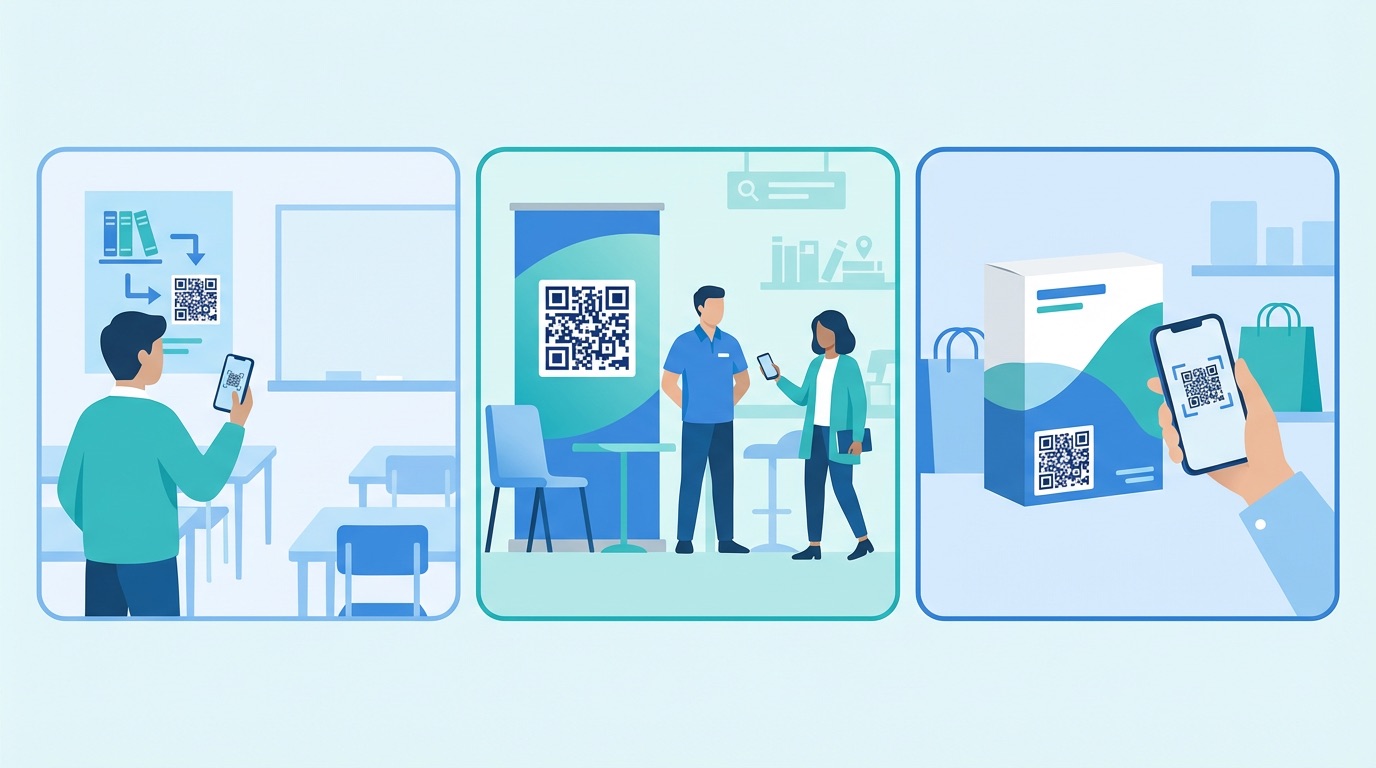
PDF QR codes work across virtually every sector where documents need to reach an audience quickly. Here are the highest-impact applications — and how to create your own with Supercode in minutes.
Education and Training
Universities, corporate L&D teams, and online course providers use PDF QR codes to share course materials, syllabi, and reading lists without requiring a login portal. Print the code on classroom signage or handout covers, and participants scan to download instantly. The PDF Association reports that PDF creation has grown 12% annually since 2020, with education among the fastest-growing sectors for digital document adoption.
Restaurants and Hospitality
Rather than printing and laminating full menu PDFs, restaurants and hotels add a PDF QR code to table placards, takeaway bags, and room key folders. When the menu or pricing changes, update the PDF in Supercode — the physical code stays exactly the same.
Trade Shows and Events
Exhibitors at trade shows and exhibitions replace heavy product brochure stacks with a single PDF QR code on their booth display. Visitors scan and receive the full catalogue on their phone, reducing print waste and ensuring prospects always have the latest version.
Retail and Product Packaging
Brands embed PDF QR codes in product packaging to link to instruction manuals, warranty documents, and care guides — replacing multilingual paper booklets with a dynamic digital file that can be updated at any time without a reprint.
Marketing Collateral
Agencies embed PDF QR codes in brochures and print ads to give readers instant access to product specs, white papers, and case studies. For large-scale campaigns, use Supercode's bulk QR code generator to create hundreds of unique PDF codes from a CSV in minutes.
How to create a PDF QR code with Supercode


Getting your PDF QR code strategy right from the start saves costly reprints and maximises scan rates. Follow these four proven best practices:
Frequently Asked Questions
What is a PDF QR code?
A PDF QR code is a QR code that links directly to a hosted PDF file. When scanned with any smartphone camera, it opens or downloads the document instantly — no dedicated app required. Dynamic PDF QR codes also let you update the linked file at any time without changing the printed code.
Can I update the PDF without reprinting the QR code?
Yes — with a dynamic PDF QR code (available on all Supercode paid plans), you can replace the linked document in your dashboard at any time. The printed code continues to work, pointing to the new file automatically.
What file size does Supercode support for PDF QR codes?
Supercode supports PDF uploads up to 20MB. For larger documents, consider compressing the file first or hosting it externally and using a URL QR code to link to the hosted version.
Are PDF QR codes trackable?
Yes. Dynamic PDF QR codes include full scan analytics: total scans, unique scans, device type, operating system, country, city, and scan time. See the QR code analytics guide for details on connecting this data to Google Analytics 4 via UTM parameters.
How do I create a PDF QR code for free?
Supercode offers a free trial with no credit card required. Sign up at app.supercode.com, choose PDF as your QR code type, upload your file, and your code is ready in under two minutes. Visit the pricing page for a full breakdown of dynamic code and analytics features by plan.