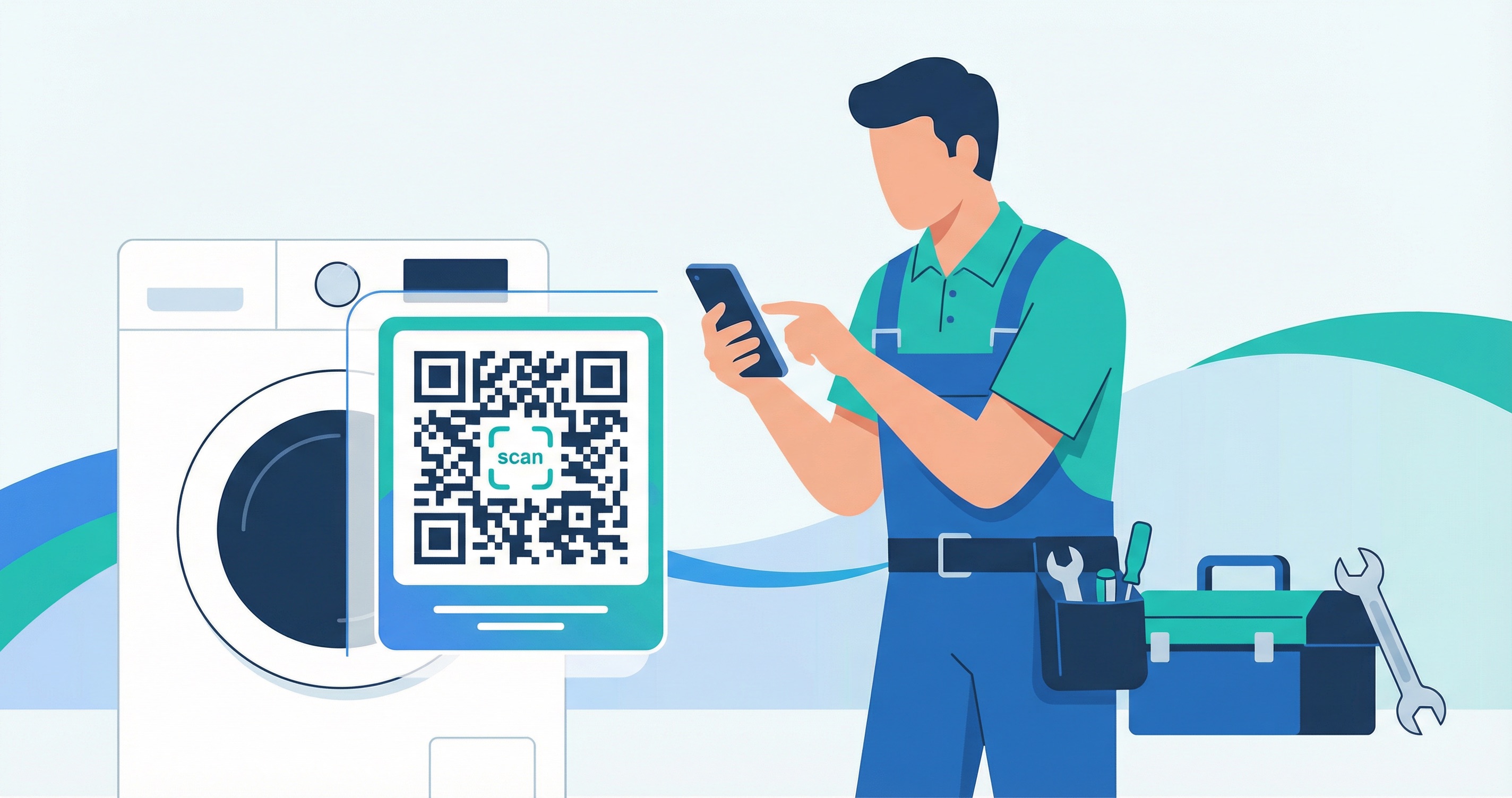

The US home services market is valued at $543 billion in 2025 and is growing at 5.3% annually, yet most home repair and maintenance businesses still rely on paper invoices, physical manuals, and word-of-mouth alone to manage customer relationships and service workflows. QR codes change that equation entirely — giving contractors, appliance manufacturers, and home service companies a fast, low-cost bridge between the physical world and digital tools. In 2026, savvy home repair businesses are using QR codes to accept payments on-site, share contact details, track appliance service history, and collect reviews — all with a single scan.
Time is the most valuable resource in any trades business. A vCard QR code on a magnet or business card lets homeowners save a technician's contact details instantly — no fumbling with paper or typing out phone numbers. QR codes on appliances let customers scan directly to a troubleshooting guide instead of hunting for a manual. According to a 2025 home services customer report by Housecall Pro, 80% of homeowners factor online booking and digital convenience into their hiring decisions, meaning speed and ease of contact directly translate to more bookings.
Collecting payment used to mean carrying a card reader or chasing late invoices. A QR code printed on a service slip or displayed on a tablet links directly to your payment page — customers scan, pay, and receive confirmation in under a minute. Global QR code payment transactions are projected to reach $5.4 trillion in 2025, according to QR Insights's State of QR Codes 2025 report, reflecting massive consumer comfort with scan-to-pay workflows. For home repair contractors, this eliminates cash-handling risk and speeds up accounts receivable significantly.
Paper manuals, warranty cards, and instruction booklets get lost, damaged, or thrown away. A QR code embedded in a product or attached to an appliance links to a digital manual that is always up to date. This eliminates the cost of printing and re-printing documentation, reduces environmental impact, and ensures customers can always find the information they need. For manufacturers placing QR codes on product packaging, this is now a standard practice among premium appliance brands.
After completing a job, hand the customer a card or leave a sticker with a feedback QR code linked to a review form or star rating page. This removes friction from the review process and dramatically increases response rates compared to email follow-up. A 2025 survey found that 73% of homeowners would refer a contractor after an excellent service experience — and QR code feedback loops are one of the simplest ways to capture and showcase that satisfaction.
A QR code label affixed to an appliance — HVAC unit, boiler, washer, or refrigerator — can link to a shared maintenance log that records every service visit, part replacement, and inspection. A case study by Smarty Labels found that QR code-based maintenance tracking achieved a 34% reduction in equipment downtime and 28% lower repair costs by giving technicians instant access to full service history. For residential service companies, this capability builds trust and justifies recurring service contracts.
Every invoice, van, and yard sign is a marketing opportunity. Adding a QR code to these surfaces turns passive materials into active lead-capture tools. Learn how QR code marketing strategy can help home repair companies build measurable campaigns with trackable scans. Pair QR codes with poster marketing or brochures to reach homeowners in your local area before they even need a repair.
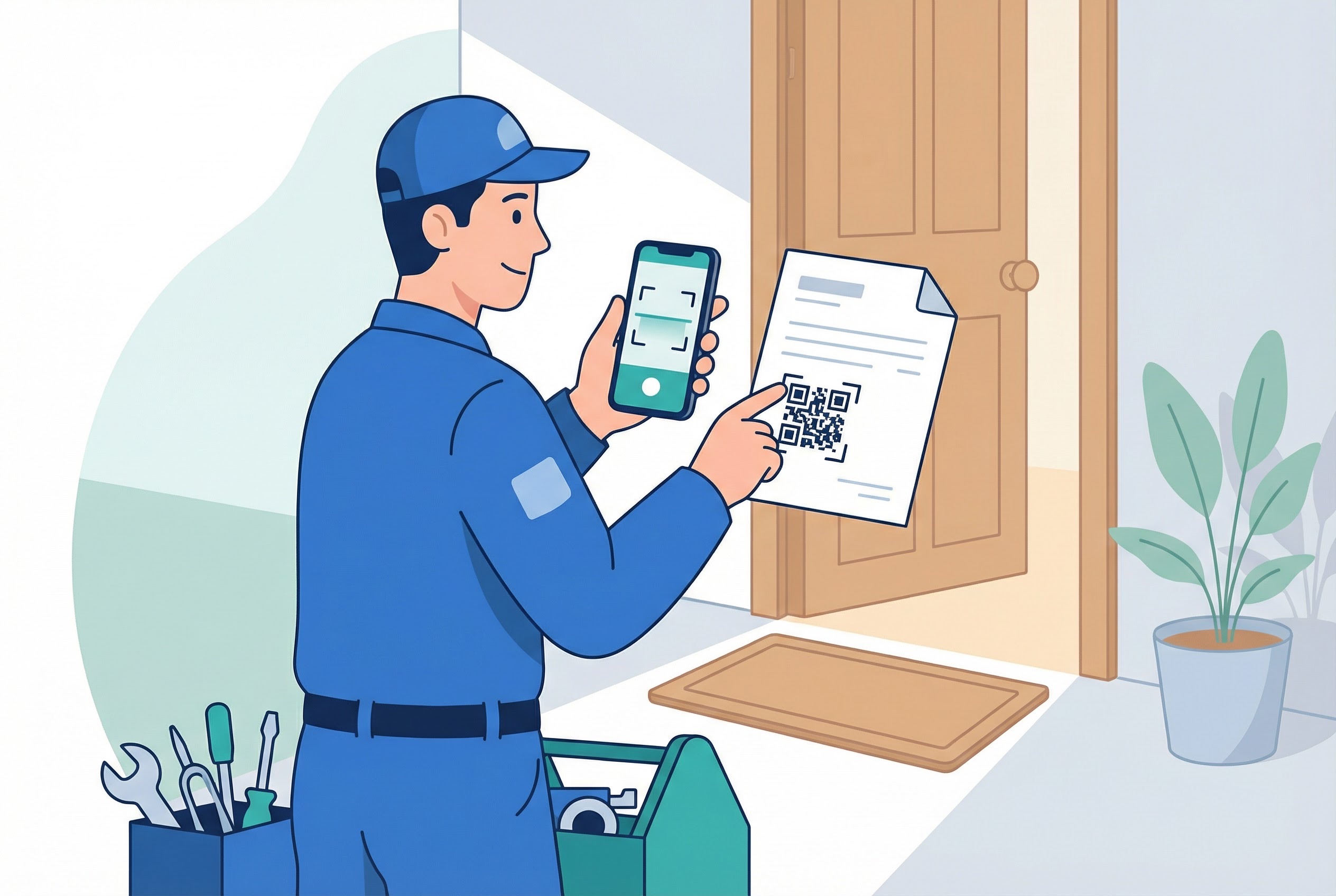
Print a vCard QR code on refrigerator magnets or business cards and leave them at every job. When a homeowner needs a plumber or electrician in the future, one scan saves your name, number, email, and website directly to their phone contacts — no typing required. This is one of the highest-ROI applications for QR codes in home services because it keeps your contact information accessible at the exact moment a homeowner needs it.
Print a URL QR code on your service invoice linking directly to your payment portal. Customers scan the code and pay via mobile banking, PayPal, or Stripe without needing to call in card details. This removes the awkward payment conversation from the job site and dramatically reduces the time between job completion and funds received. For companies running fleet vehicles, pair invoice QR codes with vehicle QR codes for a fully professional, mobile-first brand experience.
Apply a durable QR code label to every appliance you service — linking to a maintenance record page pre-filled with the unit's make, model, serial number, and service history. At the next call-out, the technician scans the code and instantly sees what was done, when, and what parts were used. Major manufacturers including GE, Whirlpool ("Scan to Connect"), and LG already embed QR codes into their appliances for post-purchase support — independent contractors can do the same with bulk QR codes generated in seconds via Supercode.
Replace paper manuals with a URL QR code that links to a video walkthrough or PDF guide for installation and operation. A.O. Smith Corp. already uses QR codes on its water heaters for one-step installation guidance, and contractors working on furniture assembly, HVAC installation, or smart home device setup can adopt the same approach. Link the code to a PDF QR code on Supercode so you can update the guide without printing new stickers.
Different tool brands have different safety requirements and operational specifics. Attaching a QR code to a tool kit or equipment case that links to the manufacturer's instructions, safety data sheets, or training videos reduces misuse on job sites and protects both workers and customers. This is especially valuable for rental equipment companies and multi-crew contractors where not every worker has seen every tool before.
Leave a branded card with a feedback QR code after every completed job. Link it to your Google Business profile, Trustpilot page, or a custom Supercode feedback form that captures star ratings, written comments, and permission to use the review publicly. With 62% of homeowners using internet searches to find contractors and online reviews ranking as one of the top hiring factors, a steady stream of recent five-star reviews is one of the best investments you can make in your business.
The data points below illustrate why QR codes are becoming standard tools in the home repair and maintenance industry — not just a tech novelty.
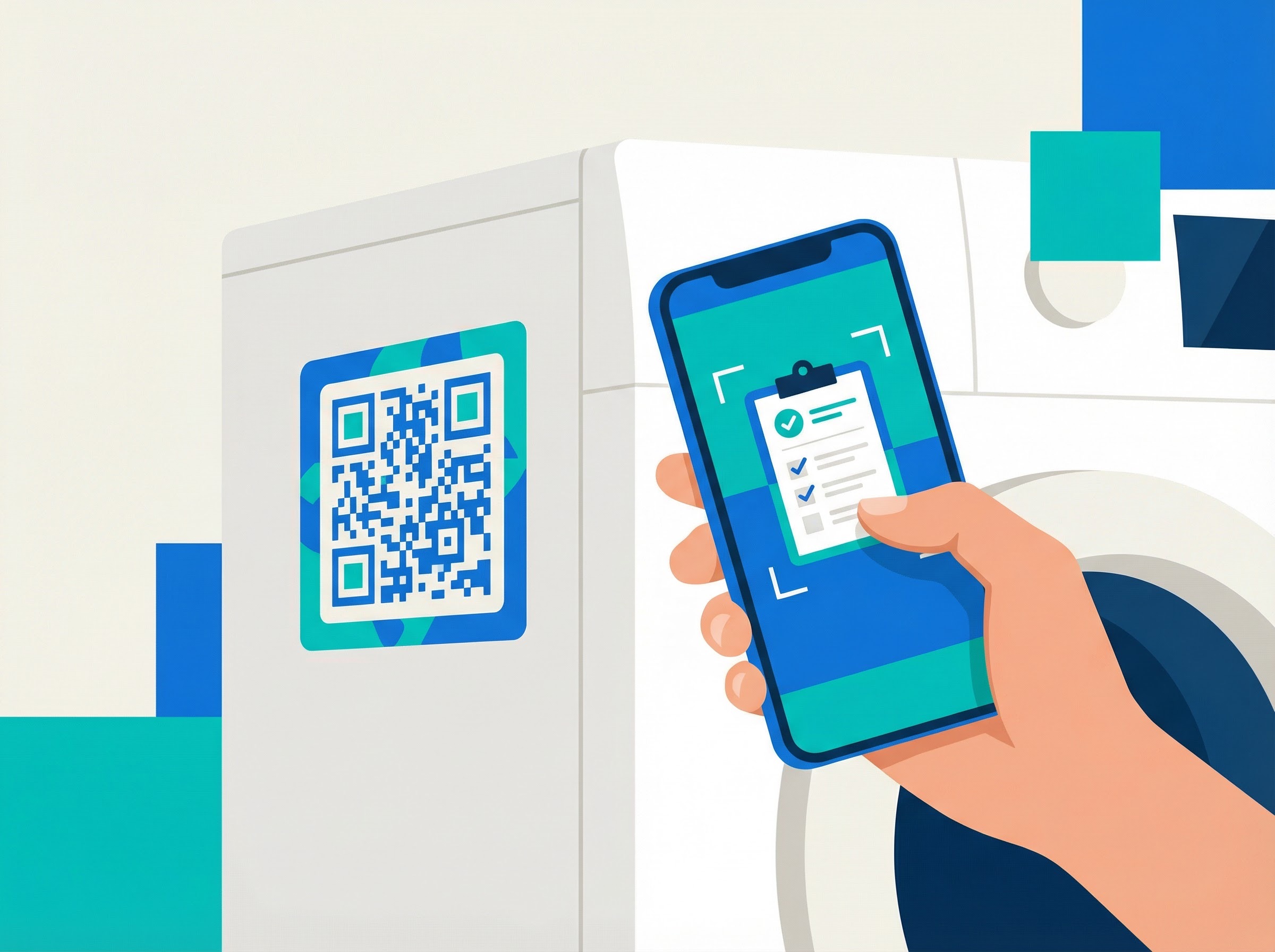
Creating professional QR codes for your home repair business takes minutes on Supercode's QR code generator. Here's how to get set up:
Supercode supports all the QR code types a home repair business needs:
A generic black-and-white QR code gets ignored. Use Supercode's design tools to add your logo, choose brand colours, and customise the corner shapes and dot patterns. A well-designed QR code printed on a service van or yard sign signals professionalism — and professional signals lead to more enquiries. For tips on creating codes your customers will actually scan, read our QR code design guide.
Choose dynamic QR codes for any application where the destination might change — payment links, booking forms, or instruction manuals. Dynamic codes let you update the destination URL without reprinting the physical code, saving money on stickers, magnets, and printed materials. Static codes are fine for permanent applications like appliance serial-number lookups that never change.
If you manage multiple crews, properties, or appliance types, use Supercode's folder system to organise QR codes by job type, client, or campaign. You can share folders with team members so every technician has access to the codes relevant to their work. Check our pricing plans to find the tier that fits your team size.
Every scan is logged in Supercode's analytics dashboard — showing you when, where, and how often each code is scanned. This lets you see which marketing materials are driving responses, which appliance codes are being used most, and whether your post-job feedback codes are getting engagement. Data-driven decisions lead to better marketing spend and more booked jobs.
QR codes for home repair need to survive real-world conditions. Read the Supercode printing guide for advice on minimum print sizes (2.5cm x 2.5cm minimum), substrate choices, lamination for outdoor or wet environments, and error correction levels for codes placed on textured surfaces like appliances and tools.
QR codes on appliances should be at least 2.5cm x 2.5cm and placed in a clearly visible, accessible location — inside a door frame, on the side panel, or near the control panel. Avoid placing codes behind removable panels or in areas that collect moisture. For HVAC units and outdoor equipment, use weatherproof vinyl label stock to ensure codes remain scannable through cleaning, heat, and humidity.
Service vans are rolling advertisements. A QR code on the side of a branded vehicle that links to your booking page or contact card works around the clock in every neighbourhood you drive through. Use UV-resistant vinyl with a gloss laminate for outdoor vehicle codes — and test the code after application to confirm scanning works from at least 30cm away.
QR codes are scanned on smartphones — so every destination page must be fully mobile-responsive. Test your payment page, booking form, and review link on both iOS and Android before printing any materials. A slow or poorly formatted landing page undermines the professional impression your QR code creates. Review your setup periodically to ensure links still work, especially after website redesigns.
When placing QR codes on display boards in showrooms or printed brochures at hardware stores, add a brief call-to-action near the code: "Scan to book a free estimate" or "Scan to view our services." A lone QR code with no context gets far fewer scans than one with a clear, benefit-led instruction nearby.
Review your Supercode analytics dashboard monthly. Look for which QR codes are driving the most scans, at what times of day, and from which locations. If a magnet campaign in a specific postcode is outperforming another area, that is a signal to expand distribution there. Data from your QR code campaigns feeds directly back into your QR code marketing strategy and helps you allocate budget where it has the greatest impact.
A vCard QR code is the best choice for contractor business cards and fridge magnets. When a homeowner scans it, their phone immediately prompts them to save your name, number, email address, website, and physical address directly to their contacts — no typing required. This is far more effective than a plain URL QR code because it creates a permanent, searchable contact record on the customer's device.
Create a URL QR code on Supercode that links to your payment portal (Stripe, PayPal, Square, or any web-based payment page). Add the QR code image to your invoice template in Word, Google Docs, or your invoicing software. Print or email the invoice as usual — customers scan the code and pay directly from their phones. Use a dynamic QR code so you can update the payment link without reprinting materials if you switch providers.
Yes — but the code must be printed on weatherproof material. Use UV-resistant vinyl label stock with a gloss or matte laminate for outdoor applications such as HVAC units, heat pumps, solar inverters, and garden equipment. Ensure the code is at least 2.5cm x 2.5cm, and set the error correction level to High (H) in Supercode to maintain scannability even if the label becomes partially damaged over time.
Attach a unique URL QR code to each appliance, linking to a cloud-based maintenance log (Google Sheet, Airtable, or a dedicated field service app). Every time a technician services the unit, they scan the code and update the record with the date, work performed, and parts replaced. The homeowner can scan the same code to view the full service history. Research shows this approach reduces equipment downtime by 34% and repair costs by 28% by eliminating guesswork about past service.
No — modern smartphones (iPhone with iOS 11+ and most Android devices running Android 9+) can scan QR codes directly from the native camera app without any additional software. Simply open the camera, point it at the QR code, and tap the notification that appears. This makes QR codes on appliances accessible to virtually all homeowners without any technical setup.
The answer depends on your business model. A sole trader typically needs 3-5 codes: one for contact (vCard), one for payment, one for reviews, and perhaps one for a booking page. A larger company managing multiple crews, dozens of client properties, and different service lines may need hundreds of unique appliance-tracking codes. Supercode's bulk QR code generator lets you create large volumes from a CSV file, and flexible pricing plans scale with your needs from sole traders to enterprise teams.
From contactless invoice payments to appliance maintenance tracking and post-job review collection, QR codes give home repair and maintenance businesses a fast, affordable edge in a $543 billion market. Whether you run a one-person plumbing operation or manage a multi-crew home services company, Supercode makes it easy to create, brand, and track QR codes that work hard for your business every day.
Explore the full range of QR code solutions for businesses or browse more use case pages to see how QR codes work across industries and materials. Ready to get started? Sign up free at Supercode — no credit card required.
Head to our FAQs section or reach out to us directly on info@supercode.com
Sign up for free

