QR codes have become one of the most powerful bridges between physical presence and digital audience. With over 2.2 billion people actively using QR codes worldwide in 2025 — and 99.5 million U.S. smartphone users scanning monthly — the opportunity to use them in your social media strategy has never been greater. This guide breaks down exactly how to use QR codes for social media marketing in 2026: from building an all-in-one social hub, to running measurable campaigns, tracking ROI, and growing followers across every major platform.
Social media marketing has never been more competitive — or more mobile. As of Q1 2025, 5.17 billion people are active on social media globally, and 91% of all social commerce transactions happen on mobile devices. Yet most brands still rely on typed URLs, bio links, and printed handles to bridge their offline touchpoints with their online communities. That gap is exactly where QR codes thrive.
In the last four years alone, QR code usage surged 323% globally, and over 90% of marketers now use QR codes — with 94% reporting they increased their usage in the past year, according to Bitly's 2026 QR code report. The reason is simple: they remove friction. Instead of asking a customer to type a username or remember a handle, a QR code delivers them directly to your social profiles in one scan.
When paired with a strong social media strategy, QR codes solve two persistent challenges: discoverability and attribution. You can place them anywhere — on physical packaging, in-store displays, at events, or in print ads — and know exactly how many scans resulted in followers, shares, or purchases. For marketers who have long struggled to connect offline activity to online results, that's a fundamental shift.
For a broader look at how QR codes fit into digital marketing, see our QR Code Marketing: The Complete Strategy Guide (2026). For current adoption benchmarks, our QR Code Statistics 2026 breaks down the data across industries.

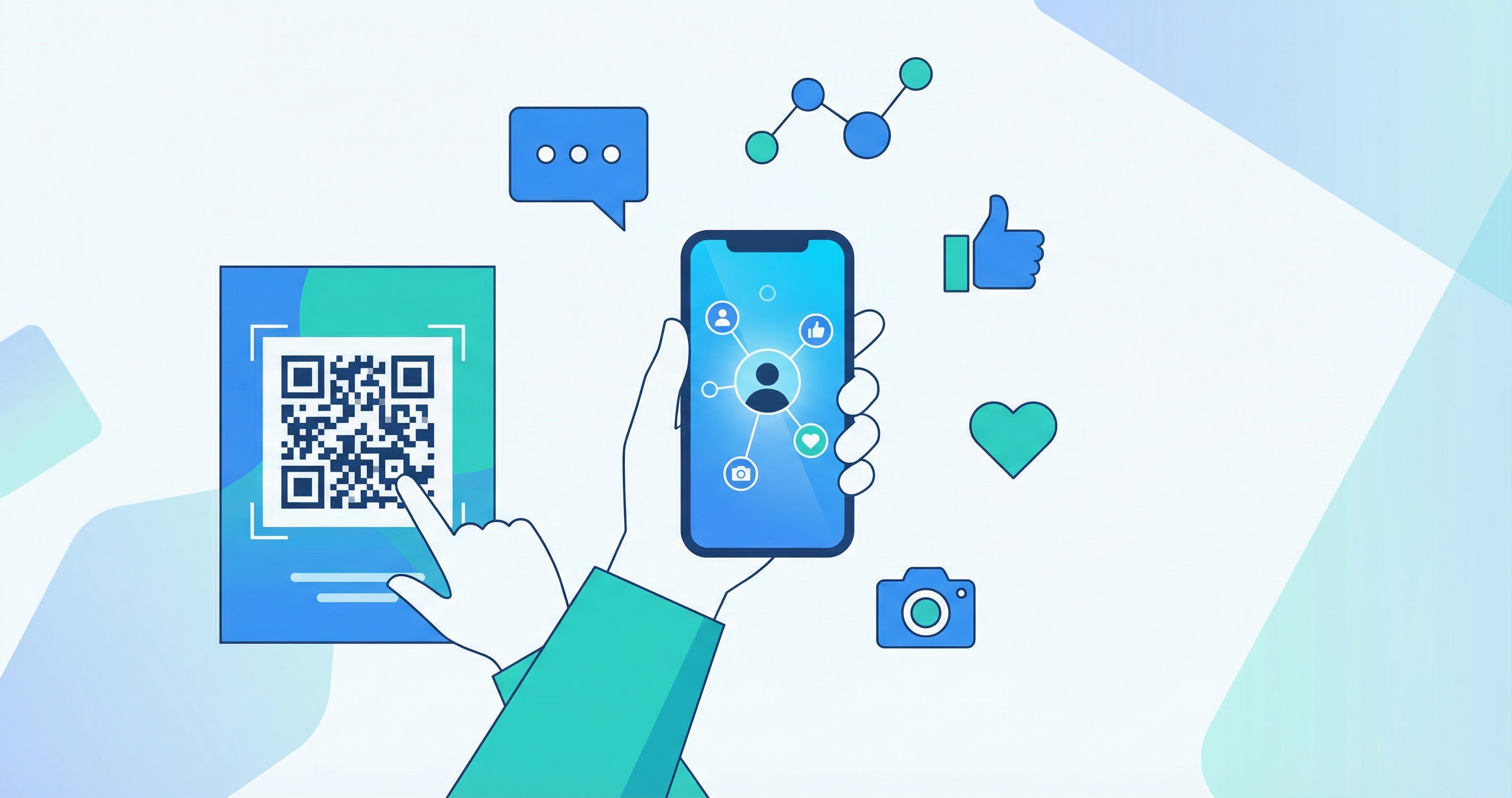
A social media QR code isn't just a link to one profile — it's a smart landing page that displays all of your social media accounts in a single, scannable hub. When a user scans your QR code, they're taken to a mobile-optimized page showing all your profiles — Instagram, TikTok, LinkedIn, Facebook, YouTube, and more — so they can choose which ones to follow in a single session.
This is made possible by Supercode's Social Media QR Code type, which consolidates multiple profile URLs into one code. You add your usernames or profile links during setup, and Supercode generates a QR code that routes scanners to a branded hub page displaying all your accounts.
Critically, these codes are dynamic. That means you can update the linked profiles at any time without reprinting or redistributing the code. If you launch on a new platform, add your handle. If you rebrand, update your username. The QR code itself never changes — so any materials you've already printed stay valid. Dynamic codes also provide real-time scan tracking, giving you data on how many people interacted with your code, when, and from where. See our guide comparing Dynamic vs. Static QR Codes to understand why dynamic is the right choice for social media campaigns.
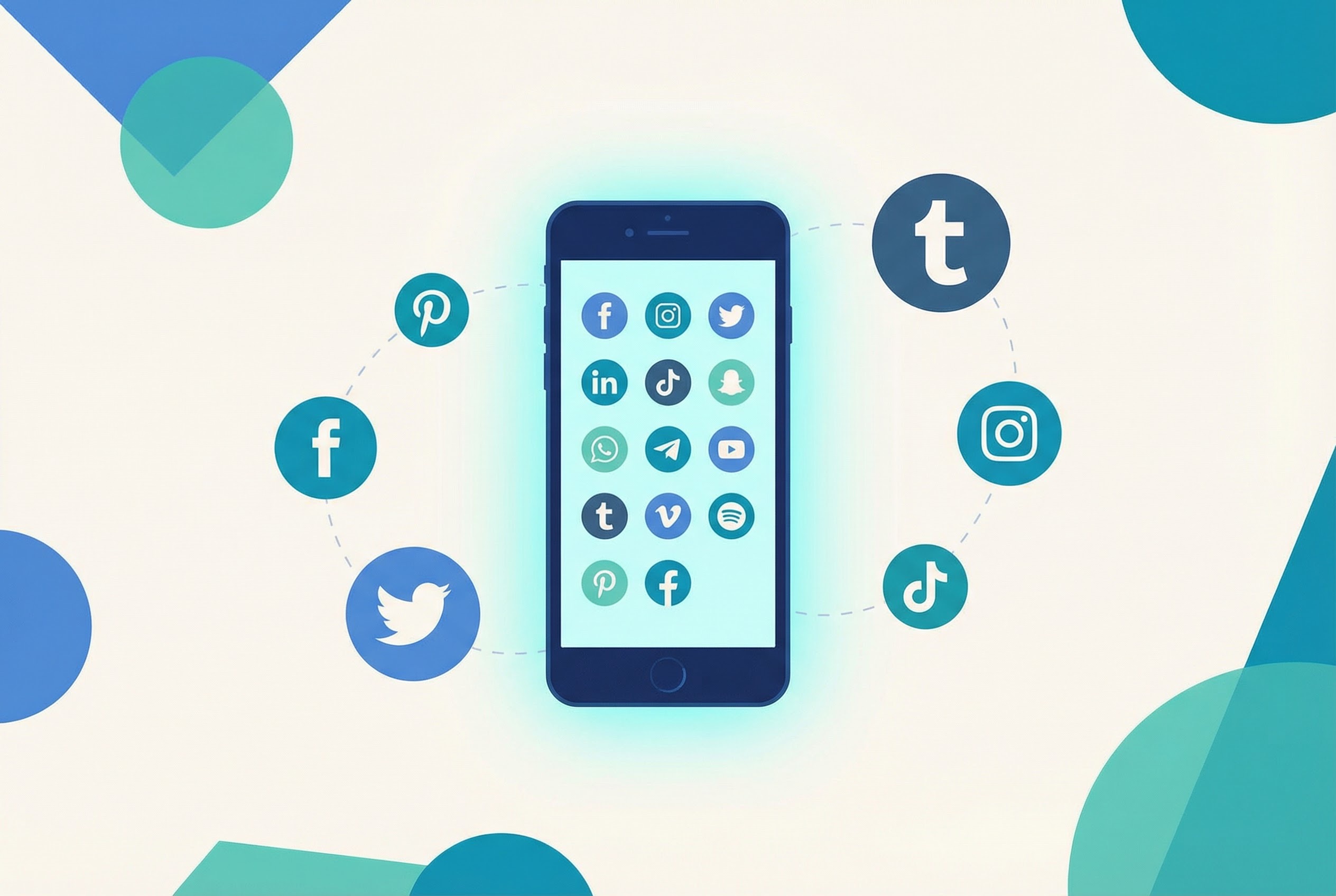
The single biggest advantage of a social media QR code is consolidation. Before QR codes, a brand wanting to promote multiple social channels had limited options: print all the handles separately (cluttered), direct people to a link-in-bio page (requires the app), or hope the audience searches independently. A social media QR code eliminates the problem entirely — one clean code, one elegant scan, one hub that shows everything. Here's where this matters most:
Creating a social media hub QR code with Supercode takes under five minutes. Visit the Supercode QR code generator, select the Social Media type, add your profile URLs, customize the design with your brand colors and logo, and download. Every plan — including the free plan — includes the social media QR code type and all features.
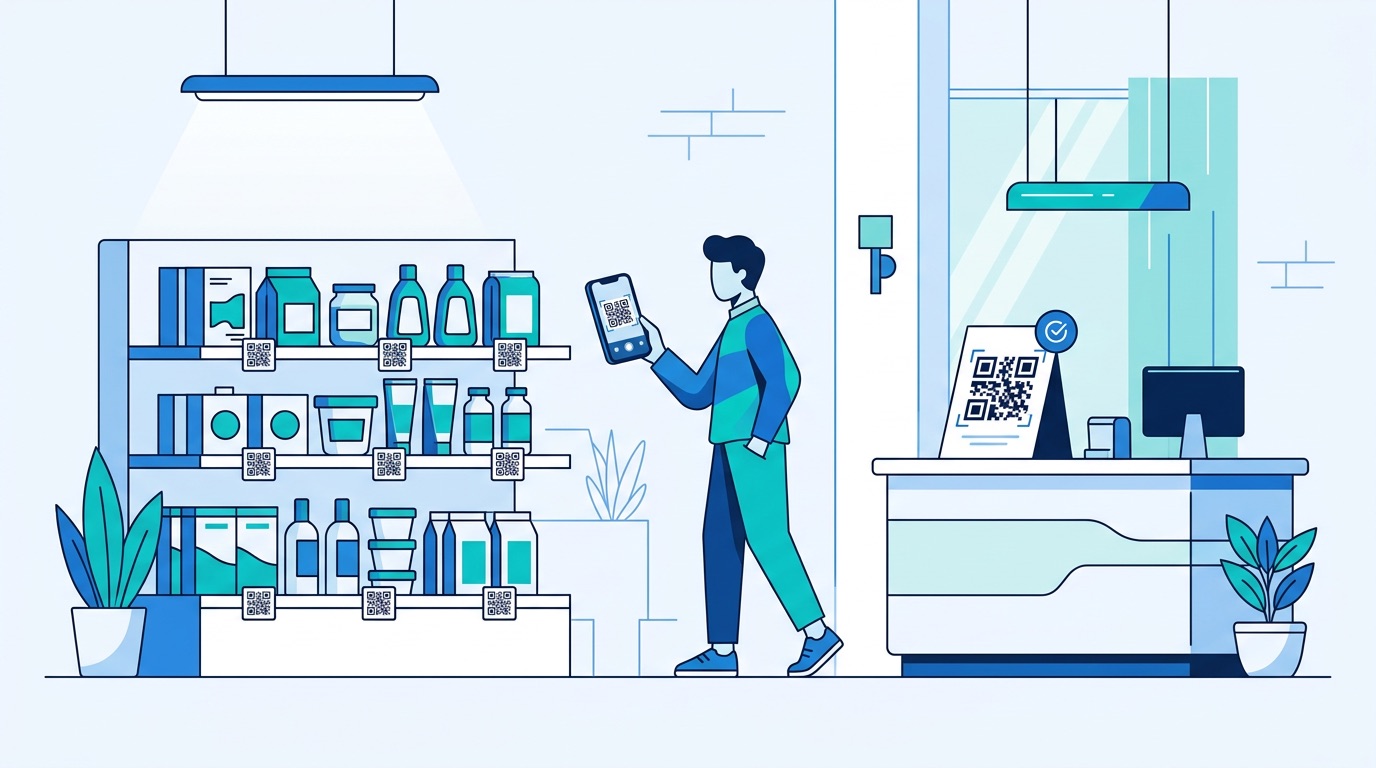
Every physical touchpoint your brand has — a product, a receipt, signage, a vehicle — is an untapped opportunity to grow your social following. QR codes turn passive brand exposure into active community building. Here are the highest-impact placements for social media follower growth:
The key to making these placements work is a compelling call to action. According to Bitly's 2026 QR code statistics report, exclusive content (39%) and discounts and promotions (33%) are the top two motivators for consumer scans. Build those incentives into your CTAs: "Scan for exclusive content," "Scan to unlock 15% off," or "Scan to enter our giveaway" consistently outperform generic prompts.
For a complete picture of where QR codes perform best, see our roundup of The 15 Most Practical QR Code Uses for Businesses (2026).

QR codes don't just attract followers passively — they're activation tools for social campaigns. Adding a QR code to a contest or giveaway creates a frictionless entry point that dramatically increases participation rates. Here are proven campaign formats that work:
One important best practice: make the social ask clear before the scan. Scanners should know what's on the other side. Specific, benefit-driven CTAs ("Scan to enter our $500 giveaway") consistently outperform vague invitations ("Scan here").
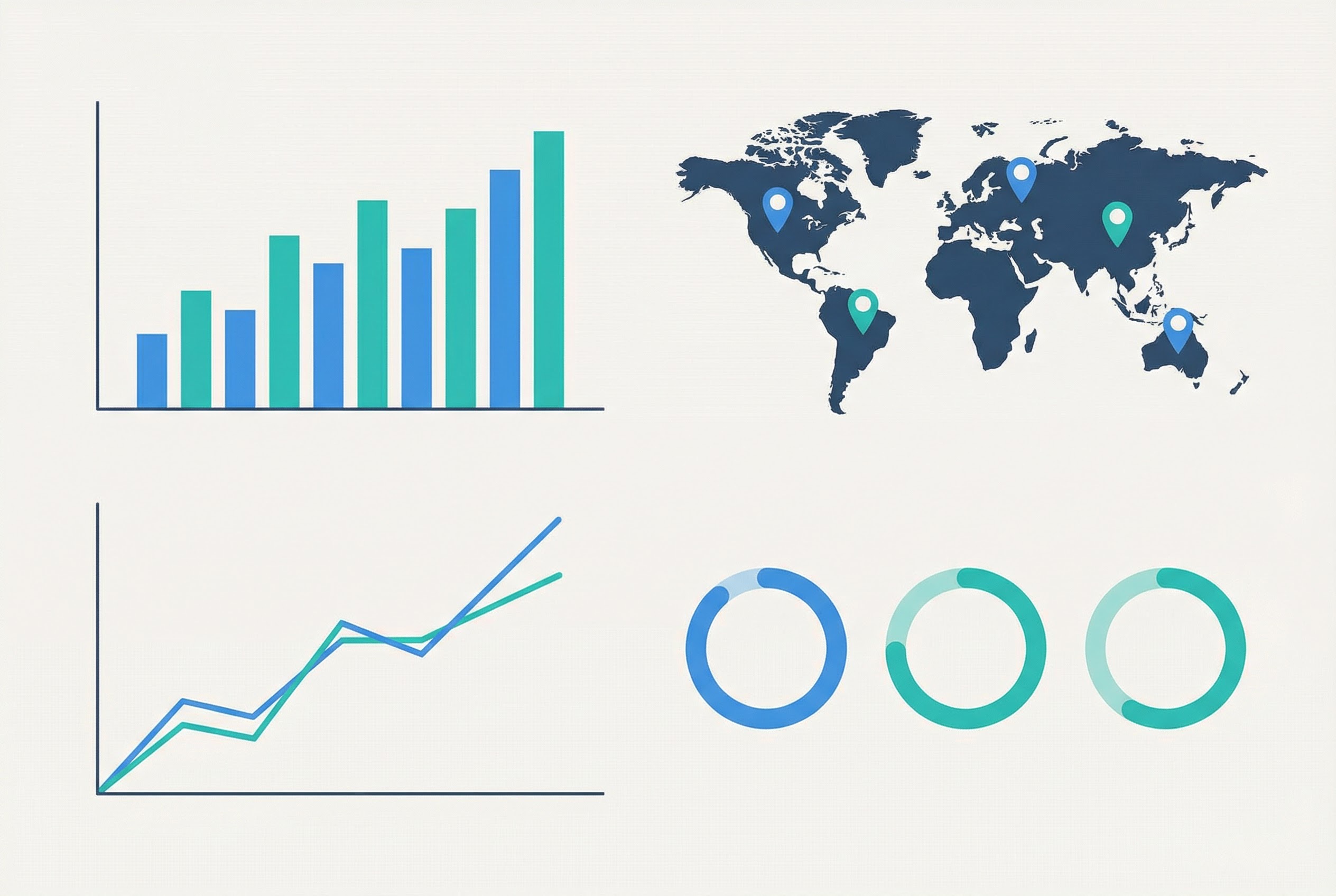
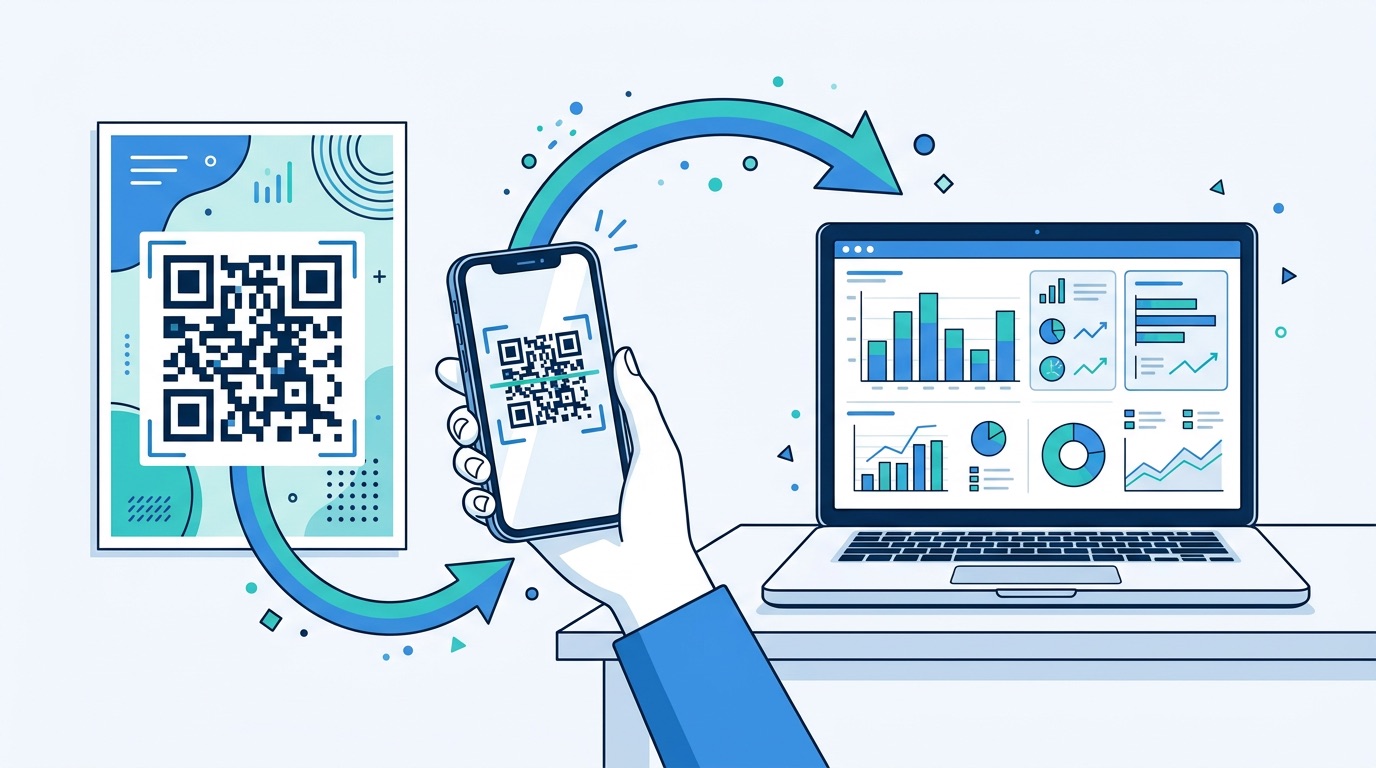
One of the most persistent frustrations in traditional social media marketing is attribution — it's hard to know whether a spike in followers came from a billboard, a packaging insert, or an in-store display. QR codes solve this definitively. Every dynamic QR code from Supercode provides detailed analytics:
For campaigns across multiple placements, create a unique QR code for each location — one for the window, one for the receipt, one for the event booth. This gives you clean comparative data showing which placement is driving the most social growth and at what cost per follower.
Connect scan data with your social media analytics to close the attribution loop. If your Instagram following jumps 300 in a week after a poster campaign, cross-reference with QR analytics to confirm correlation and calculate follower acquisition cost. Our full guide to QR Code Tracking and Analytics explains how to set up these measurement frameworks in detail, including how to connect QR data with UTM parameters for Google Analytics.
Analytics also enable rapid iteration. If your packaging QR code outperforms your receipt code by 5x, shift budget toward packaging. If Friday drives the highest scan volumes, schedule social content releases to coincide with when your new followers are most likely to see them. This closed-loop optimization simply wasn't possible before trackable dynamic QR codes existed.
Social media is no longer just a brand awareness channel — it's a direct revenue channel. The global social commerce market is projected to reach $1.2 trillion by 2025, with U.S. social commerce sales hitting $79.64 billion and growing 35% year-over-year, according to 2025 social commerce industry data. Critically, 91% of all social commerce transactions occur on mobile devices — making QR codes the ideal bridge between physical touchpoints and social shopping.
Here's how leading brands are using QR codes to drive social commerce revenue:
The conversion opportunity is significant. Instagram Shopping drives 32% higher conversion rates than traditional e-commerce, and TikTok Shop shows 40% month-over-month sales growth. Brands that connect physical touchpoints to these social channels via QR codes are positioned to capture that growth at every customer interaction. For complementary tactics around app downloads alongside social growth, see How to Boost App Downloads With QR Codes (2026).

Different platforms require different QR code tactics. Here's how to optimize for each major social network in 2026.
Instagram remains the dominant visual platform for brands, with 170 million active U.S. users engaging with Shopping features and Reels accounting for 38% of brand posts. For Instagram, a social media QR code that routes directly to your profile is the primary tool — building followers who can then be nurtured via Stories, Reels, and shoppable posts. For product-focused brands, link the code directly to a specific Instagram Shopping collection. For content-driven brands, link to your Reels page. Place codes on product packaging, physical store displays, and in magazines and print ads for maximum reach.
TikTok has over 1.9 billion monthly active users and delivers a median 21% monthly follower growth rate for small and medium-sized brands. Its algorithm rewards authenticity, so QR codes work best when they lead to content that feels native to the platform — challenges, behind-the-scenes videos, or creator collaborations. Place TikTok QR codes in locations where your target audience gathers: retail stores, gyms, and music venues. Add them to packaging for products popular with Gen Z — who scan QR codes at among the highest rates of any demographic, with over half scanning at least weekly.
LinkedIn has reached 1 billion registered users, making it the top platform for B2B social commerce and professional services marketing. For B2B brands, QR codes on trade show materials, business cards, and conference signage drive LinkedIn follower growth from high-value professional contacts. Use a direct URL QR code to your company page or LinkedIn profile to capture connections while a professional conversation is still warm — far more effective than exchanging cards and hoping someone searches for you later.
WhatsApp Business has over 200 million active business accounts serving 3.2 billion global users. A WhatsApp QR code lets customers initiate a chat with your business instantly — no need to save a number first. This is especially effective for customer service, appointment booking, and direct sales in markets where WhatsApp is the dominant messaging platform. QR codes on menus, packaging, and in-store signage can route to a pre-filled WhatsApp message, reducing friction to zero. For everything you need to deploy WhatsApp QR codes effectively, see our WhatsApp QR Code Complete Guide for Business in 2026.
Deploying QR codes in your social media strategy is straightforward — but a few best practices separate high-performing campaigns from wasted print spend:
For a deeper dive into what separates successful QR code campaigns from costly mistakes, see 10 Mistakes to Avoid When Creating QR Codes (2026 Guide).
A social media QR code is a scannable code that directs users to a branded hub page displaying all of your social media profiles — Instagram, TikTok, LinkedIn, Facebook, and more — in one place. When scanned, users can choose which profiles to follow without searching for each account individually. It's a significant upgrade over printing individual handles or maintaining a link-in-bio page.
Yes. Supercode's Social Media QR code type lets you add as many profiles as you want — all displayed in a single, mobile-optimized hub. This is more effective than creating separate codes for each platform, which creates visual clutter and splits your scan data.
Supercode's dynamic QR codes do not expire as long as your subscription is active. You can also update the linked profiles at any time without changing or reprinting the QR code itself — making them safe to use on printed materials that stay in circulation for months or years.
Supercode's analytics dashboard shows total scans, unique scans, geographic data, and time-based trends for every dynamic QR code. Pair this with your social platform's "followers gained" data during the same period to measure follower conversion rates and calculate the cost per new follower for each placement.
The highest-converting placements are product packaging, receipts, in-store displays, business cards, and event materials — anywhere your audience is already engaged with your brand. Combine the code with a benefit-driven CTA (exclusive content, discounts, or contest entry) for the best response rates. For a full breakdown of placement options, see our 15 Most Practical QR Code Uses guide.
Yes — and it's one of the most effective use cases. A QR code is an ideal entry mechanism for contests and giveaways: route users to an entry form, a "follow to enter" landing page, or a TikTok challenge page. Dynamic codes let you update the destination URL between campaigns, so you can reuse printed materials across multiple promotions without reprinting.
Start growing your social media following with a professional QR code today. Create your social media QR code with Supercode — it takes under five minutes to set up, customize with your brand colors, and download. Whether you're building a multi-platform hub, running a giveaway, or connecting physical marketing to measurable social results, Supercode gives you everything you need. Explore plans and pricing to find the right option for your business.