


Create smarter QR code campaigns.
Start using Supercode today.
Sign up for free


Create a feedback QR code in minutes and collect star ratings, comments, and reviews instantly. Dynamic, customizable, and packed with real-time analytics.




Traditional paper comment cards collect responses from just 2–5% of customers — leaving the vast majority of opinions unheard. Feedback QR codes change that equation entirely: businesses using on-site QR code feedback programs see response rates of 20–40%, according to research by Opiniator, with optimized campaigns reaching even higher. That gap represents thousands of data points your business is currently missing.
A feedback QR code is a dynamic QR code that opens a customizable survey form when scanned. Customers answer 1–5 questions — star ratings, NPS scores, open comments — and submit in under 30 seconds from their own smartphone. Responses arrive in your analytics dashboard in real time, so you can act on issues the same day they surface.
With Supercode's feedback QR code generator, you can configure your form to collect exactly the insights you need:
Because Supercode feedback codes are dynamic, you stay in full control after printing. Seasonal campaigns, product launches, or event-specific questions are just a settings change away. Explore the complete guide to QR code customer feedback strategies to see how leading businesses turn scan data into service improvements and measurable revenue gains.

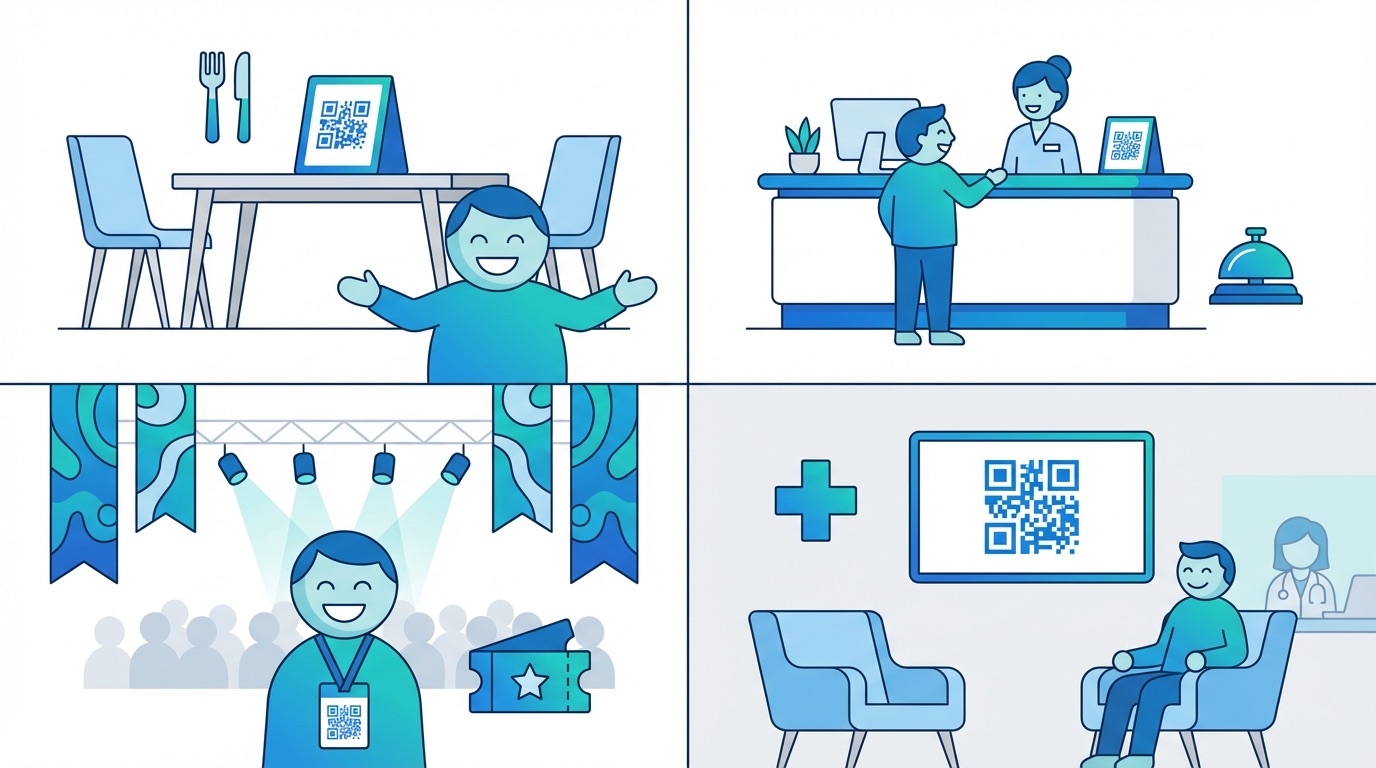
According to SurveySparrow's 2026 global research, 73% of businesses now actively use QR code feedback programs — and 78% of consumers say they are willing to share feedback when the process is quick and effortless. The industries capturing the most value share one thing in common: they place feedback QR codes exactly where and when the customer experience peaks.
Restaurants and Food Service
Place a feedback QR code on table cards, receipts, or takeaway packaging to capture dining impressions while they are still fresh. Restaurant QR codes let kitchens and managers identify recurring complaints and replicate what is working — down to specific dishes, service times, and servers.
Hotels and Hospitality
From check-in to room service to checkout, hospitality businesses use feedback QR codes at every touchpoint. Place codes on room key cards, in-room displays, or bathroom amenity cards to trigger feedback while guests are still on-site and emotionally engaged with the experience.
Retail
Retailers place feedback QR codes on receipts, in fitting rooms, and at POS terminals to benchmark the in-store experience. Pair feedback codes with URL QR codes on display signage to capture both service and product satisfaction data simultaneously.
Events and Conferences
Event organizers use QR code feedback forms at session exits, on lanyards, and at exhibitor booths. Event QR codes collect attendee sentiment in real time — far more effectively than chasing email surveys days after the event has ended.
Healthcare Clinics
Patient satisfaction is a regulated metric in many healthcare systems. Feedback QR codes placed in waiting areas or on appointment cards allow clinics and practices to collect CSAT data at scale, without paper waste or manual data entry. Discover how QR codes improve the broader customer experience across these and many other sectors.
Creating Your First Feedback QR Code with Supercode
Getting started takes under five minutes. Log in at app.supercode.com, select the Feedback QR code type, and build your form — choose from prewritten question templates or write fully custom questions. Customize the QR code design with your brand colours and logo using Supercode's design tools, then download and deploy across your locations. All responses land in your live analytics dashboard, broken down by time, scan location, and device.

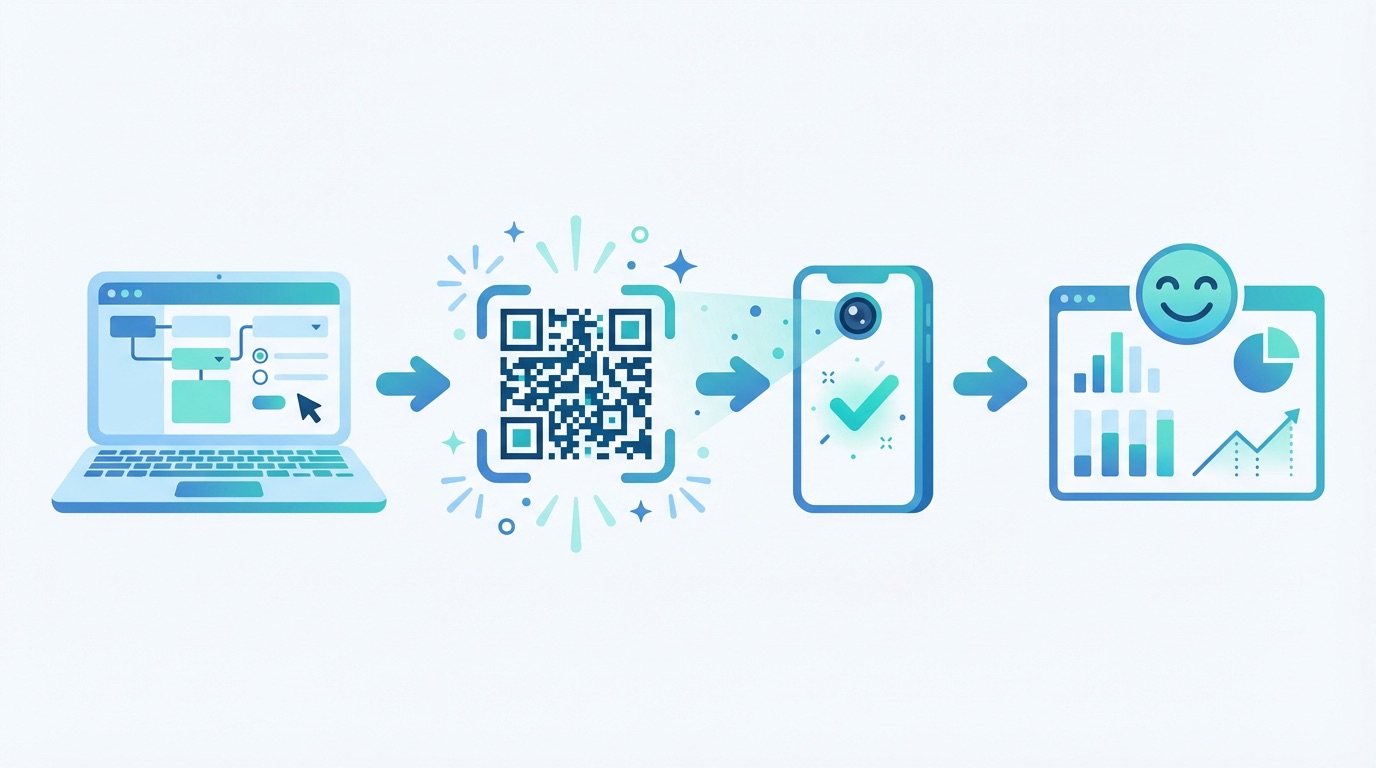
Collecting feedback is only valuable if customers actually scan and complete the form. These four practices will maximize your response rates and the quality of insights you receive in 2026.
Keep forms to 1–3 questions. Research from our QR code feedback strategy guide shows that surveys with 1–3 questions achieve an 83% completion rate, while longer forms see steep drop-offs. Start with one star rating and one open comment field — simple enough to complete in under 30 seconds on any device.
Use dynamic QR codes so questions can evolve. A dynamic feedback code lets you swap questions, update your form layout, or redirect to an entirely new survey without replacing any printed materials. This is critical for seasonal menus, rotating events, or A/B testing different question formats. Track performance through Supercode's QR code analytics to see which question versions drive the most honest and actionable responses.
Place codes at peak experience moments. The best time to ask for feedback is immediately after the experience — at the checkout counter, on the table after a meal, at the event exit, or on delivery packaging. Timing is the single biggest driver of high-quality, honest responses. Scan rates drop significantly when feedback is deferred to email follow-ups hours later.
Scale with bulk codes for multi-location businesses. If you operate multiple outlets, franchises, or venues, use bulk QR code generation to create unique, location-tagged feedback codes for every site — then compare satisfaction scores across your entire estate from a single dashboard. Check Supercode's pricing plans for the right tier at your scale.
Frequently Asked Questions
What is a feedback QR code?
A feedback QR code is a dynamic QR code that opens a customizable survey form when scanned with a smartphone camera. Customers complete 1–5 questions — star ratings, NPS scores, open comments — and submit in under 30 seconds. All responses are captured instantly in a central analytics dashboard.
How do I create a feedback QR code?
Log in at app.supercode.com, select "Feedback" as your QR code type, build your question form using templates or custom questions, customize the design, and download. The entire process takes less than five minutes with no coding required.
Can I change the feedback questions after printing the QR code?
Yes. Supercode feedback QR codes are dynamic, meaning you can edit questions, add new fields, or replace the entire form at any time — without reprinting or replacing the QR code. This makes them ideal for ongoing feedback programs and seasonal campaigns.
How do I see the feedback responses?
All responses appear in real time in your Supercode analytics dashboard. You can view star ratings, read open comments, filter by scan time and location, and export data for reporting. Customers who leave contact details can be followed up directly for deeper conversations and service recovery.
Are feedback QR codes free to use?
Supercode offers plans starting with a free trial. Dynamic feedback QR codes with real-time analytics are available on paid plans. Visit supercode.com/pricing to compare tiers and find the right fit for your business volume and number of locations.
Start collecting customer feedback for free with Supercode →