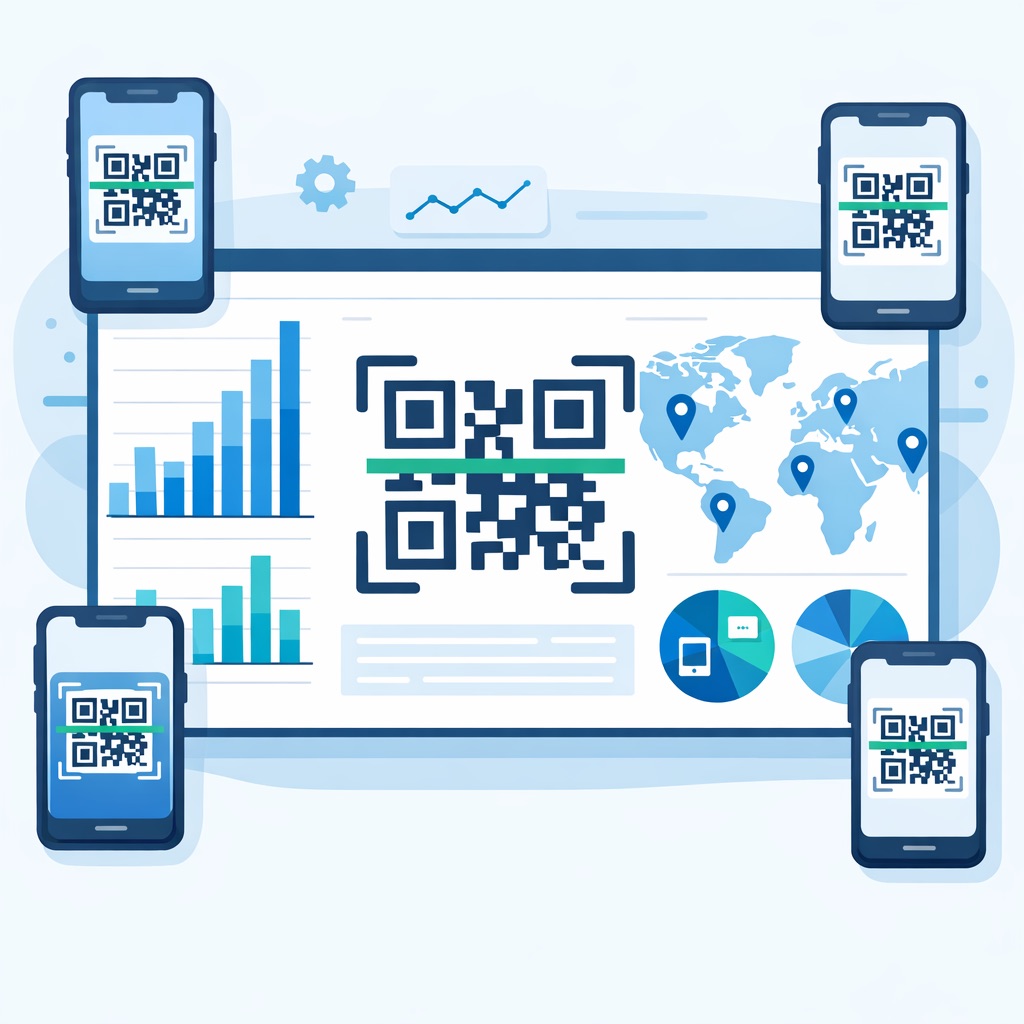
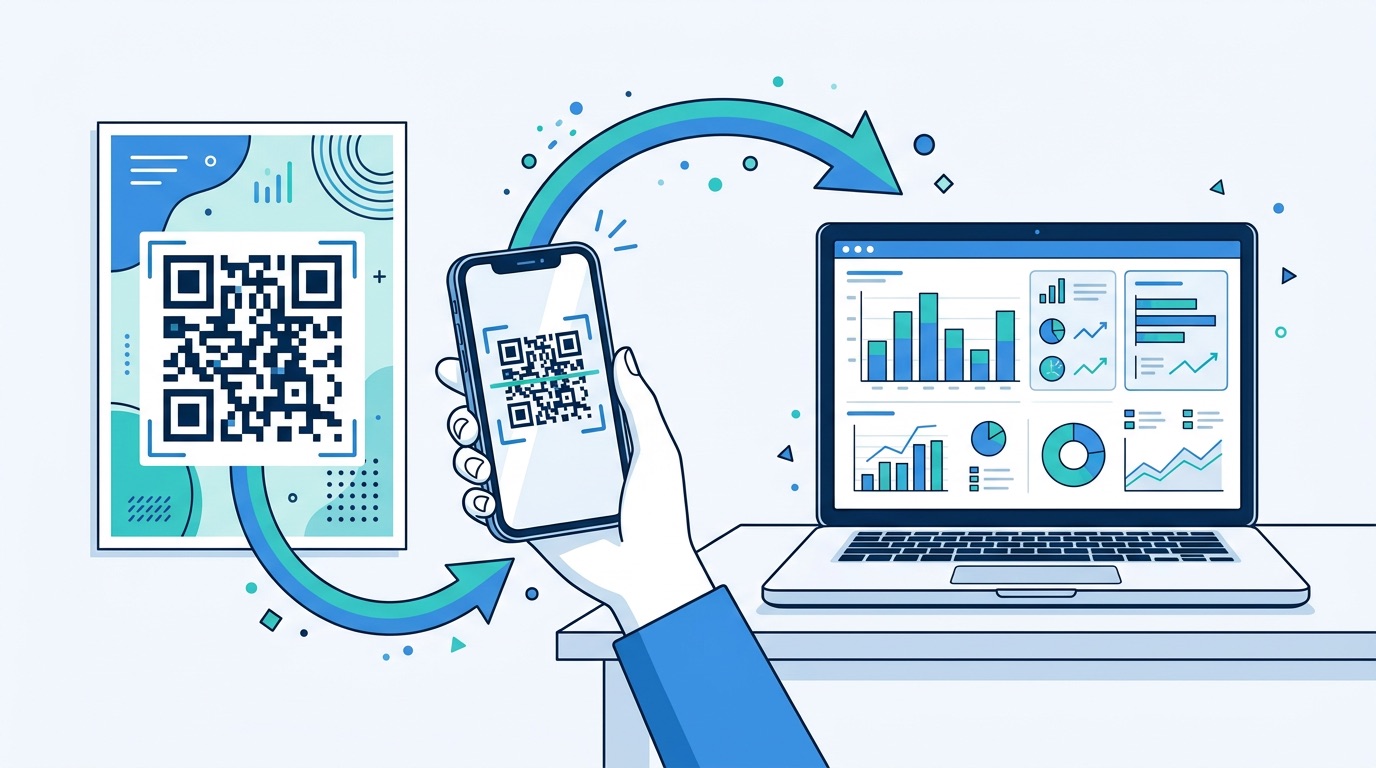
In today’s data-driven marketing landscape, QR code tracking is no longer optional — it is the difference between guessing and knowing. With 94% of marketers increasing QR code usage in the past 12 months and over 99.5 million Americans scanning QR codes monthly, businesses that measure their campaigns hold a decisive competitive advantage. Yet most marketers only scratch the surface of what QR code analytics can reveal. This guide covers everything: how tracking works technically, which metrics move the needle, how to integrate with GA4, how to calculate ROI, and how to keep your data collection fully GDPR-compliant.
QR code tracking is the process of capturing and analysing engagement data generated when users scan a QR code. When built on dynamic QR codes, every scan passes through a tracking server before reaching the final destination — a brief, invisible redirect that records who scanned, when, where, and on what device.
Without tracking, a QR code on a poster, package, or business card is a black box. You know you deployed it; you have no idea whether anyone engaged. With tracking, you can answer the questions that drive campaign optimisation:
According to QR Insights, businesses that actively measure QR code performance report 37% average click-through rates on QR-initiated customer journeys — dramatically outperforming the 2–5% CTR typical of display advertising. If you are running a QR code marketing strategy without a tracking layer, you are leaving measurable revenue on the table. For a broader view of QR code adoption numbers, see our QR code statistics report for 2026.
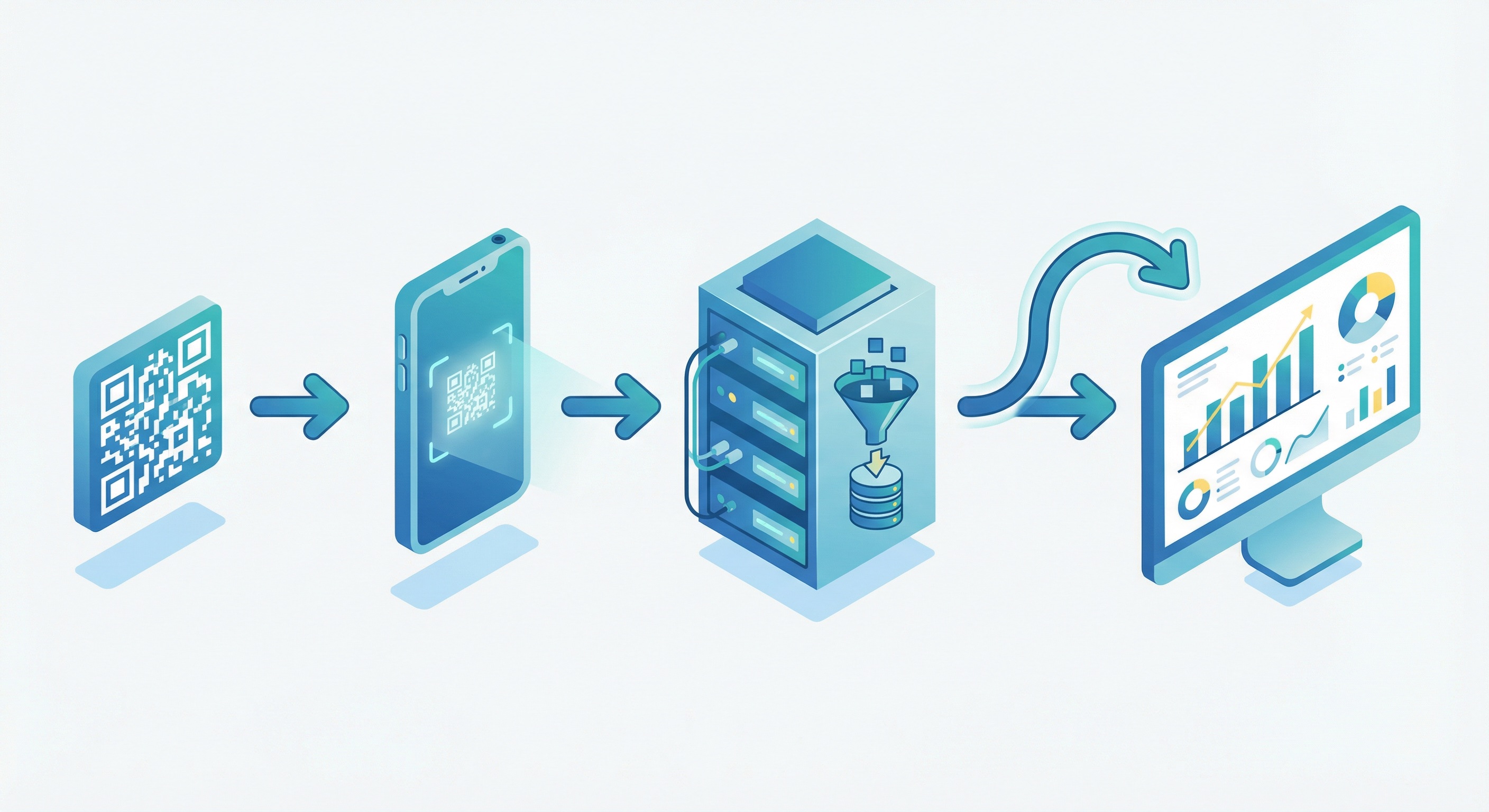
Understanding the mechanics of QR code tracking helps you appreciate both the richness of the data and its accuracy. Here is what happens in the milliseconds between a scan and the destination page loading.
This redirect architecture is what separates trackable dynamic QR codes from untrackable static ones. For a deeper explanation of how the QR code format itself works, see our complete guide to creating QR codes.
The distinction between static and dynamic QR codes is the most important factor in your ability to collect analytics — yet it is one of the most commonly misunderstood. Here is the core difference:
For any campaign that requires measurement — which is almost any business campaign — dynamic QR codes are the only choice. Our complete guide to static vs. dynamic QR codes covers every technical difference, but the tracking implication is straightforward: static codes are permanently blind, dynamic codes give you full visibility.
Dynamic codes also open the door to campaign optimisation. If a placement is underperforming, you change the destination URL without touching the printed material. If you want to run a time-limited promotion, you swap the link on a schedule. This flexibility, combined with scan-level analytics, is why dynamic QR codes show 60% higher engagement rates and are 3.5x more likely to drive campaign optimisation than static alternatives.
If you are running campaigns across multiple locations, materials, or teams, our bulk QR code generator lets you create thousands of individually trackable dynamic codes from a single CSV — each with its own analytics stream.
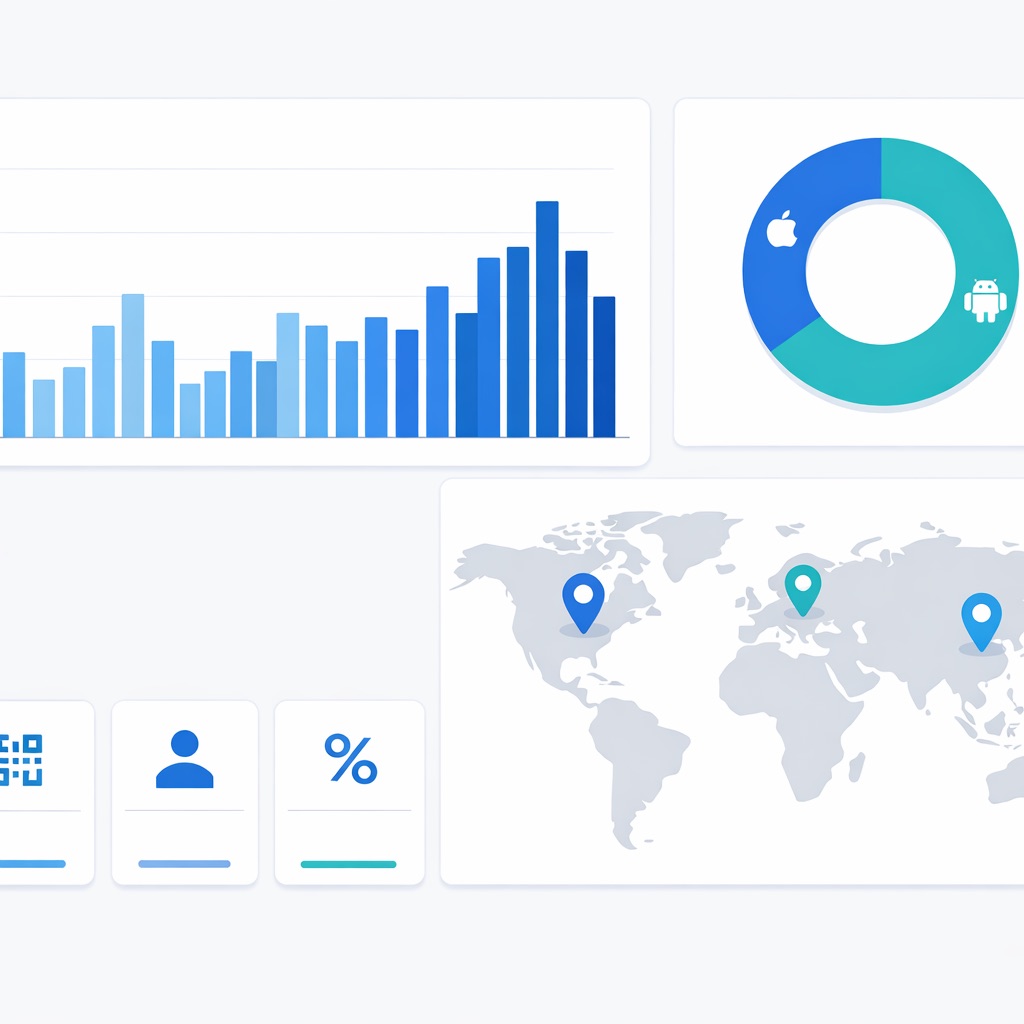
Your Supercode analytics dashboard surfaces a range of metrics. Understanding which ones matter — and what they tell you — is the foundation of any meaningful campaign analysis.
Total scans count every scan event, including repeat scans from the same device. Unique scans count individual devices that scanned at least once. The ratio between the two reveals engagement depth: a high total-to-unique ratio indicates strong repeat intent (common for menus and loyalty programmes), while a ratio close to 1:1 suggests broad reach with single-touch behaviour (typical for OOH advertising).
Supercode resolves the scanning device’s IP address to country and city level. This allows you to validate whether your campaign is reaching its intended markets, identify unexpected hotspots, and adjust ad spend or distribution accordingly. For global campaigns managed from a single platform, see our retail QR code guide for placement strategy across regions.
Knowing whether your audience scans primarily on iOS or Android directly informs post-scan experience design. If 80% of scans come from iOS, ensure your landing page loads and renders flawlessly on Safari before anywhere else.
Hourly and daily scan heatmaps reveal when your audience is most active. A restaurant might see peak scans at 12:00–13:00 and 18:00–20:00; an e-commerce brand might find evening browsing sessions from 20:00–22:00 drive the most conversions. These patterns inform campaign scheduling and push notification timing.
When you create separate QR codes for each placement — one for a poster, one for a product package, one for a trade show stand — Supercode attributes each scan to its specific code. This placement-level attribution lets you calculate cost-per-scan by channel and reallocate budget to your highest-performing placements.
For guidance on designing QR codes that actually get scanned, see our QR code design guide and our complete printing guide for physical deployment.
Visit Supercode’s product page and sign up for a free account. You get immediate access to dynamic QR code creation and the full analytics dashboard — no credit card required to start.
In the dashboard, select the QR code type that matches your campaign goal — URL, feedback, vCard, social media hub, or PDF. Ensure you select the dynamic option (not static) to enable tracking. Every dynamic code Supercode generates is trackable by default.
A well-designed QR code dramatically improves scan rates. Add your brand colours, embed your logo, and include a clear call-to-action like “Scan to see today’s menu” or “Scan to claim your discount.” A branded, contextual code consistently outperforms a plain black-and-white square. See our custom QR code design guide for proven best practices.
Download your code in the highest resolution format needed for your medium (SVG for print, PNG for digital). Always test-scan before deployment. Our printing guide covers minimum sizing, quiet zones, and DPI requirements for every material type.
As soon as your first scan occurs, data appears in your Supercode dashboard instantly. Filter by date range, compare codes side by side, drill into geographic maps, and export raw data to CSV for further analysis. Your analytics are live from scan one — no batch processing, no delay.
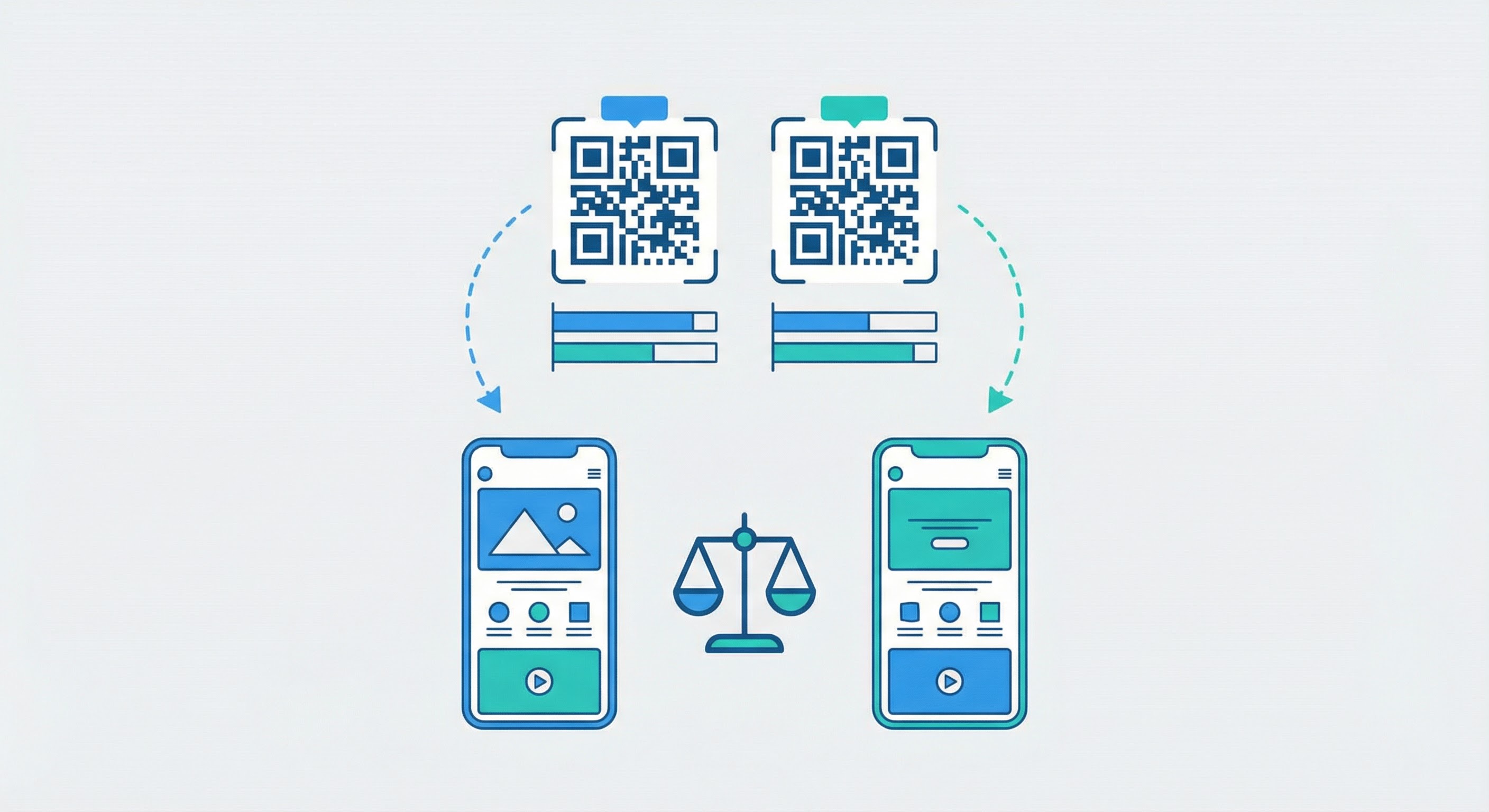
Once you understand your baseline scan metrics, the next step is experimentation. A/B testing with QR codes allows you to isolate variables, compare performance, and make evidence-backed optimisation decisions.
The methodology is simple. Create two dynamic QR codes with a single variable changed — the call-to-action text, the design colour scheme, the destination landing page, or the offer presented. Deploy both codes in comparable environments (same format, similar audience exposure), then compare scan rates and conversion rates in your Supercode dashboard after a statistically meaningful period.
A/B testing is also the rigorous way to prove which QR code marketing campaign approaches justify budget. Rather than relying on intuition, you build a portfolio of tested learnings that compound over time.
For event QR codes, A/B testing is particularly valuable: compare check-in flow variants, session resource landing pages, or sponsor offer presentations, then carry the winning format into your next event.
Scan data tells you engagement happened. Conversion data tells you whether it drove revenue. Connecting these two layers is what transforms QR analytics from interesting to commercially indispensable.
Supercode supports conversion tracking via a small tracking pixel placed on your confirmation or “thank you” page. When a user who arrived via a QR scan completes a target action — submitting a form, completing a purchase, downloading a file — the pixel fires and attributes that conversion back to the specific QR code that initiated the session.
This attribution closes the loop from physical touchpoint to measurable outcome. For example:
This direct attribution model is increasingly valuable as third-party cookies continue to be deprecated. QR codes collect first-party data by design — the scan itself is an intentional, consent-implied engagement — making them one of the most privacy-resilient tracking channels available. For more on driving measurable outcomes, read our guide on using QR codes to increase sales.
Supercode’s built-in analytics dashboard covers QR-specific data: scans, devices, geolocation, and time patterns. To extend that into full post-scan behavioural analytics — page depth, session duration, goal completions, funnel drop-off — you can integrate with Google Analytics 4 (GA4) via UTM parameters.
A UTM parameter is a query string appended to your destination URL that tells GA4 exactly where traffic came from. For QR codes, the recommended parameter structure is:
product_packaging, store_poster, trade_show_booth)qr_code across all QR campaigns so you can filter all QR traffic in a single GA4 segmentspring_launch_2026, loyalty_programme_q1)Build your tagged URLs using Google’s Campaign URL Builder, then use Supercode to generate a dynamic QR code pointing to that tagged URL. Every scan brings GA4 a fully labelled session.
To unlock the full power of UTM data in GA4, register your UTM parameters as Custom Dimensions under GA4 Admin → Property → Custom Definitions. Set the scope to “Event” for each dimension. This makes them available in Explorations, Looker Studio dashboards, and Audience Builder segments.
Before launch, use GA4’s DebugView to validate that parameters are flowing correctly. Scan your test code and confirm that utm_source, utm_medium, and utm_campaign appear in the page_view event within seconds.
Using UTM tagging alongside Supercode analytics gives you two complementary data layers: Supercode tells you about the scan event (device, location, time), while GA4 tells you about post-scan behaviour (pages visited, time on site, conversions). Together, they provide a complete picture of the QR-driven customer journey. For guidance on how QR codes generate leads in this funnel, see our lead generation guide.
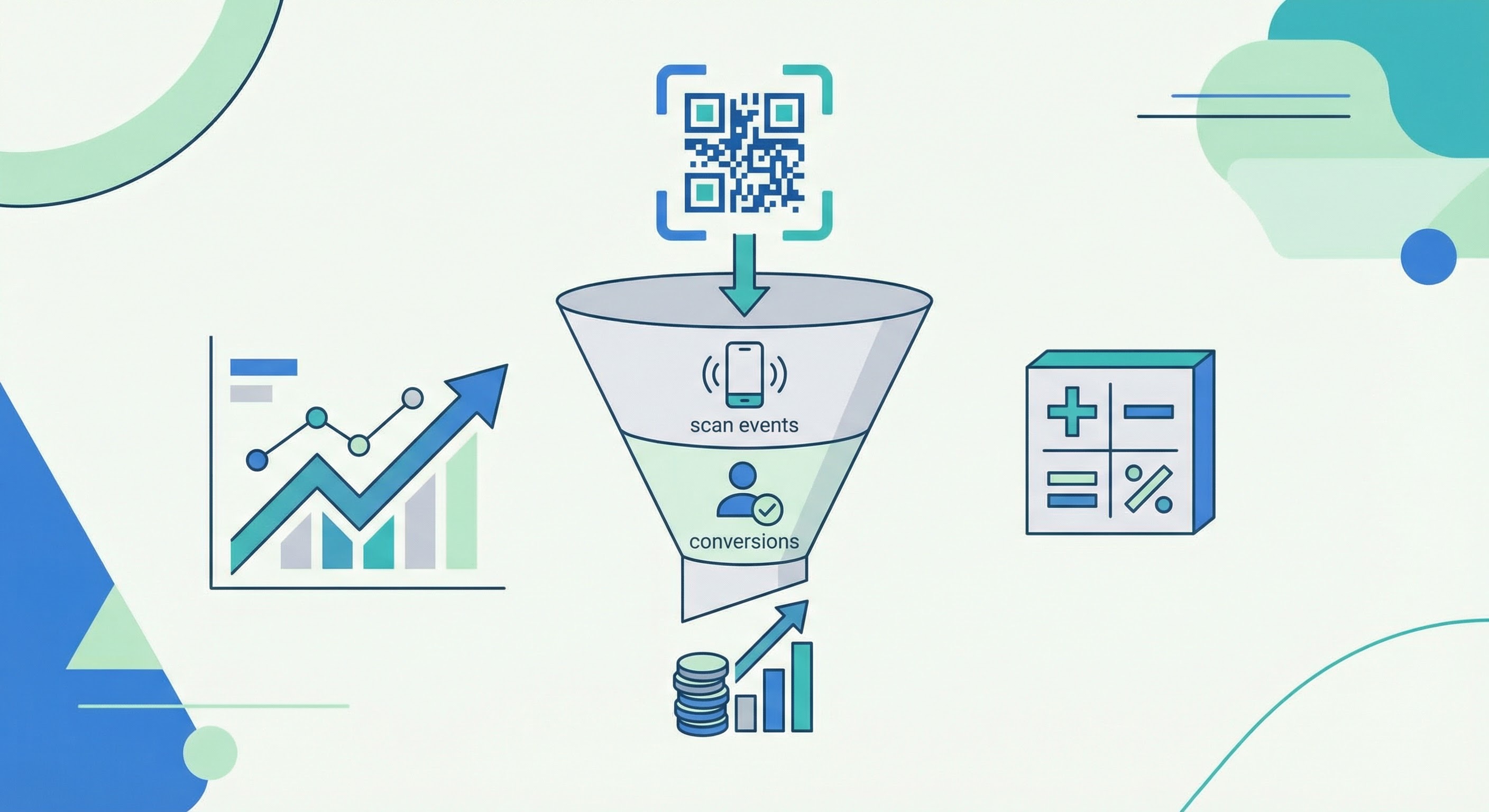
Analytics only have business value when they connect to financial outcomes. Here is a systematic framework for calculating QR code campaign ROI using your Supercode data.
Tally every cost associated with the campaign: your Supercode subscription (see current pricing — every feature on every plan), design fees, printing and distribution costs, and any paid media spend amplifying the campaign.
Using Supercode conversion tracking or GA4’s QR traffic segment, count the total number of high-value actions completed by users who arrived via your QR codes. Define conversions in advance: product purchases, form submissions, app installs, or newsletter sign-ups.
For e-commerce campaigns, use average order value. For lead generation, use your average lead value (calculated as: average customer lifetime value × lead-to-customer conversion rate). For brand awareness campaigns, use a proxy metric like cost-per-thousand-impressions benchmarked against your digital ad spend.
ROI = [(Total Conversion Value − Total Campaign Cost) ÷ Total Campaign Cost] × 100
According to QR Insights, businesses that actively measure and optimise QR campaigns report an average of 58% revenue growth attributable to QR code integration. A restaurant chain in one published case study achieved 43% higher average order value after implementing dynamic QR menus with conversion tracking; a real estate team reported 312% ROI increase from QR-driven lead capture on property listings.
These results are not anomalies — they reflect the compound effect of data-driven iteration. Each campaign cycle improves on the last because the analytics tell you exactly what to change.
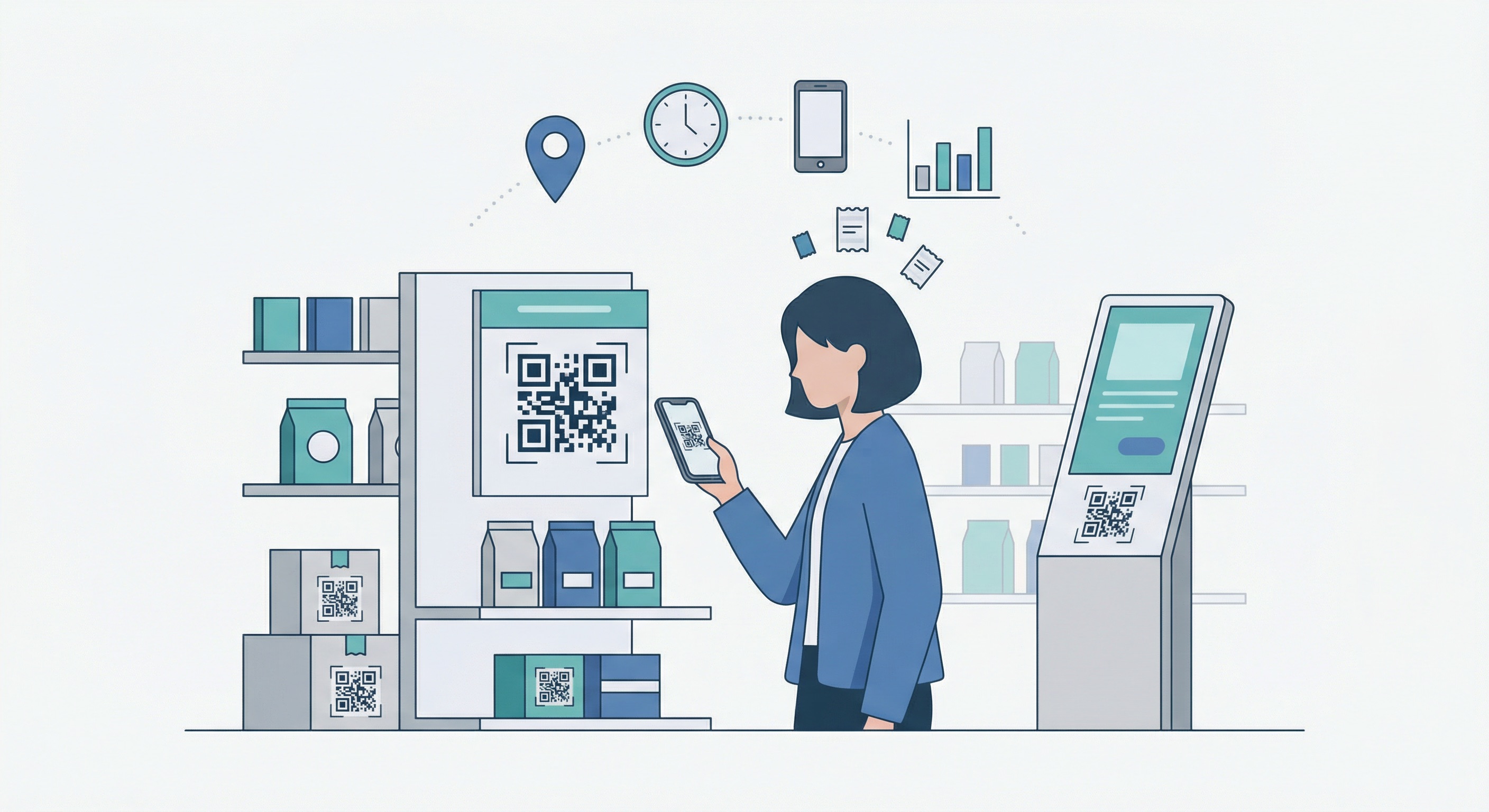
The metrics you prioritise and the conversion events you measure differ by industry. Here is how effective QR tracking looks across the verticals where scan rates are highest.
Approximately 75% of restaurants worldwide now use QR codes for digital menus. For restaurant QR code deployments, the key metrics are table-level scan rates, order initiation rate post-scan, and time-of-day distribution (dinner service typically accounts for 45% of daily scans). Dynamic QR menus with tracking have been shown to correlate with a 20% increase in average spending in major markets when paired with targeted upsell offers. See our full guide to QR codes for restaurants for implementation strategy.
In-store displays deliver a 5–10% scan rate — significantly higher than print advertising (1–3%). Retail QR code deployments typically track scan-to-purchase attribution via conversion pixels, connecting physical shelf engagement to online or in-store checkout completions. Product packaging codes reveal which SKUs generate the most digital engagement, informing merchandising and reorder decisions.
Event materials achieve the highest industry scan rates: 10–20% of distributed materials result in a scan — far above any other physical channel. Event QR code analytics track attendee check-in flow, session resource downloads, and sponsor offer redemption rates. Each metric feeds directly into post-event ROI reporting for organisers and exhibitors alike.
In regulated environments, QR tracking focuses on anonymous aggregate data rather than individual identification — tracking resource access patterns (which patient information leaflets are scanned most frequently) and time-of-day distribution without storing any personally identifiable data. This approach is fully GDPR-compliant by design.
As data privacy regulation tightens globally, it is essential to understand what QR code tracking does — and does not — collect, and how to keep your campaigns compliant.
QR code analytics collected by Supercode are pseudonymous by design. The data captured at scan time — IP address, user-agent string, and timestamp — does not directly identify an individual. IP addresses are used to derive geographic location (country and city level) and are not stored in raw form in user-accessible reports.
Key compliance practices:
For a complete overview of QR code safety considerations — including how to protect your campaigns from quishing (QR phishing) attacks — see our QR code security guide. For GDPR reference, the official GDPR guidance on privacy notices outlines the disclosure requirements relevant to analytics data collection.
Everything described in this guide is accessible through Supercode’s analytics dashboard, built specifically for QR code performance measurement. Key features include:
Explore all features on the Supercode product page, or view our pricing page — every feature on every plan.
Dynamic QR code tracking captures: total scan count, unique device count, geographic location (country and city derived from IP address), device type and operating system (derived from user-agent string), and timestamp of each scan. This data is pseudonymous — it does not directly identify individual users.
No. Standard QR code analytics identify the device via its IP address but do not link scans to named individuals. This is an intentional design for privacy compliance. If you need identified user tracking (for example, a loyalty programme), you would pair QR scanning with a post-scan login or form submission step that the user explicitly opts into.
Total scans count every scan event, including repeat scans from the same device. Unique scans count the number of distinct devices that scanned at least once. A high total-to-unique ratio indicates strong repeat engagement; a ratio close to 1:1 suggests broad single-touch reach.
Append UTM parameters (utm_source, utm_medium=qr_code, utm_campaign) to your destination URL, then generate a Supercode dynamic QR code pointing to that tagged URL. GA4 automatically captures UTM data in Traffic Acquisition reports. Register UTM parameters as Custom Dimensions in GA4 Admin for use in Explorations and Looker Studio dashboards.
Yes, when implemented correctly. Supercode collects only pseudonymous data (IP-derived location and user-agent string) with no personal profiles built from scan records. For business customers, Supercode provides Data Processing Agreements (DPAs) to support GDPR documentation requirements. Best practice is to include a brief transparency note near high-visibility codes.
Use this formula: ROI = [(Total Conversion Value − Total Campaign Cost) ÷ Total Campaign Cost] × 100. Track conversions via Supercode’s conversion pixel or GA4’s QR traffic segment. Assign a monetary value to each conversion using average order value or a lead value estimate. Businesses that implement conversion tracking and iterate based on data report an average of 58% revenue growth from QR code integration.
Only if you manually add UTM parameters to the destination URL and rely on GA4 for post-scan web behaviour. However, this method captures nothing about the scan event itself — no device breakdown, no geographic map, no scan count separate from page views. A dedicated platform like Supercode provides the scan-level layer that GA4 alone cannot.
Ready to start measuring every scan your campaigns generate? Sign up for Supercode free and get instant access to real-time QR code analytics, conversion tracking, and your first dynamic code — no credit card required.