


Create smarter QR code campaigns.
Start using Supercode today.
Sign up for free


Create a vCard QR code generator in minutes with Supercode. Share your full contact details instantly — no app needed. Dynamic, trackable, and fully customizable for professionals.



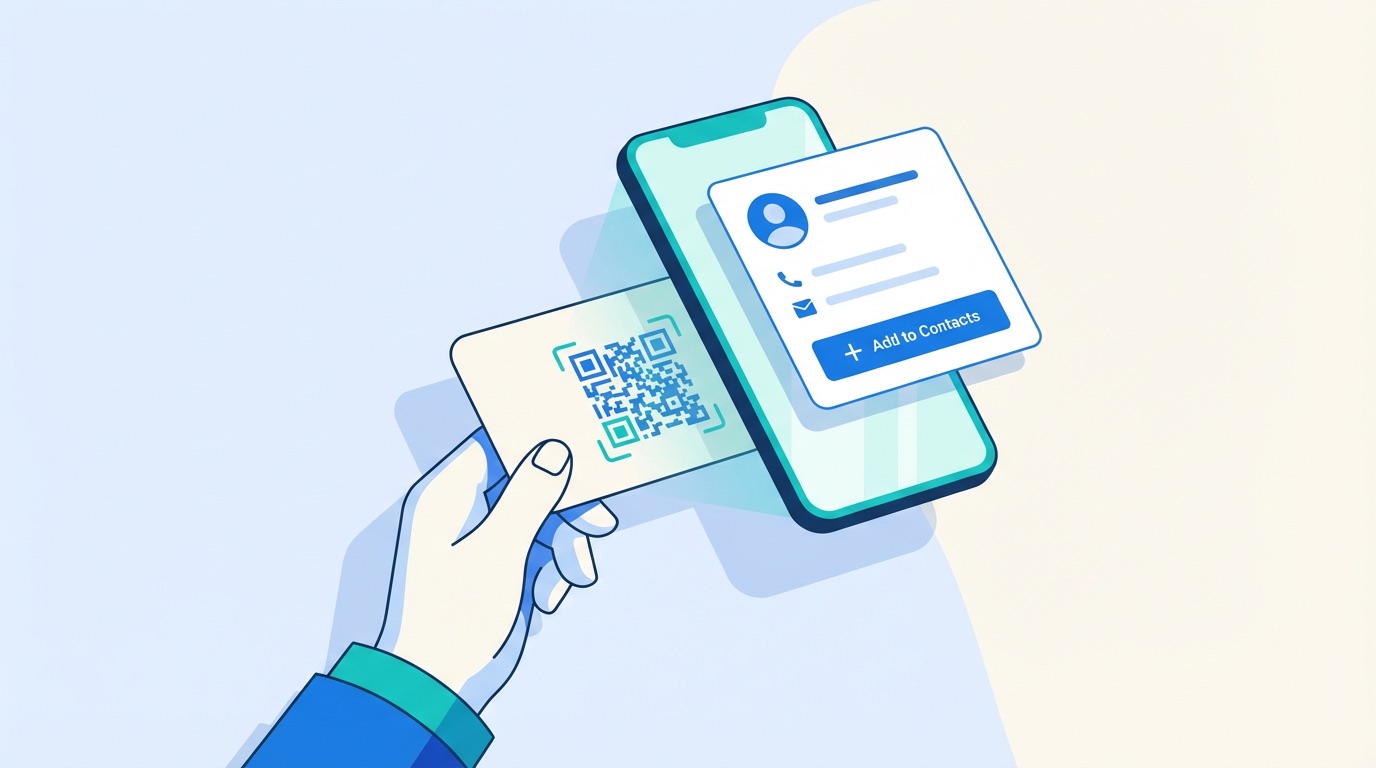
First impressions are permanent. 72% of prospects form an impression of an organization based on its business card — yet 40% of manually entered contact details contain at least one error. In 2026, the digital business card market is valued at $238.75 million and growing at 12.2% annually, with 37% of businesses already using digital cards. The vCard QR code is at the heart of this shift.
A vCard QR code is a scannable code that, when read by any smartphone camera, instantly saves a complete contact record to the scanner's address book — no app download required. The vCard format (an open standard supported by every major mobile OS) can encode over 4,300 characters: name, job title, company, multiple phone numbers, email addresses, website URLs, physical address, and social media profiles. That's dramatically more than the 100–150 characters a traditional printed card can convey.
For business service professionals — consultants, agents, advisors, and executives — a vCard QR code replaces stacks of paper cards with a single, always-accurate digital handshake. Pair one with a QR code business card and you create a networking tool that stands out, stays current, and never runs out.
Key benefits of using a vCard QR code in 2026:
With a 34% scan rate — nearly three times higher than typical advertising QR codes — vCard codes are among the highest-performing formats in the QR code family.


vCard QR codes are versatile enough to serve every industry that relies on relationship-driven business. Professional adoption of digital business cards grew 30% year-over-year in 2026, with B2B sectors leading the charge. Here is how specific verticals are putting vCard QR codes to work today:
Real Estate Agents — Realtors print vCard QR codes on yard signs, brochures, and property flyers. Buyers scan the code during a showing to save the agent's details instantly, capturing leads at the moment of highest intent without requiring a separate CRM integration.
Healthcare Professionals — Doctors, dentists, and specialists use vCard QR codes in healthcare settings to share contact and appointment booking details with patients, replacing easily-lost paper cards and reducing reception admin work.
Trade Show Exhibitors — At trade shows and exhibitions, vCard QR codes on booth displays and lanyards enable hundreds of attendees to save contact details in seconds. Combined with dynamic codes, exhibitors track exactly how many leads engaged at each event.
Event Speakers and Organizers — Conference speakers embed vCard QR codes in their presentation slides and event materials, ensuring every attendee can connect with them after the talk. Event management teams also use vCard codes on name badges for seamless attendee-to-attendee networking.
Creative Freelancers and Consultants — Designers, marketers, and consultants combine a vCard QR code with a Social Media QR code on their materials, giving prospects both direct contact details and a quick path to their portfolio or LinkedIn profile in one scan.
Creating a vCard QR code with Supercode takes four steps:

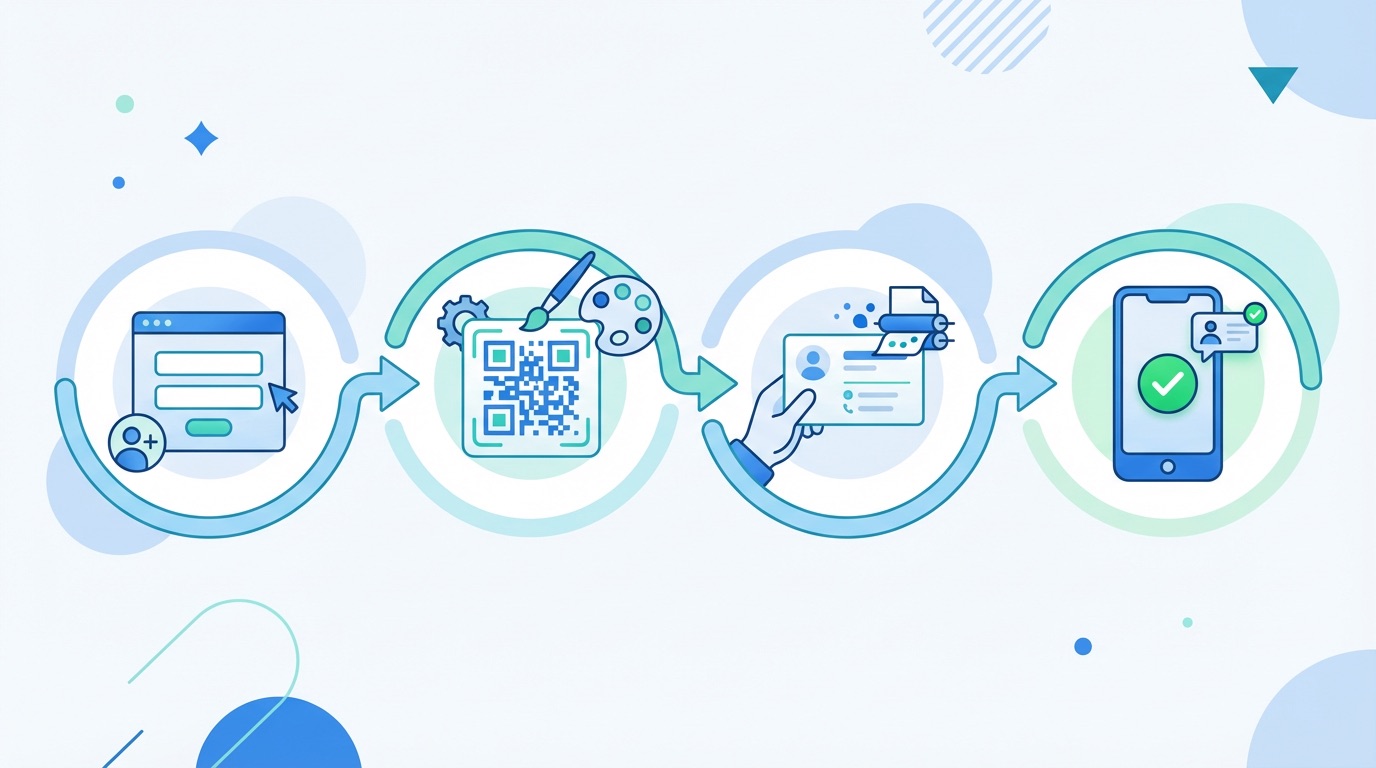
Getting maximum value from your vCard QR code means applying a few proven practices from the start:
Frequently Asked Questions
What is a vCard QR code?
A vCard QR code is a QR code that encodes a full contact record in the open vCard format. When scanned, a smartphone automatically presents all your details — name, phone, email, company, website, and more — and prompts the user to save them directly to their address book. No app is needed; the native camera handles it on all modern iOS and Android devices.
Can I update a vCard QR code after printing?
With a dynamic vCard QR code, yes. Dynamic codes store a short redirect link, so you can edit your contact details in your Supercode dashboard at any time and the printed code will always reflect the latest information. Static vCard QR codes permanently encode your details and cannot be changed after creation — a key reason most professionals choose dynamic codes.
What information can a vCard QR code contain?
A vCard QR code can store your name, job title, company, multiple phone numbers (mobile, office, fax), multiple email addresses, website URL, physical address, birthday, social media profiles, and even a profile photo URL. The vCard 3.0 format supports over 4,300 characters — far more than a traditional paper business card.
How is a vCard QR code different from a URL QR code for a digital business card?
A vCard QR code encodes structured contact data directly, so the phone's native contacts app can parse and save it immediately. A URL QR code points to a webpage — such as a digital business card landing page — which requires a browser and internet connection. vCard codes work offline and offer a more frictionless save experience; URL codes offer richer visual presentation and analytics.
How do vCard QR codes help with lead generation?
Dynamic vCard QR codes track every scan with timestamp, device type, and location data. This integrates naturally with QR code lead generation strategies — for example, identifying which trade show or event generated the most contact saves, then following up with those leads efficiently. Read our complete guide to QR code business cards for advanced professional networking strategies.