


Create smarter QR code campaigns.
Start using Supercode today.
Sign up for free


Create a social media QR code that links all your profiles — Instagram, TikTok, LinkedIn, YouTube and more — in one scan. Free to start with Supercode.
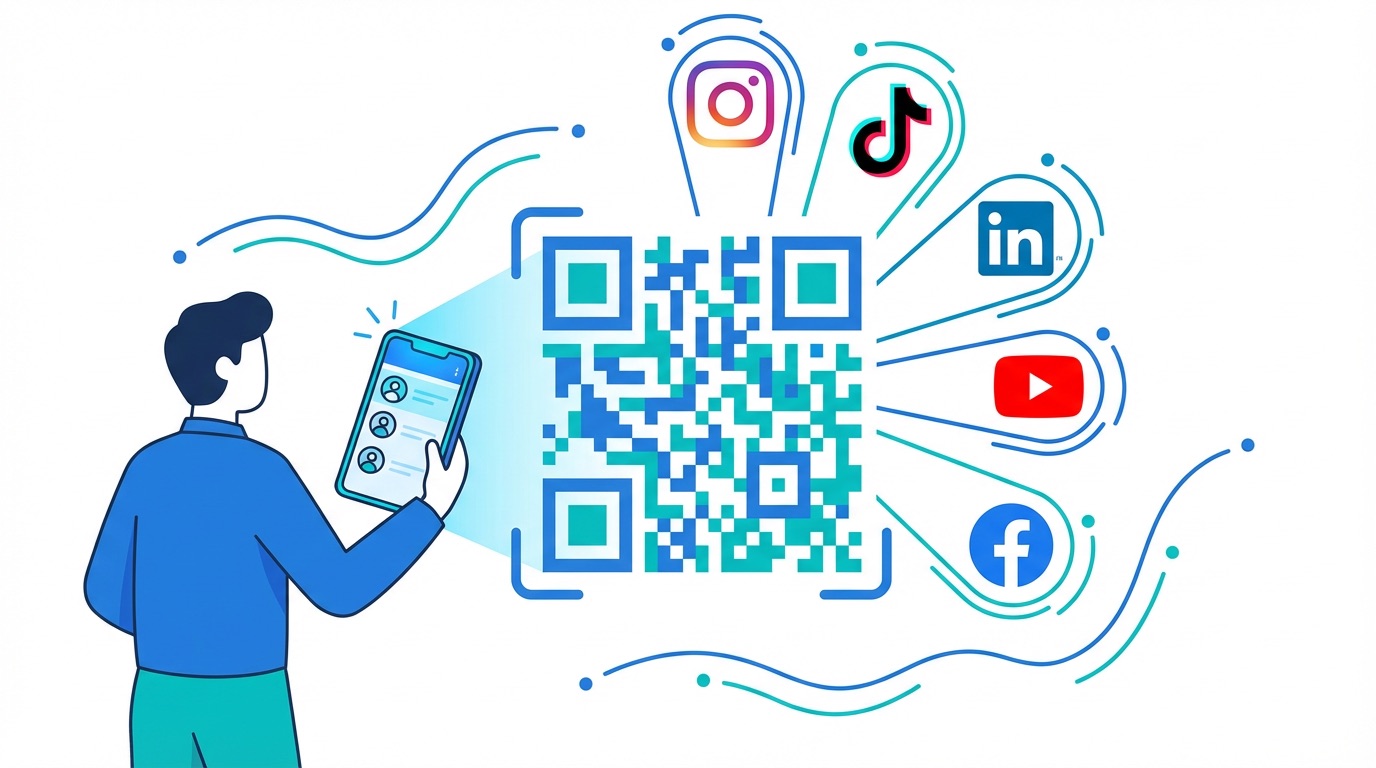


With 5.17 billion people active on social media globally as of 2025 — and social commerce projected to reach nearly $1 trillion in 2026 — every touchpoint between your brand and its audience counts. A social media QR code turns any physical surface into a direct gateway to all your profiles, letting people follow you on Instagram, TikTok, LinkedIn, YouTube, Facebook, and more with a single scan.
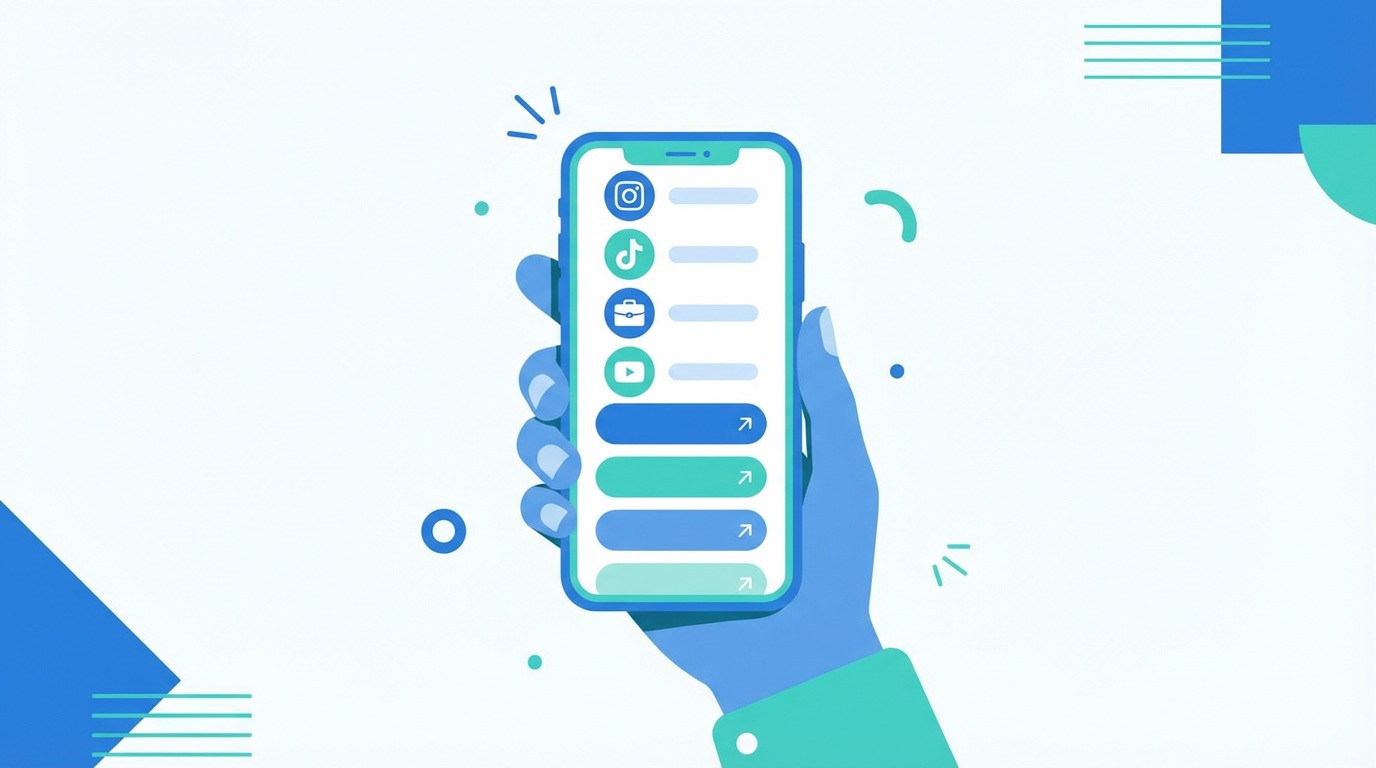
Unlike a standard URL QR code that directs to one destination, a social media QR code opens a branded mobile landing page displaying all your active profiles. Customers tap the platform they use, follow you instantly, and your audience grows across every channel at once. Brands that integrated QR codes into physical touchpoints have seen a 35% increase in social media follower growth within six months — with some businesses reporting a 50% follower spike in as little as three months.
With Supercode's social media QR code generator, you can create, customise, and manage your code in minutes. Key benefits include:
Whether you're a solo creator, a retail brand, or an enterprise marketing team, social media QR codes make every physical touchpoint a follower acquisition channel. Discover the full range of social media QR code marketing strategies to maximise your 2026 campaigns.

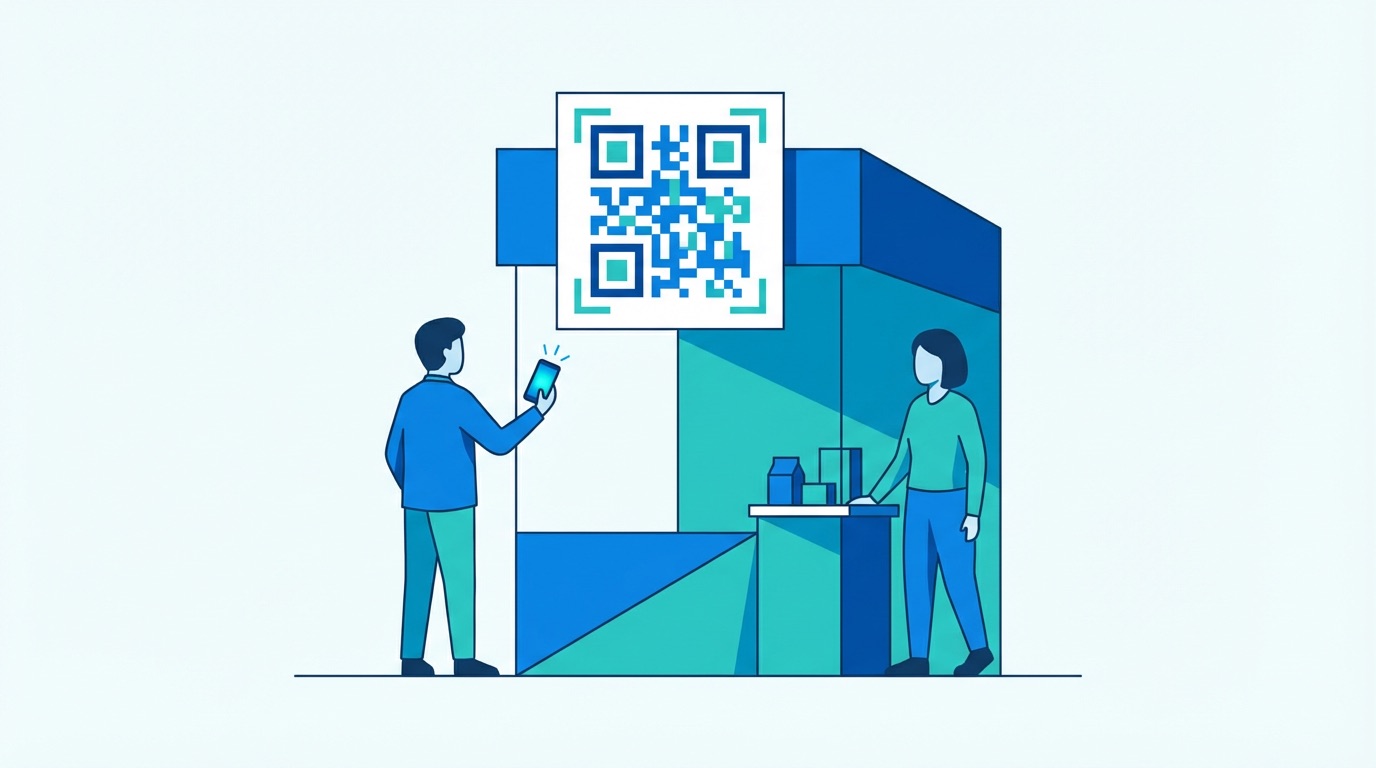
Social media QR codes fit naturally into virtually every industry vertical. Here's how leading businesses and creators are deploying them in 2026:
Musicians and Artists
From tour posters to album packaging, musicians and artists use social media QR codes to convert in-person fans into online followers — directing audiences to Spotify, YouTube, Instagram, and TikTok simultaneously. One code on a merchandise tag or event flyer replaces a paragraph of profile handles.
Fashion and Retail Brands
Fashion brands embed social media QR codes on clothing tags, lookbooks, and window displays to grow Instagram and Pinterest audiences directly from product interactions. Retailers use in-store QR displays to turn foot traffic into social followers — especially effective for driving TikTok and YouTube subscriber growth from physical locations.
Events and Trade Shows
At conferences, exhibitions, and pop-up events, social media QR codes on badges, booths, and collateral replace the friction of verbally sharing handles. Attendees scan once and follow across every platform. Paired with a vCard QR code for contact details, the combination makes a powerful networking toolkit.
Hospitality
Hotels, restaurants, and tour operators place social media QR codes on menus, key cards, and welcome packs to grow their Instagram and TripAdvisor followings — capturing guests at their most engaged moment, immediately after a positive experience.
Getting Started with Supercode
Creating your social media QR code takes under two minutes:
Need to deploy across multiple locations or campaigns at scale? Bulk QR code generation lets you create and customise hundreds of codes from a single CSV upload. Explore creative QR code campaign strategies to make the most of every placement, or read our complete QR code marketing guide for a full strategy framework.

Getting a social media QR code live is simple — but these best practices ensure you maximise follower growth and campaign performance in 2026:
Frequently Asked Questions
What is a social media QR code?
A social media QR code is a dynamic QR code that, when scanned, opens a branded mobile landing page listing all your social media profiles. Visitors tap the platforms they use and follow you directly — from Instagram and TikTok to LinkedIn and YouTube — in a single interaction.
Which social media platforms can I link to?
Supercode's social media QR codes support all major platforms including Instagram, TikTok, YouTube, Facebook, LinkedIn, Pinterest, X (Twitter), Spotify, Snapchat, and more. You can include as many or as few platforms as you need.
Can I update the linked profiles after printing?
Yes. Because Supercode creates dynamic social media QR codes, you can add, remove, or update any linked profile at any time from your dashboard — without generating a new code or reprinting your materials. The same printed QR code always reflects your latest profile setup.
How do I track performance?
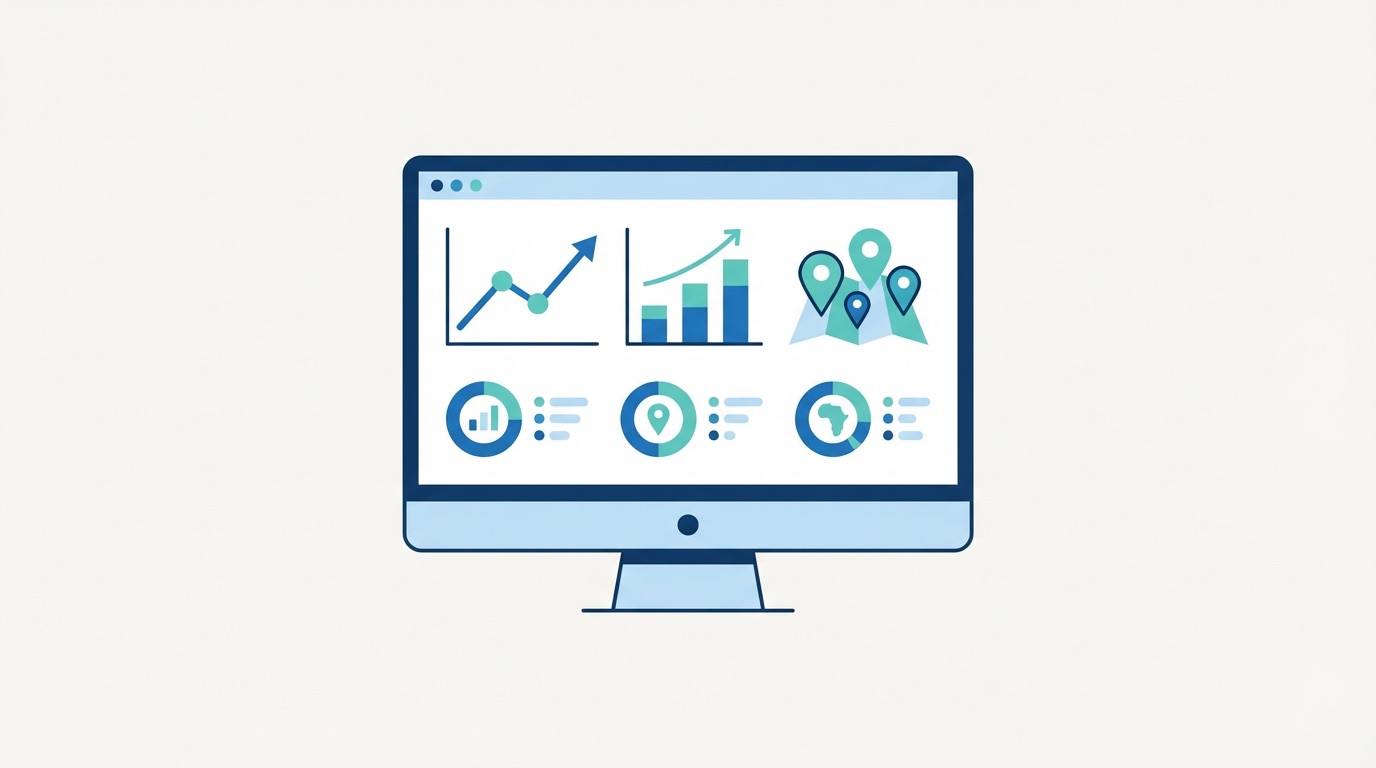
Every Supercode dynamic QR code includes built-in analytics. Your dashboard shows total scans, unique scans, scan time, device type, and geographic location — giving you the data to optimise placement, timing, and campaign design. See our QR code analytics guide for a full walkthrough.
How do I design a social media QR code for my brand?
In the Supercode generator, you can customise QR code colours, add your logo, choose dot and corner styles, and add a frame with a CTA message. For detailed guidance, read our QR code design guide. Aim for at least a 4.5:1 contrast ratio and keep the logo within 30% of the total code area to maintain scannability.