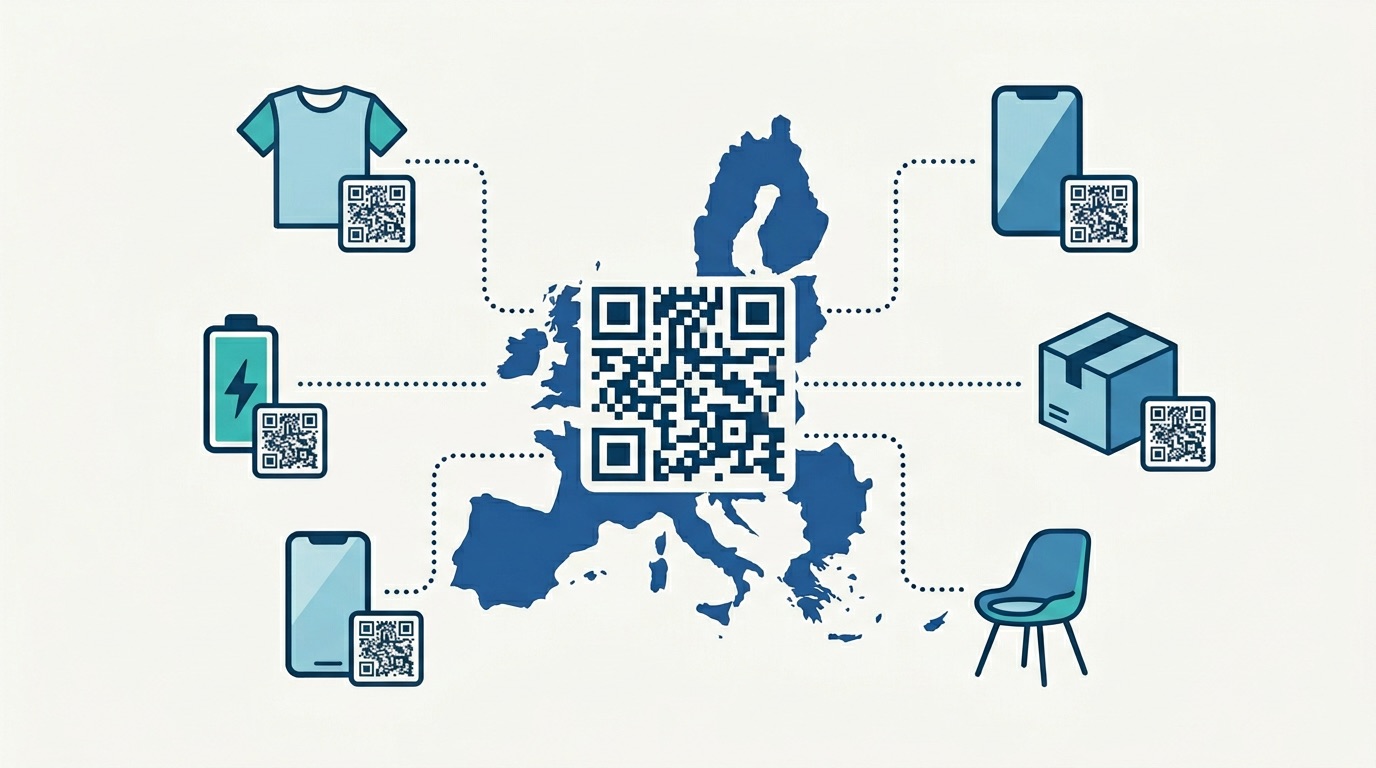
Creating a single QR code takes minutes. But what happens when your business needs 500? Or 5,000? Manually generating each one isn't just tedious — it's a bottleneck that limits how fast your campaigns can scale. That's where a bulk QR code generator becomes one of the most powerful tools in a marketer's arsenal.
The numbers reflect the urgency: the global QR code market reached $13.04 billion in 2025, growing at a 17% CAGR — and 57% of companies are actively increasing their investment in QR code technology. As businesses deploy QR codes at scale — across product packaging, event tickets, loyalty programs, and asset tags — bulk generation has shifted from a convenience to a core operational capability.
In this guide, we break down exactly what bulk QR code generation is, how it works technically, which industries rely on it most, and how to use Supercode's Bulk QR Code Generator to create, design, and track hundreds of unique codes in minutes.
Bulk QR code generation is the process of creating large numbers of unique QR codes simultaneously — rather than one at a time — using a single file upload or API call. Each generated code can encode different data (different URLs, names, or content), while sharing a consistent design and being managed under one campaign or folder.
The key distinction from standard single-code generation is uniqueness at scale. Bulk generation doesn't just duplicate one QR code hundreds of times — it creates hundreds of genuinely distinct codes, each pointing to its own destination or carrying its own data. This is what makes bulk QR codes suitable for asset tracking, event ticketing, personalized vouchers, and any application where each physical item or recipient needs its own code.
Supercode's bulk QR code feature supports three code types: static, dynamic, and single-use. You can generate codes in batch sizes ranging from a handful to thousands, download them all at once in high-resolution format, and have every code automatically registered in your analytics dashboard from the moment of creation.
Understanding the underlying mechanism helps you prepare your data correctly and get the best results. There are two primary methods: CSV file upload and API integration.
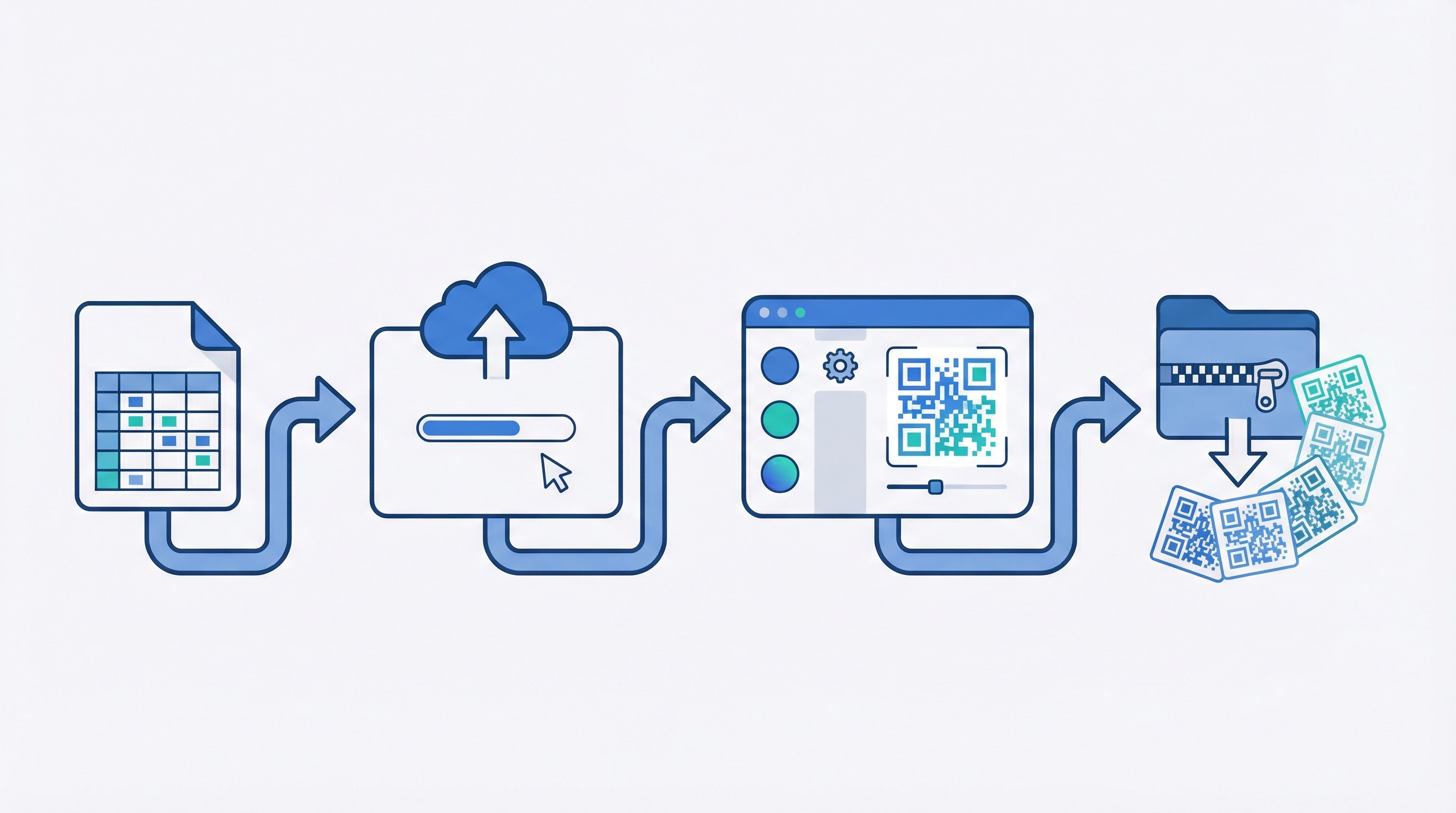
The CSV method is the fastest, most accessible approach — no coding required. The process follows four steps:
For teams building bulk QR code generation into automated workflows — think product labelling pipelines, CRM-triggered campaigns, or event registration systems — the Supercode API provides a programmatic route. A single POST request containing an array of QR code objects (each with its unique URL and name) returns a batch of generated codes with tracking IDs. This approach is ideal for developers who need to trigger bulk generation from their own applications without manual CSV preparation.
Both methods produce the same output: high-resolution, individually tracked QR codes, each registered to your analytics dashboard.
Not all bulk QR codes serve the same purpose. Choosing the right type before generating your batch is critical — it determines whether you can edit the destination, whether scans are tracked, and whether each code expires after use.
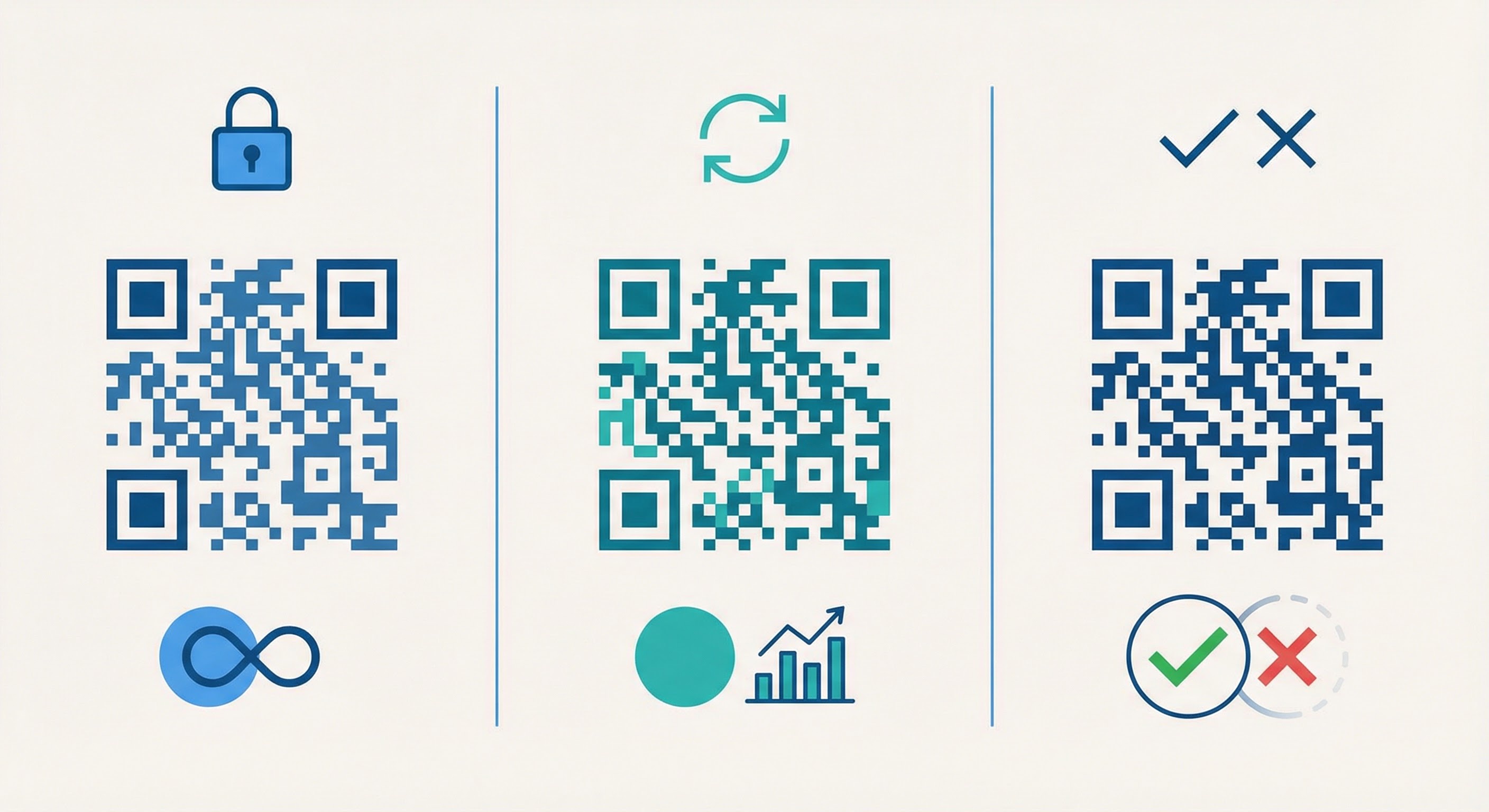
Static codes encode the destination data directly into the QR pattern. Once printed, the destination cannot be changed. They're best for permanent, high-volume applications where the content will never need updating — such as product labels with fixed URLs or informational signage. Static codes cannot be tracked for individual scan data.
Dynamic codes use a short redirect URL embedded in the code pattern, which routes scanners to your destination. This means you can update the destination after printing — without reprinting the code. Each dynamic code also captures full scan analytics: when it was scanned, from what location, on what device. For campaigns where you want to measure performance, optimise destinations over time, or run A/B tests, dynamic codes are the professional choice. Learn more in our dynamic vs. static QR code guide.
Single-use codes are dynamic codes configured to expire after a single scan. Once scanned, the code is deactivated — it cannot be scanned again. This makes them ideal for vouchers, discount coupons, event tickets, and secure authentication scenarios where each code should only ever be redeemed once. Marketing teams in retail, hospitality, and food production rely on single-use bulk codes to run loyalty programmes and limited-time offers at scale.
Bulk QR code generation unlocks a category of business applications that would be operationally impossible with single-code generation. Here are the most impactful use cases across industries.
One of the most operationally valuable applications is physical asset tagging. Manufacturers, logistics companies, and warehouse operators generate unique QR codes for each item or pallet in their inventory. Scanning a code instantly pulls up that asset's data — location, maintenance history, batch number, or expiry date. Bulk generation allows an entire product run to be tagged in a single batch operation, ensuring every unit has its own unique, scannable identifier from day one. Explore how this works across product packaging and branded merchandise.
Events of any scale benefit from unique QR codes per attendee. Each ticket carries its own code, which is scanned at entry for instant check-in and automatic attendance tracking. Single-use mode prevents ticket duplication fraud. Whether you're managing a 200-person conference or a 10,000-person festival, bulk generation means every ticket is production-ready in under a minute. Supercode integrates with event management workflows to support the full attendee lifecycle.
Retailers and hospitality businesses generate bulk single-use QR codes for promotional campaigns — each voucher has a unique code that expires on redemption, preventing abuse and giving marketers a precise count of redemptions. This model extends to loyalty stamp cards, referral programmes, and personalised discount codes tied to individual customer accounts.
Luxury brands, pharmaceutical companies, and premium goods manufacturers use unique bulk QR codes to establish product authenticity. Each item carries a code that a consumer can scan to verify the product is genuine — not a counterfeit. Because the code is unique and registered to a specific unit, any attempt to scan a duplicated code raises an immediate flag. Explore how the luxury goods sector deploys QR codes for authentication.
Universities, schools, and corporate HR departments use bulk QR codes for student and employee ID management — course registrations, attendance tracking, access control, and exam authentication. Each person's unique code encodes their ID data, streamlining processes that previously required dedicated card scanners or manual registers. See how educational institutions deploy QR codes at scale.
Direct mail campaigns benefit significantly from unique QR codes per recipient — each mailer carries a personalised code that routes to a customised landing page. Marketers can track which recipients engaged, what they did on the landing page, and how campaign performance varies by region or demographic. This transforms print from a broadcast medium into a measurable, trackable channel. See our guide to QR codes on flyers and brochures for implementation guidance.
Bulk QR code generation has found deep utility across a wide range of industries. While the use cases above cut across sectors, some verticals have built bulk generation into their core operations.

Retail: From shelf-edge labels and product tags to loyalty card programmes and in-store promotional displays, retail businesses use bulk codes to connect physical products with digital experiences at scale. A retailer launching a new product range might generate 2,000 unique codes for 2,000 individual units — each one trackable — in a single batch.
Events and Exhibitions: Conference organisers, trade show coordinators, and festival producers rely on bulk ticketing codes. The trade show industry uses unique codes per exhibitor booth, per giveaway item, and per registered attendee — all generated and distributed before event day.
Luxury and Premium Goods: Product authentication via unique QR codes is now standard practice among premium brands. Each item in a luxury goods collection carries its own code, ensuring traceability from manufacture to point of sale.
Logistics and Supply Chain: Pallet tracking, shipment verification, and warehouse management systems all depend on bulk QR codes. Each label is unique, scannable at every point in the supply chain, and linked to a live data record.
Healthcare: Hospitals and clinics generate bulk QR codes for patient wristbands, medication labels, and equipment tracking. Each code is tied to a unique patient or asset record, enabling instant access to critical information at point of care. See how healthcare providers are deploying QR codes.
Hospitality: Hotels, restaurants, and travel businesses generate bulk codes for room service menus, check-in kiosks, keyless entry systems, and feedback collection — each tied to a specific room, table, or guest interaction.
Supercode's Bulk QR Code Generator is designed for simplicity without sacrificing capability. Here's the complete step-by-step process:
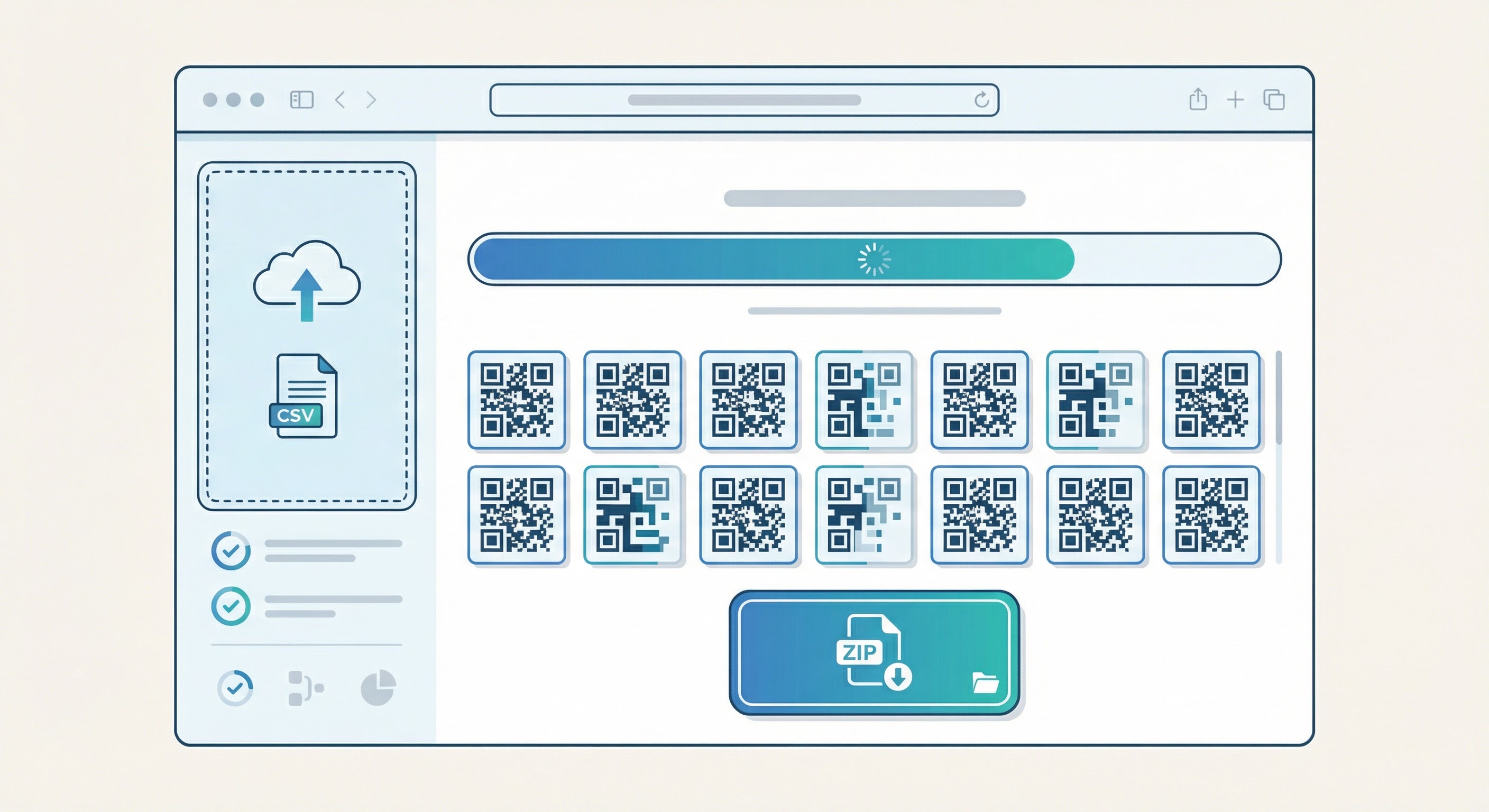
Need to create codes programmatically? Supercode also supports API-based bulk generation — contact the team via Supercode support or explore product capabilities for developer documentation.
One of the common misconceptions about bulk generation is that it forces you to sacrifice design quality for speed. With Supercode, that trade-off doesn't exist. Every code in a bulk batch can carry your full brand identity — and high-quality design directly impacts scan rates.
Key design elements to consider for bulk campaigns:
For a complete guide to QR code design principles, error correction levels, and scan-rate optimisation, visit our QR code design guide. And for print-specific considerations like minimum size, DPI requirements, and material compatibility, consult our QR code printing guide.
Generating bulk QR codes is only one part of a successful campaign. How you deploy, distribute, and manage those codes determines whether they deliver measurable results. Follow these best practices to maximise campaign effectiveness.
One of the most significant advantages of using a platform like Supercode for bulk generation — rather than a free tool — is per-code analytics. Every dynamic code in your batch is individually trackable from its first scan.
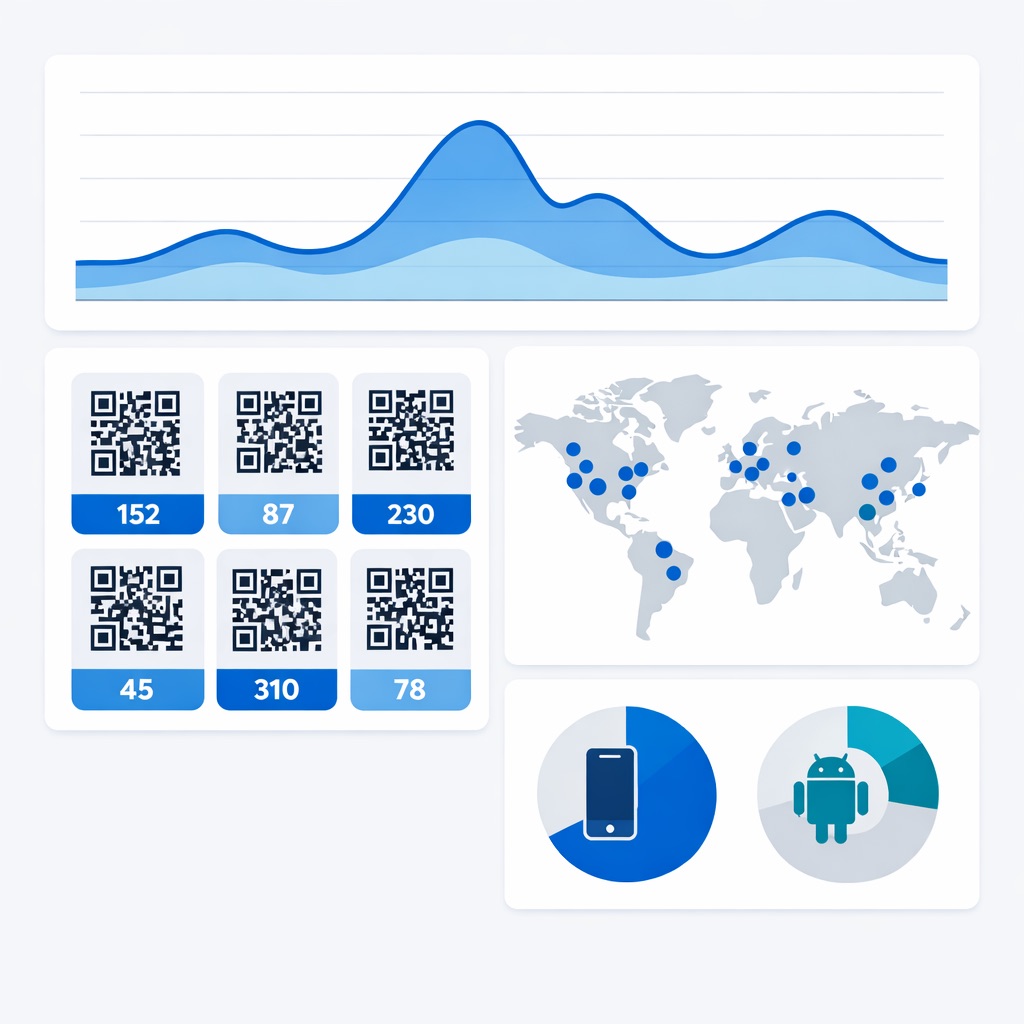
Supercode's QR code analytics dashboard provides scan data at both the campaign level and individual code level. For bulk campaigns, this means you can:
Analytics data becomes particularly powerful when combined with your broader marketing stack. For advanced campaign attribution, connect QR code destinations with UTM parameters so scan traffic feeds directly into your Google Analytics or equivalent platform. This bridges the gap between offline QR scans and online conversion data. For more on this, see our complete QR code tracking guide.
The QR code market's growth is driven in part by exactly this capability — marketing QR code scans grew 323% between 2021 and 2024, partly because analytics made the ROI tangible. The broader QR code generator software market is projected to grow at a 13.7% CAGR through 2033, with analytics capability cited as a primary driver of enterprise adoption. Businesses that can measure scan performance iterate faster and deploy more confidently at scale.
Consider what manual generation actually costs at volume. Creating a single QR code — even with a fast generator — takes roughly 2 to 3 minutes including data entry, design, and download. For 500 codes, that's 16 to 25 hours of labour. For 5,000 codes, you're looking at weeks of work. At an agency billing rate, that time cost is significant.
Bulk generation compresses that same output to minutes. A 500-code batch generated via CSV upload typically completes in under 30 seconds on Supercode's platform. The cost per code effectively approaches zero as volume increases — making bulk QR generation one of the highest-leverage operational decisions available to marketing and operations teams.
Beyond the time argument, there's a consistency advantage. Manually generated codes accumulate small errors: typos in URLs, inconsistent naming, mismatched designs. Bulk generation from a single CSV with a single design template eliminates that variation entirely — every code in the batch is correct by construction.
For a broader view of how QR code adoption is reshaping marketing and operations at scale, explore our QR code statistics 2026 report and Supercode's solutions overview.
Supercode supports large batch sizes through both CSV upload and API. The exact limit is available on every Supercode plan — Free, Professional, and Enterprise. All features are included on every plan; plans differ only by monthly scan volume. For enterprise-scale campaigns requiring thousands of codes, the Enterprise plan provides the highest limits with dedicated support. Visit the Supercode pricing page — every feature on every plan.
Each bulk batch generates one code type — either static, dynamic, or single-use. If you need a mix of types, create separate batches for each type and organise them into distinct folders in your dashboard. This keeps campaign tracking clean and avoids conflating static and dynamic analytics.
Yes — if you generated dynamic codes. Dynamic QR codes store a redirect URL rather than the final destination directly in the code pattern, which means you can update the destination at any time from your Supercode dashboard without changing the printed code. This is one of the primary advantages of dynamic over static codes. See our dynamic vs. static QR code comparison for a full breakdown.
Yes. Every dynamic code — including bulk-generated ones — is individually tracked in Supercode's analytics dashboard. You can view scan count, scan date/time, device type, and location for each individual code in your batch, as well as aggregate performance across the whole campaign.
Supercode accepts CSV (comma-separated values) files for bulk upload. Your file should include at minimum a URL column and a Name column per row. Frame text is optional. You can create the CSV from any spreadsheet application — Microsoft Excel, Google Sheets, or Apple Numbers — by exporting as CSV before upload.
It depends on the type you choose. Static codes never expire — they're permanent. Dynamic codes remain active indefinitely unless you manually deactivate them. Single-use codes expire after their first scan and cannot be scanned again. You control expiry behaviour through the code type you select at the time of bulk generation.
Whether you're labelling a product run, launching a voucher campaign, or ticketing an event, Supercode's Bulk QR Code Generator gives you the speed, design quality, and analytics depth to execute at scale without sacrificing control. Hundreds of unique, branded, trackable QR codes — generated from a single CSV in under a minute.
Explore the full range of Supercode's features, including dynamic codes, custom design, and real-time analytics. Or sign up free and generate your first bulk batch today — no technical skills required.